Screenshots

Icon palette
About this app
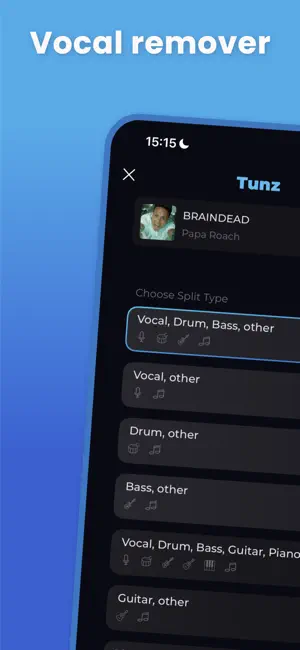
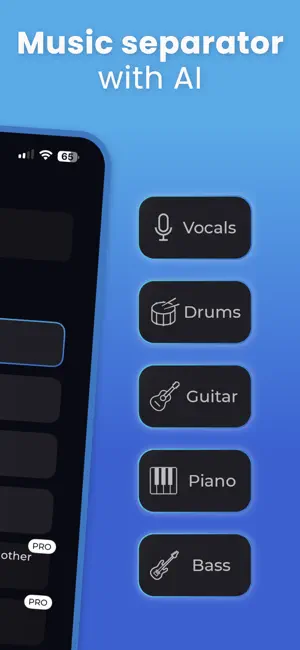
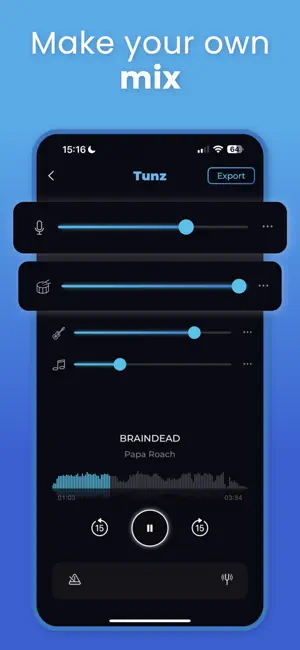
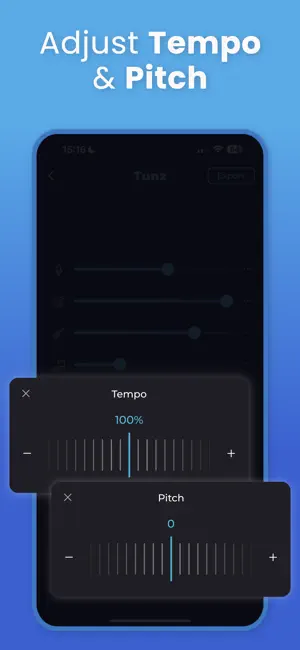
Remove vocals. Extract instruments. Create your own mix - in seconds. Tunz gives you studio-level control over any song. With just one tap, our AI-powered engine isolates vocals, splits instruments, and turns any track into editable stems - no studio required. Whether you’re a musician, DJ, creator, or karaoke fan, Tunz helps you get clean audio quickly and effortlessly. What you can do with Tunz: • Remove vocals to get pure instrumentals • Isolate instruments like drums, guitar, bass, and piano • Split tracks into stems with advanced AI audio separation • Make karaoke versions of any song • Mute or solo any layer to build your perfect sound • Export in high quality: MP3, M4A, WAV or FLAC Tunz works with all genres: pop, rap, jazz, EDM, rock - and everything in between. No manual editing. No audio skills required. Just upload a song and let our AI handle the rest. Download T…
App details
What you can learn from Music remover:AI splitter Tunz
Every shipping app on the App Store has gone through the same decisions you're working through right now: which screenshot goes first, what caption sits over it, which device frame to show, what color the background should be. The 5 screenshots above are Music remover:AI splitter Tunz's answers to those questions — they're public, they're real, and they made it through Apple's review.
Notice the first screenshot in particular. It's the one users see in search results and on the product page, and it's where most apps spend their best caption and tightest design. Look at the proportion of background to phone, where the text sits, what one thing the image is trying to communicate.
Want to see how other Music apps approach the same problem? Browse more Music apps in the showcase.
Take what works into your own screenshots
Open LaunchShots and design your App Store & Google Play screenshots — pick a device frame, drop captions, ship in minutes. Free, in your browser.
Open the screenshot editor →