Screenshots

Icon palette
About this app
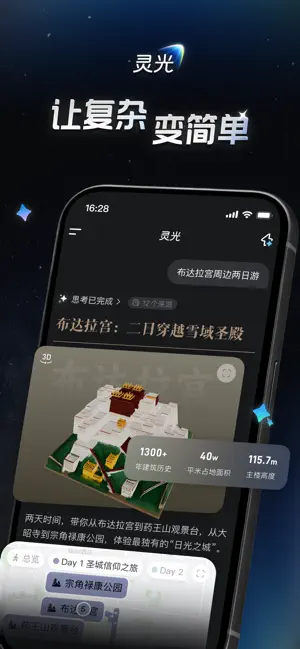
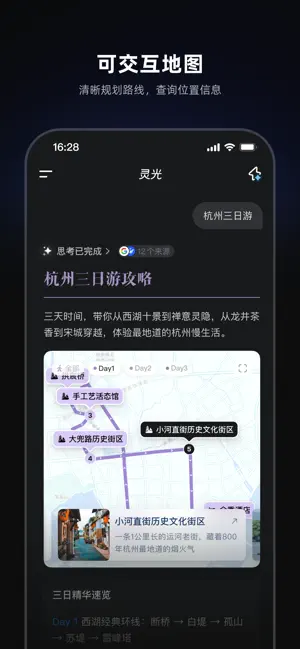
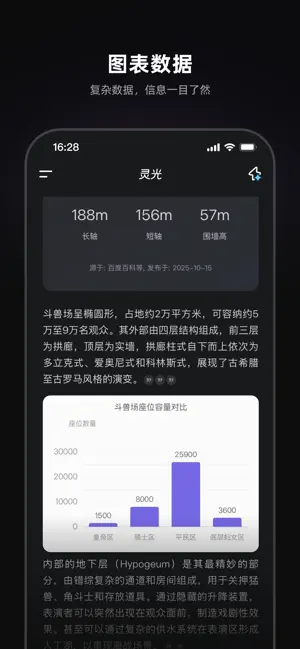
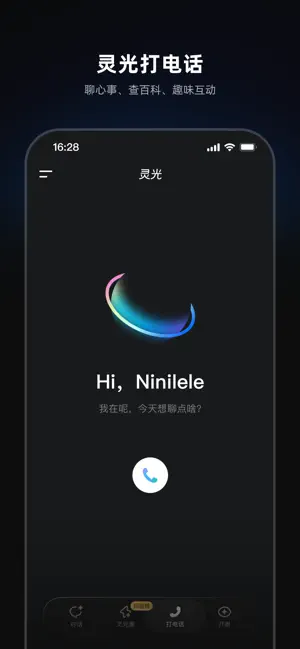
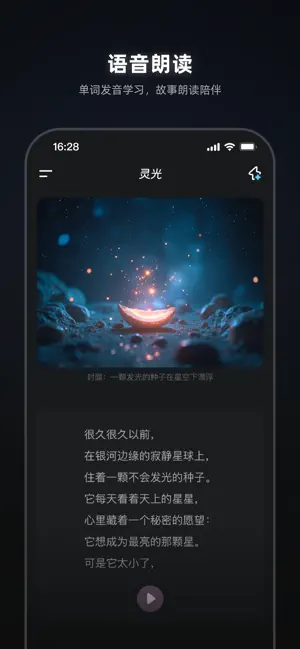
灵光App是蚂蚁集团推出的全模态通用AI助手,包括「灵光对话」、「灵光闪应用」、「灵光开眼」三大功能,是业内首个全代码生成多模态内容的通用AI助手。作为首个消费级Coding Agent,实现了一句话快速生成可交互可编辑的闪应用,用户也可把自建的闪应用发布到灵光圈,让分享应用像发朋友圈一样简单。 ——核心功能—— ● 灵光闪应用——30秒生成闪应用 【灵光闪应用】一句话生成可交互的小应用。量身定制的答案,随心调节的参数,让每一次好奇发问都能收获个性化解答。无论是运动健身、旅行规划、健康食谱,或是理财规划与趣味互动,生成你的专属应用,在对话中即刻运行,满足美好生活的多元需求。 【灵光圈】业内首个 0 代码手搓应用分享社区。汇聚全网脑洞,海量实用又有趣的闪应用随逛随用。支持点赞、收藏、二次编辑,在互动中解锁更多可能。这里更是用户的灵感舞台,凭创意想法与审美即可生成闪应用并一键发布,让每一个闪应用都有机会成为下一个社区爆款。 ● 灵光对话—— 让知识“活”起来 只需要输入问题或者关键词,灵光即可通过以下形式为你提供可视化的答案; 【语…
App details
What you can learn from 灵光-全模态AI助手
Every shipping app on the App Store has gone through the same decisions you're working through right now: which screenshot goes first, what caption sits over it, which device frame to show, what color the background should be. The 6 screenshots above are 灵光-全模态AI助手's answers to those questions — they're public, they're real, and they made it through Apple's review.
Notice the first screenshot in particular. It's the one users see in search results and on the product page, and it's where most apps spend their best caption and tightest design. Look at the proportion of background to phone, where the text sits, what one thing the image is trying to communicate.
Want to see how other Utilities apps approach the same problem? Browse more Utilities apps in the showcase.
Take what works into your own screenshots
Open LaunchShots and design your App Store & Google Play screenshots — pick a device frame, drop captions, ship in minutes. Free, in your browser.
Open the screenshot editor →