Screenshots

Icon palette
About this app
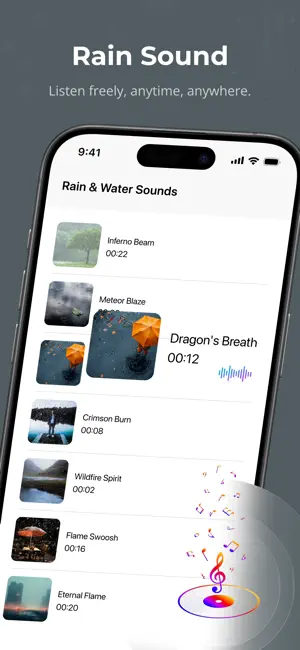
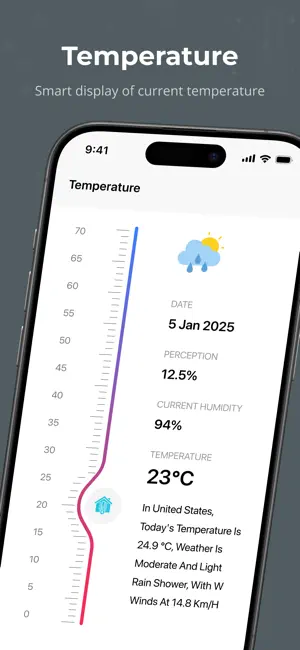
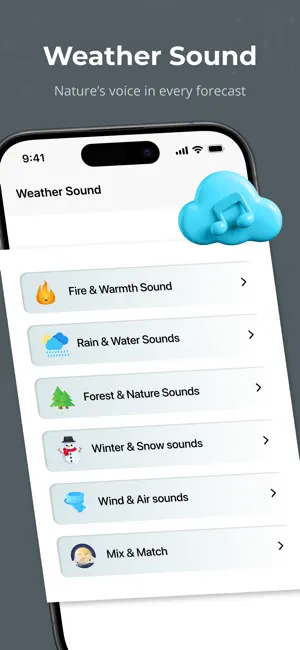
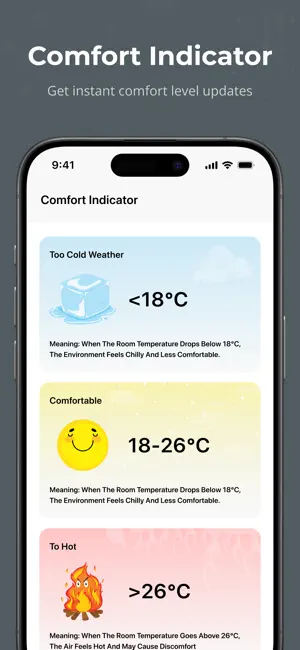
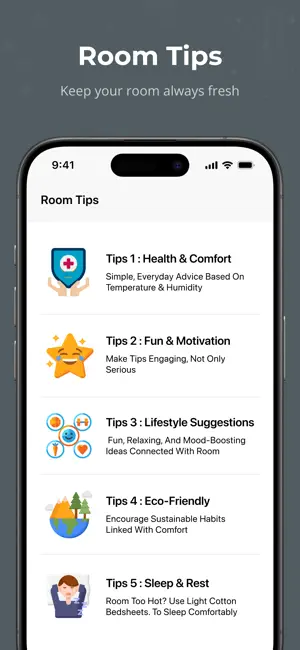
Turn your room into a comfort zone. This app shows your real-time room temperature with a clear comfort indicator and pairs it with relaxing weather sounds to match your mood. Whether you want to relax, study, or fall asleep, you can play natural ambient sounds like rain, wind, thunder, or ocean waves. Stay informed with small daily room tips that guide you on hydration, air circulation, and lifestyle care. Use the built-in sleep timer to drift off peacefully, and quickly check your room temperature or start your favorite sound. This is not just a thermometer – it’s your personal comfort & wellness companion. Features: Real-time room temperature Humidity level detection Comfort status (Too Hot / Too Cold / Normal) Weather & nature sounds library Sound mixer & sleep timer Daily room tips for healthy living Privacy Policy : https://roomthermometerproplus.blogspot.com/2025/09/privacy…
App details
What you can learn from Room Temperature Thermometer.
Every shipping app on the App Store has gone through the same decisions you're working through right now: which screenshot goes first, what caption sits over it, which device frame to show, what color the background should be. The 6 screenshots above are Room Temperature Thermometer.'s answers to those questions — they're public, they're real, and they made it through Apple's review.
Notice the first screenshot in particular. It's the one users see in search results and on the product page, and it's where most apps spend their best caption and tightest design. Look at the proportion of background to phone, where the text sits, what one thing the image is trying to communicate.
Want to see how other Weather apps approach the same problem? Browse more Weather apps in the showcase.
Take what works into your own screenshots
Open LaunchShots and design your App Store & Google Play screenshots — pick a device frame, drop captions, ship in minutes. Free, in your browser.
Open the screenshot editor →