Screenshots
Icon palette
About this app
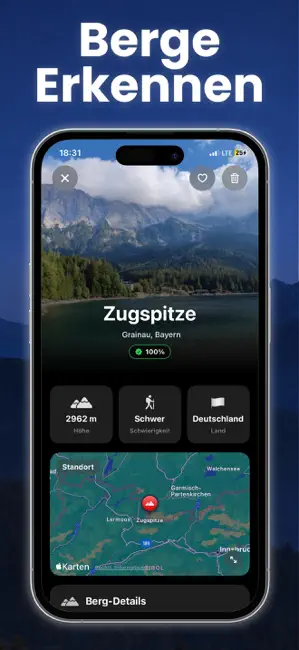
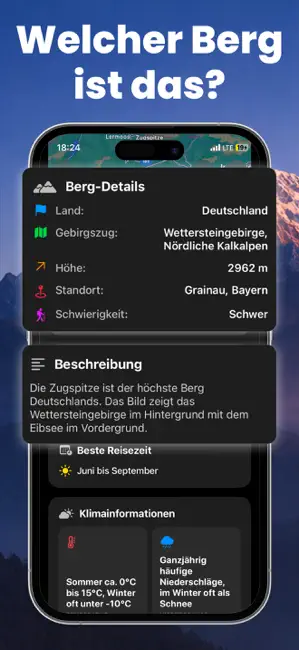
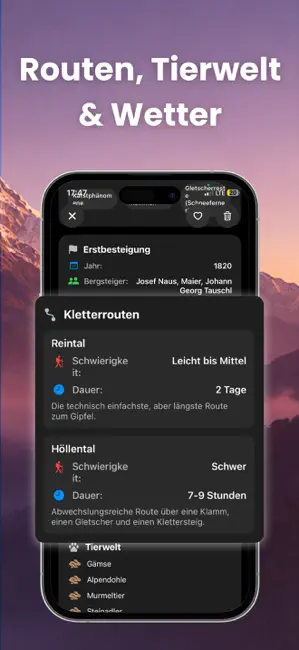
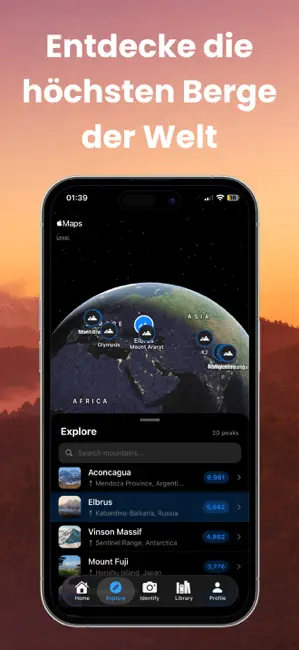
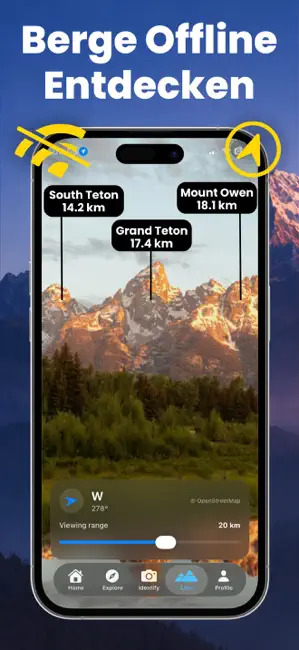
Mountain Identifier: Peaklens ist nicht nur eine App zur Erkennung von Bergen, sondern dein persönlicher Bergführer und Werkzeug zur Gipfelerkennung für die Berge der Welt. Mit fortschrittlicher Berg- und Bilderkennungstechnologie ermöglicht dir Mountain Identifier: Peaklens, jeden Berg – groß oder klein – sofort zu identifizieren. Mache einfach ein Foto, scanne einen Gipfel oder lade eines aus deiner Galerie hoch, und innerhalb von Sekunden zeigt dir die App Name, Höhe, Standort und vollständige Details. Mit Mountain Identifier: Peaklens erfährst du nicht nur den Namen eines Berges, sondern erhältst ein vollständiges Profil. Lerne mehr über Klima, Durchschnittstemperaturen, Niederschlag und Windverhältnisse. Entdecke die beste Reisezeit, beliebte Kletterrouten und deren Schwierigkeitsgrade. Die App bietet außerdem kulturelle Hintergründe, nahegelegene Sehenswürdigkeiten und historisch…
App details
What you can learn from Berge Erkennen: Peak Lens
Every shipping app on the App Store has gone through the same decisions you're working through right now: which screenshot goes first, what caption sits over it, which device frame to show, what color the background should be. The 5 screenshots above are Berge Erkennen: Peak Lens's answers to those questions — they're public, they're real, and they made it through Apple's review.
Notice the first screenshot in particular. It's the one users see in search results and on the product page, and it's where most apps spend their best caption and tightest design. Look at the proportion of background to phone, where the text sits, what one thing the image is trying to communicate.
Want to see how other Reference apps approach the same problem? Browse more Reference apps in the showcase.
Take what works into your own screenshots
Open LaunchShots and design your App Store & Google Play screenshots — pick a device frame, drop captions, ship in minutes. Free, in your browser.
Open the screenshot editor →