Screenshots
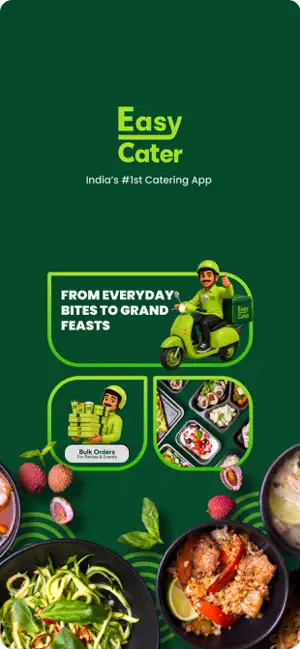
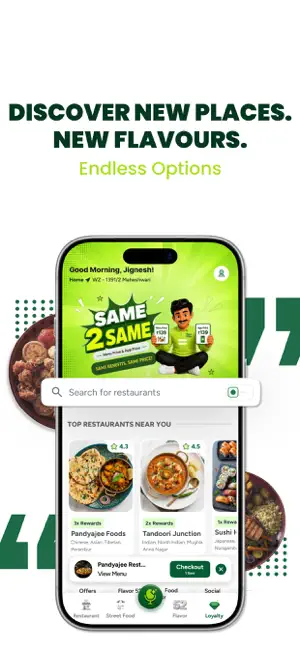

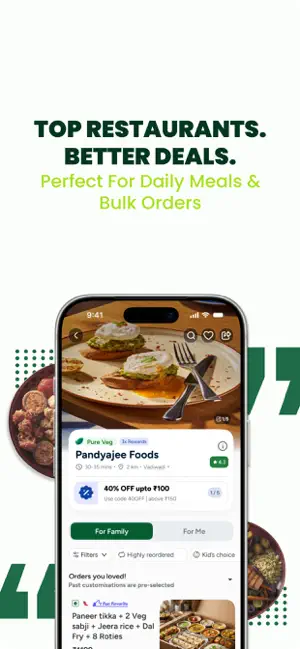

Icon palette
About this app
About Easy Cater Fresh Flavours Everyday, Easy Cater is your everyday food companion, bringing together restaurant meals, street food favorites, and daily tiffin services in one seamless experience. Why jump between multiple apps when you can discover, order, and enjoy everything from a single platform? Whether you’re looking for a quick lunch, a home-style meal, an evening snack, or your favorite local street food, Easy Cater makes ordering simple and convenient. Explore growing selection of restaurants, schedule meals ahead of time, and stay updated with real-time, and stay updated with real-time, and stay updated with real time order tracking. Looking for something mouth watering? So, Flavour 52 introduces a fresh culinary experience every week, featuring 52 unique cuisines throughout the year. From beloved Indian classics to exciting global flavours, there’s always new waiting …
App details
What you can learn from Easy Cater
Every shipping app on the App Store has gone through the same decisions you're working through right now: which screenshot goes first, what caption sits over it, which device frame to show, what color the background should be. The 5 screenshots above are Easy Cater's answers to those questions — they're public, they're real, and they made it through Apple's review.
Notice the first screenshot in particular. It's the one users see in search results and on the product page, and it's where most apps spend their best caption and tightest design. Look at the proportion of background to phone, where the text sits, what one thing the image is trying to communicate.
Want to see how other Food & Drink apps approach the same problem? Browse more Food & Drink apps in the showcase.
Take what works into your own screenshots
Open LaunchShots and design your App Store & Google Play screenshots — pick a device frame, drop captions, ship in minutes. Free, in your browser.
Open the screenshot editor →