Screenshots

Icon palette
About this app
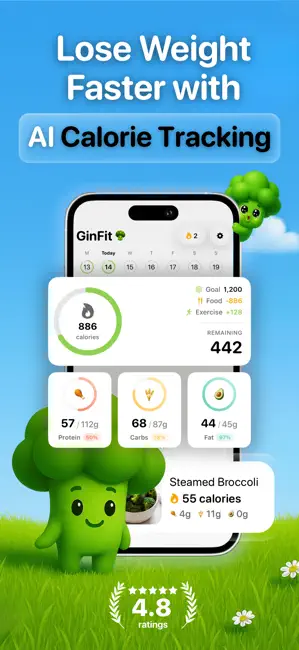
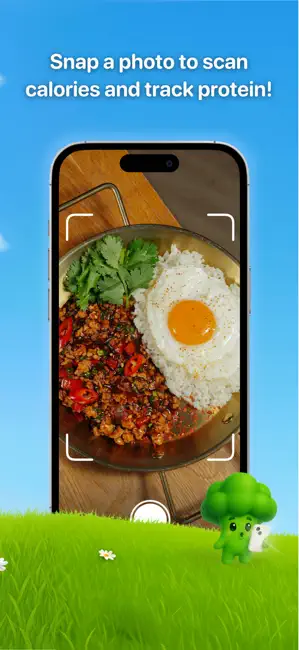
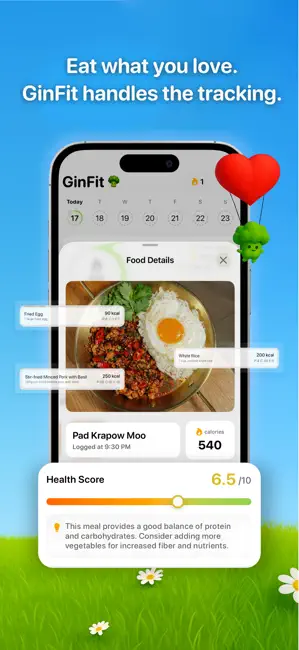
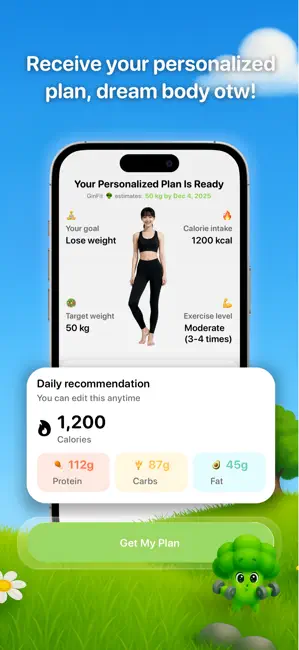
How do I use GinFit? 1. Answer quick questions to personalize your weight-loss plan 2. Snap a photo of your meal 3. Instantly get calories, macros, and nutrition details If you’re serious about losing weight and keeping it off, GinFit will help you get there faster, with less effort. Designed with a beautiful liquid glass interface (iOS26) that feels as clean and refreshing as the lifestyle you’re building. We’re not another complicated diet app. Our mission is to help you stay consistent, feel confident, and understand your body through smart AI tools and clear data. GinFit gives you the tools and knowledge you need to stay consistent and confident; no extreme diets, no wasted time. NOTE: We do not offer medical advice. All recommendations are suggestions, please consult a healthcare professional before starting a new nutrition plan. AI Food Scanning and Nutrition Analysis req…
App details
What you can learn from GinFit: AI Calorie Scanner
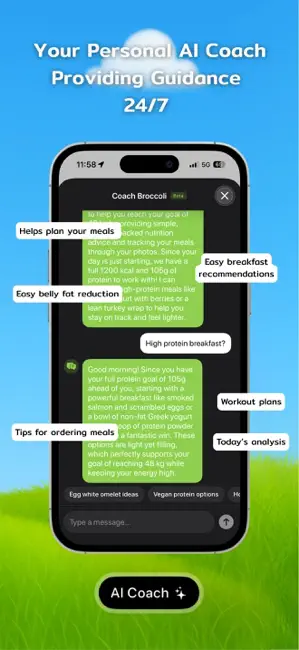
Every shipping app on the App Store has gone through the same decisions you're working through right now: which screenshot goes first, what caption sits over it, which device frame to show, what color the background should be. The 6 screenshots above are GinFit: AI Calorie Scanner's answers to those questions — they're public, they're real, and they made it through Apple's review.
Notice the first screenshot in particular. It's the one users see in search results and on the product page, and it's where most apps spend their best caption and tightest design. Look at the proportion of background to phone, where the text sits, what one thing the image is trying to communicate.
Want to see how other Health & Fitness apps approach the same problem? Browse more Health & Fitness apps in the showcase.
Take what works into your own screenshots
Open LaunchShots and design your App Store & Google Play screenshots — pick a device frame, drop captions, ship in minutes. Free, in your browser.
Open the screenshot editor →