Screenshots
Icon palette
About this app
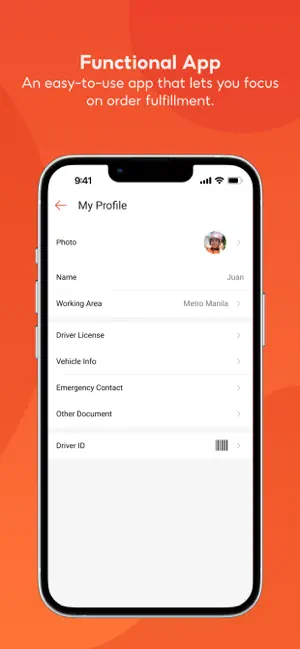
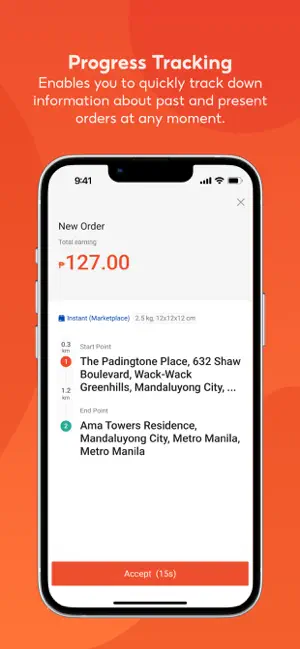
SFD Driver is a dedicated mobile app designed to help drivers like you earn income whenever and wherever you want. We deliver orders from major e-commerce platforms — including Shopee — so you always have opportunities to earn! As an SFD Driver, you’ll enjoy these awesome features: 1. Order Status – Real-Time Updates Easily track every order: Arrived, Picked Up, and Delivered. Simple, smooth, and hassle-free! 2. Earnings Balance – Clear and Easy Tracking See all your earnings in one place. Know exactly how much you’ve made—instantly! 3. Quick Chat – Fast & Convenient Communication Connect with users quickly and worry-free. Better communication means better trips. 4. Instant Notifications – Never Miss an Update Receive real-time alerts for new orders, updates, and earning opportunities. Stay informed and stay ahead!
App details
What you can learn from SFD Driver: App for Partners
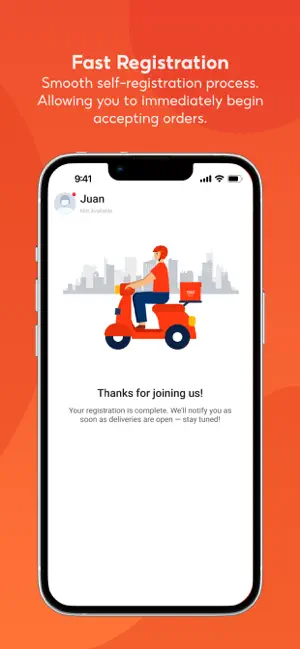
Every shipping app on the App Store has gone through the same decisions you're working through right now: which screenshot goes first, what caption sits over it, which device frame to show, what color the background should be. The 4 screenshots above are SFD Driver: App for Partners's answers to those questions — they're public, they're real, and they made it through Apple's review.
Notice the first screenshot in particular. It's the one users see in search results and on the product page, and it's where most apps spend their best caption and tightest design. Look at the proportion of background to phone, where the text sits, what one thing the image is trying to communicate.
Want to see how other Travel apps approach the same problem? Browse more Travel apps in the showcase.
Take what works into your own screenshots
Open LaunchShots and design your App Store & Google Play screenshots — pick a device frame, drop captions, ship in minutes. Free, in your browser.
Open the screenshot editor →