Screenshots
Icon palette
About this app
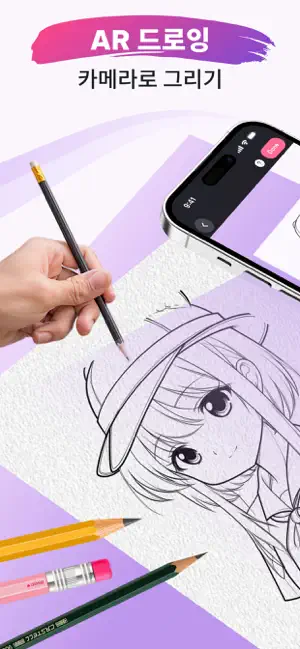
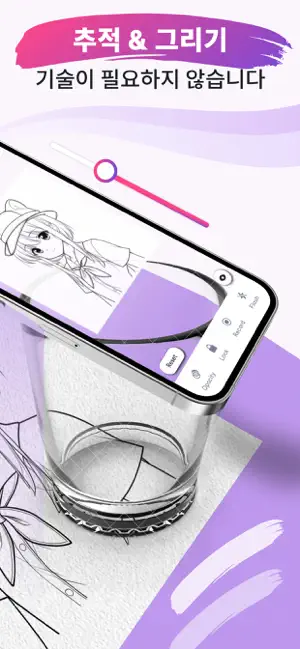
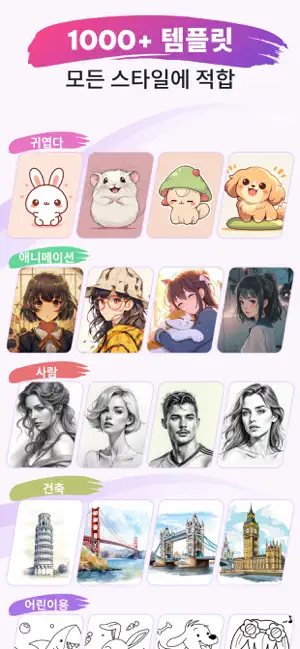
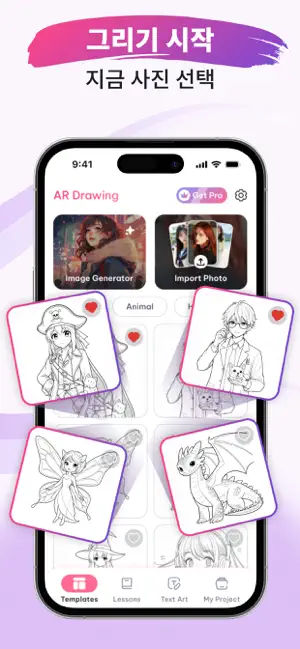
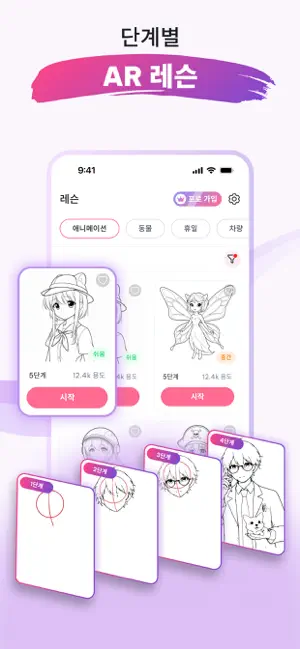
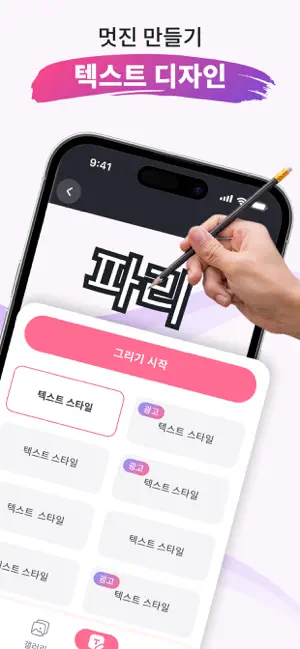
AR Drawing: 그림 & 트레이싱은 AR 기술을 활용하여 사진을 따라 그리고 스케치를 쉽게 만들 수 있는 드로잉 앱입니다. 휴대폰을 종이 위에 올리고 원하는 이미지를 선택하면 화면에 표시되는 선을 따라 쉽게 그림을 그릴 수 있습니다. 초보자부터 그림을 좋아하는 사용자까지 누구나 재미있게 사용할 수 있습니다. Features: • AR Sketch Tracing 카메라를 사용해 종이 위에 스케치 선을 표시하고 쉽게 따라 그릴 수 있습니다. • Trace Any Photo 갤러리의 사진을 불러와 바로 스케치 선으로 변환합니다. • Photo to Sketch 인물, 애니메이션, 동물, 풍경 사진을 라인 드로잉으로 변환할 수 있습니다. • Learn Drawing Easily 간단한 트레이싱 방식으로 쉽게 그림을 배울 수 있습니다. • Anime & Art Categories 애니메이션, 동물, 자연, 패션 등 다양한 카테고리를 제공합니다. • Adjustable Transparency 선의 투명도와 밝기를 자유롭게 조절할 수 있습니다. • Record Drawing Videos 그림 그리는 과정을 녹화하고 공유할 수 있습니다. • Beginner Frien…
App details
What you can learn from AR Sketch & Trace 그림 & 트레이싱
Every shipping app on the App Store has gone through the same decisions you're working through right now: which screenshot goes first, what caption sits over it, which device frame to show, what color the background should be. The 6 screenshots above are AR Sketch & Trace 그림 & 트레이싱's answers to those questions — they're public, they're real, and they made it through Apple's review.
Notice the first screenshot in particular. It's the one users see in search results and on the product page, and it's where most apps spend their best caption and tightest design. Look at the proportion of background to phone, where the text sits, what one thing the image is trying to communicate.
Want to see how other Graphics & Design apps approach the same problem? Browse more Graphics & Design apps in the showcase.
Take what works into your own screenshots
Open LaunchShots and design your App Store & Google Play screenshots — pick a device frame, drop captions, ship in minutes. Free, in your browser.
Open the screenshot editor →