Screenshots
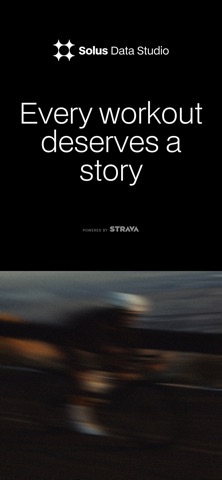
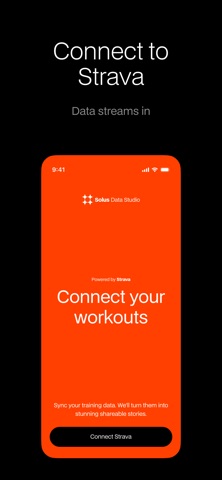
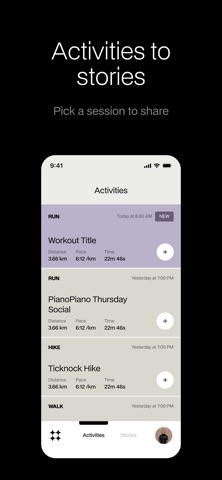
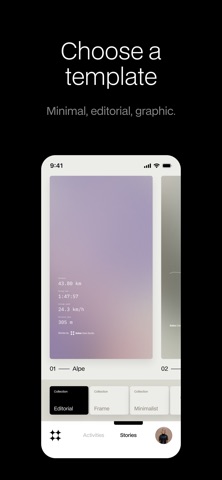
iPad screenshots
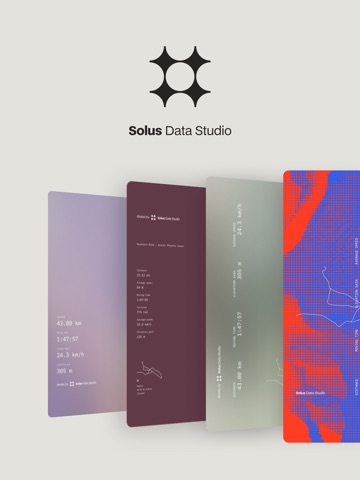



Icon palette
About this app
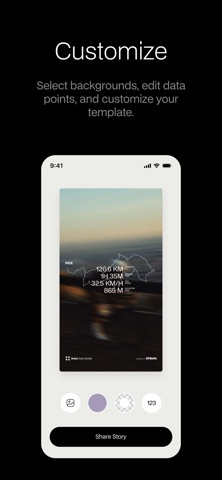
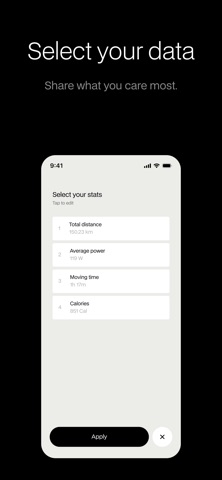
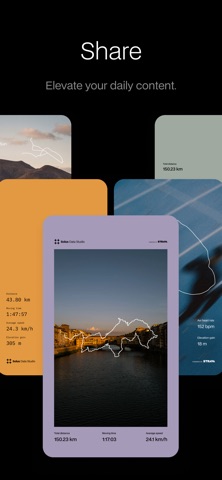
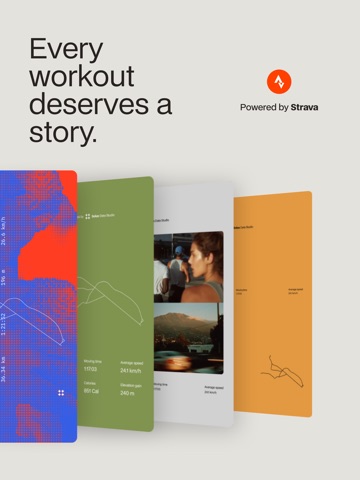
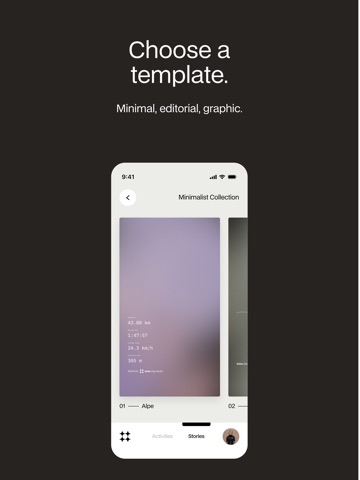
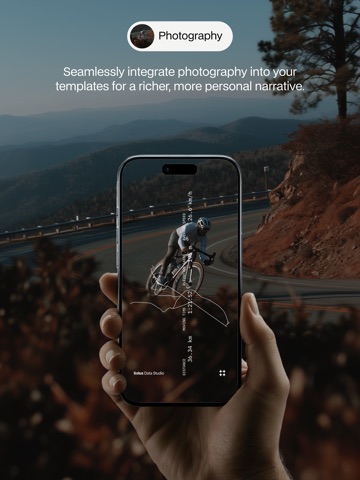
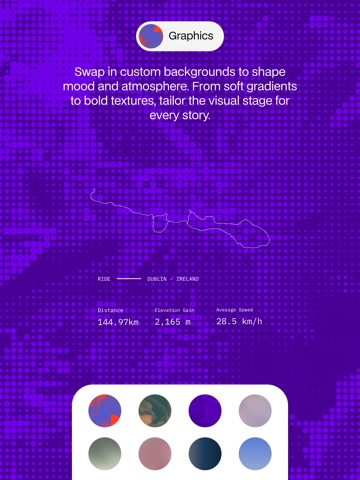
Solus turns your workouts into stories worth sharing. Built for fitness creators and athletes, Solus transforms your Strava activity into beautifully crafted visuals made to elevate your feed. Choose from curated templates. Customize with color, layout, and background options. Add photos that bring your sessions to life. Then export and share directly to your favorite platforms. With Solus, you can: • Sync workouts instantly from Strava • Select from premium visual templates • Customize colors, layouts, and graphic backgrounds • Add your own photos to personalize each story • Export high-resolution posts for Instagram, Strava, or other channels Solus is designed for those who train with intent and share with purpose. Your movement deserves more than a screenshot. Share it with Solus.
App details
What you can learn from Solus Data Studio
Every shipping app on the App Store has gone through the same decisions you're working through right now: which screenshot goes first, what caption sits over it, which device frame to show, what color the background should be. The 15 screenshots above are Solus Data Studio's answers to those questions — they're public, they're real, and they made it through Apple's review.
Notice the first screenshot in particular. It's the one users see in search results and on the product page, and it's where most apps spend their best caption and tightest design. Look at the proportion of background to phone, where the text sits, what one thing the image is trying to communicate.
Want to see how other Health & Fitness apps approach the same problem? Browse more Health & Fitness apps in the showcase.
Take what works into your own screenshots
Open LaunchShots and design your App Store & Google Play screenshots — pick a device frame, drop captions, ship in minutes. Free, in your browser.
Open the screenshot editor →