Screenshots
Icon palette
About this app
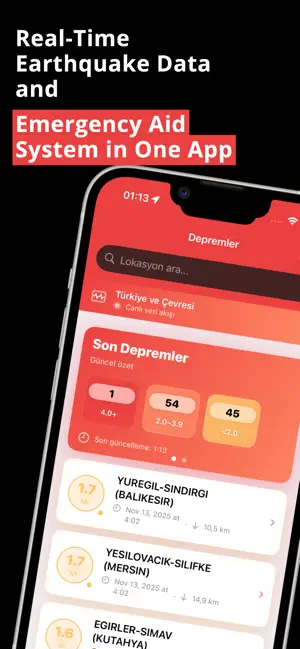
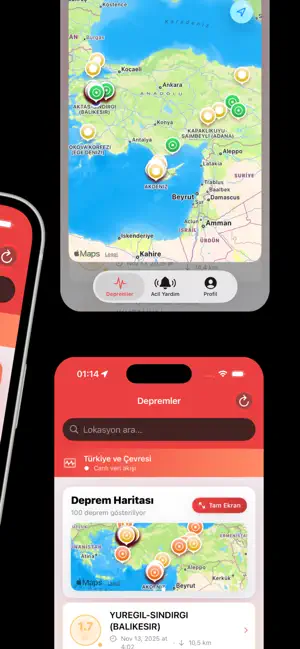
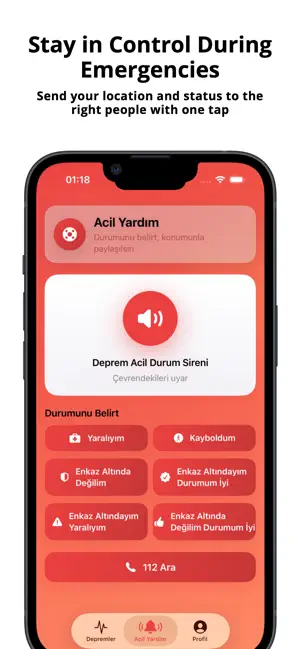
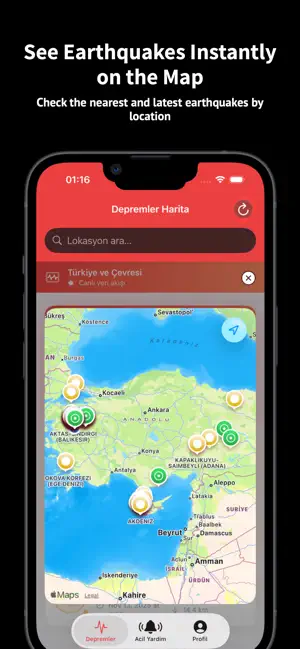
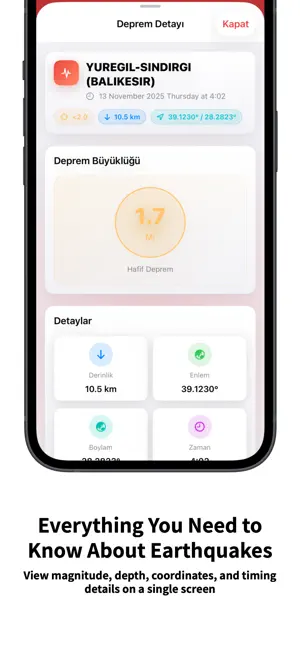
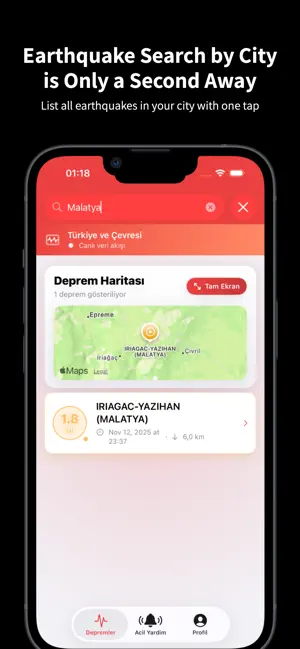
Earthquake: Stay Safe Now – Real-Time Earthquake Tracking & Emergency Support This app combines the latest earthquake data with a fast emergency communication system, helping you act quickly during a quake and immediately share essential information with the right contacts. Emergency Support – One-Tap Safety Message When you select an emergency scenario, the app prepares an SMS containing your current location, your name, gender, optional blood type, and your designated emergency contact. The message is generated automatically and ready to send. Real-Time Earthquake Data Powered by official sources such as AFAD and global seismic centres, you can view real-time earthquake lists, map views, magnitude, depth, coordinates, timing details, and filter results by region or city. Advanced Search Find earthquakes by city, region, or full seismic history — either from the list or directly on the…
App details
What you can learn from Earthquake: Stay Safe Now
Every shipping app on the App Store has gone through the same decisions you're working through right now: which screenshot goes first, what caption sits over it, which device frame to show, what color the background should be. The 6 screenshots above are Earthquake: Stay Safe Now's answers to those questions — they're public, they're real, and they made it through Apple's review.
Notice the first screenshot in particular. It's the one users see in search results and on the product page, and it's where most apps spend their best caption and tightest design. Look at the proportion of background to phone, where the text sits, what one thing the image is trying to communicate.
Want to see how other Weather apps approach the same problem? Browse more Weather apps in the showcase.
Take what works into your own screenshots
Open LaunchShots and design your App Store & Google Play screenshots — pick a device frame, drop captions, ship in minutes. Free, in your browser.
Open the screenshot editor →