Screenshots

Icon palette
About this app
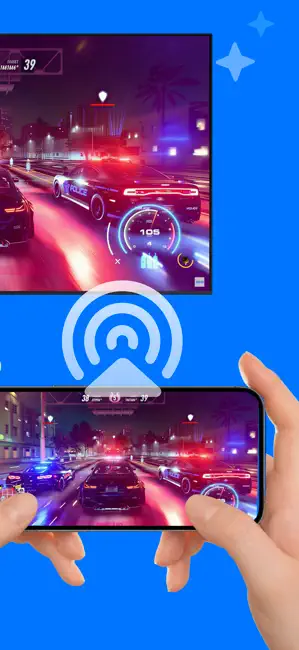
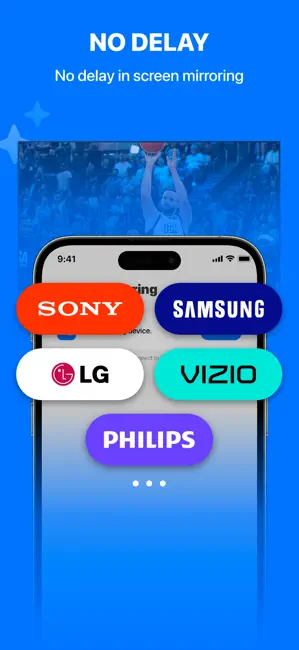
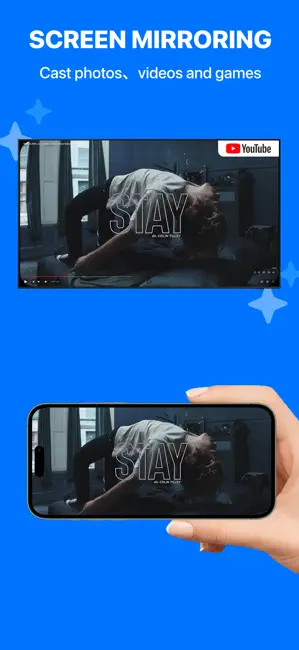
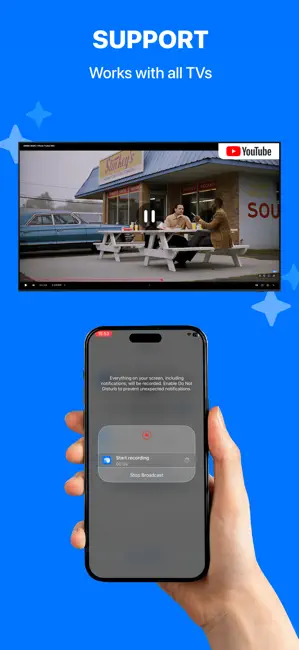
This is a professional split-screen casting app that allows you to cast multiple photos or videos to your TV simultaneously, displaying them in side-by-side or grid layouts for a richer visual experience. Whether for teaching presentations, team collaboration, showroom displays, or home entertainment, it easily meets multi-content viewing needs. FEATURES Split-Screen Casting - Cast multiple photos or videos to your TV at the same time, with automatic side-by-side or grid layout rendering. Multiple Modes - Supports one-to-one casting, one-to-many casting, and other modes to adapt to different usage scenarios. No Delay - Uses an optimized, stable transmission scheme to ensure smooth and synchronized playback. Compatibility - Supports AirPlay and DLNA casting protocols, enabling connection with most smart TVs on the market. Support - Thoroughly tested and optimized for many mainstream…
App details
What you can learn from Miracast - Mira Cast to TV
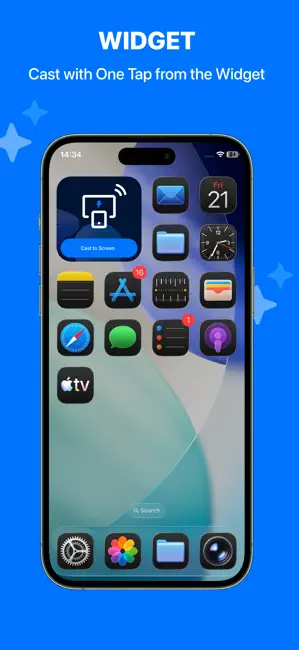
Every shipping app on the App Store has gone through the same decisions you're working through right now: which screenshot goes first, what caption sits over it, which device frame to show, what color the background should be. The 6 screenshots above are Miracast - Mira Cast to TV's answers to those questions — they're public, they're real, and they made it through Apple's review.
Notice the first screenshot in particular. It's the one users see in search results and on the product page, and it's where most apps spend their best caption and tightest design. Look at the proportion of background to phone, where the text sits, what one thing the image is trying to communicate.
Want to see how other Utilities apps approach the same problem? Browse more Utilities apps in the showcase.
Take what works into your own screenshots
Open LaunchShots and design your App Store & Google Play screenshots — pick a device frame, drop captions, ship in minutes. Free, in your browser.
Open the screenshot editor →