Screenshots
Icon palette
About this app
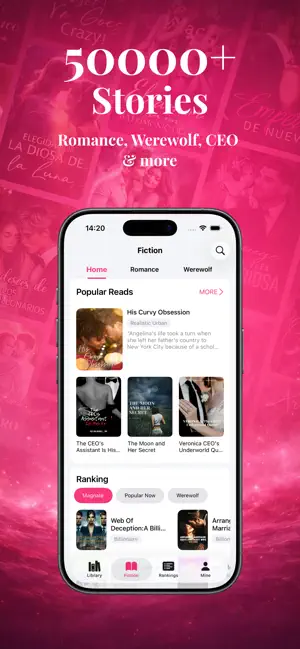
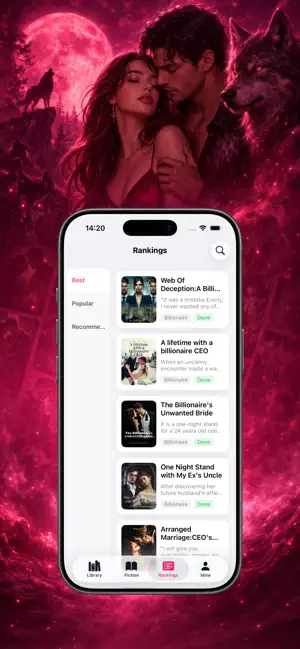
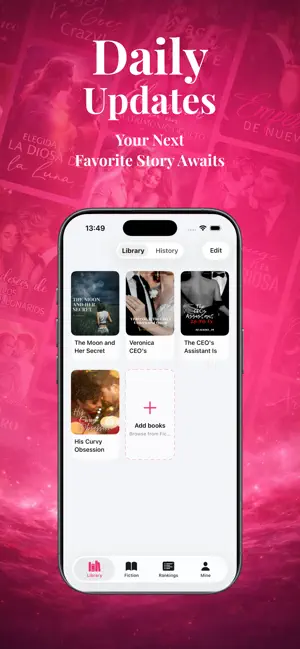
Enjoy 500,000+ Free Books - Read and Listen Anytime • A vast collection of free ebooks, audiobooks, and stories at your fingertips • Bringing you trending novels, fanfiction, and exciting stories • Listen to your favorite titles whenever you want Daily Updates, Endless Stories • Fast and regular story updates with no long waits • Fresh chapters delivered daily • Get notified when your favorite stories are updated A Wide Range of Genres Featuring Werewolf, Romance, Billionaire, Fantasy, Dark Romance, Paranormal, Mafia, LGBTQ+, Sci-Fi Romance, Fan Fiction, Mystery, Thriller, and more Customize Your Reading Experience • Light reading mode to reduce eye strain • Choose from various font styles • Adjust themes to suit your preference for an optimal reading experience Contact Us • Privacy Policy: https://www.freeprivacypolicy.com/live/0ef804ca-8745-4388-adcf-8a7dcf9bab27 • Term…
App details
What you can learn from NovelStream - Unlimited Books
Every shipping app on the App Store has gone through the same decisions you're working through right now: which screenshot goes first, what caption sits over it, which device frame to show, what color the background should be. The 3 screenshots above are NovelStream - Unlimited Books's answers to those questions — they're public, they're real, and they made it through Apple's review.
Notice the first screenshot in particular. It's the one users see in search results and on the product page, and it's where most apps spend their best caption and tightest design. Look at the proportion of background to phone, where the text sits, what one thing the image is trying to communicate.
Want to see how other Book apps approach the same problem? Browse more Book apps in the showcase.
Take what works into your own screenshots
Open LaunchShots and design your App Store & Google Play screenshots — pick a device frame, drop captions, ship in minutes. Free, in your browser.
Open the screenshot editor →