Screenshots
Icon palette
About this app
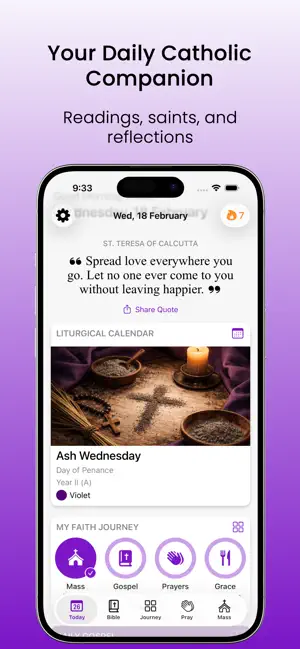
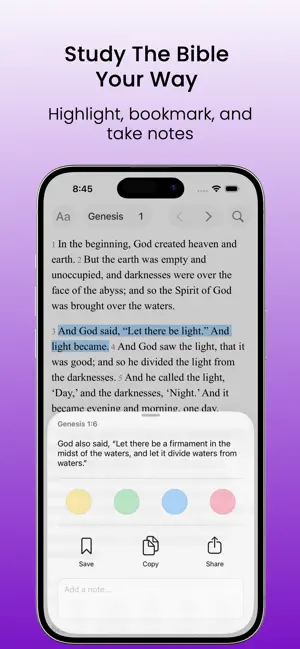
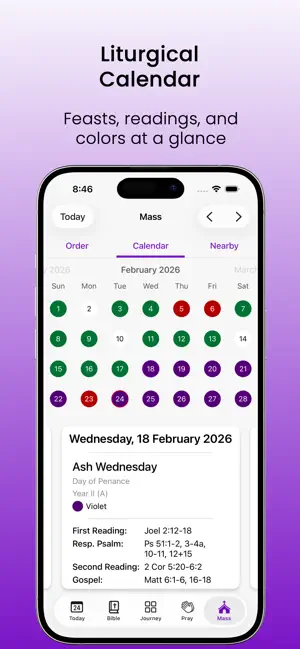
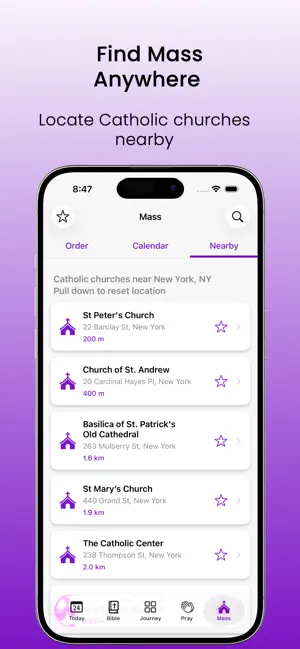
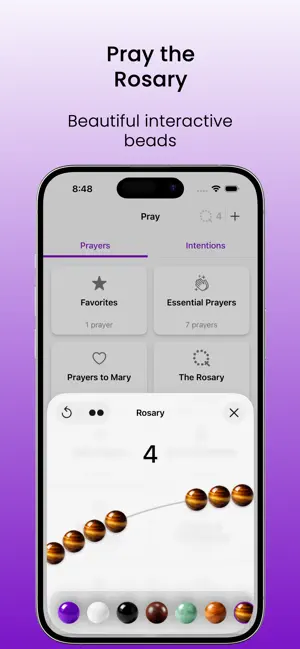
Catho+: The Essential Catholic Bible & Daily Missal Utility Elevate your spiritual life with the ultimate Catholic study and prayer tool. Catho+ is the modern successor to traditional reference apps like aelf, designed for those seeking the substance of the faith through Sacred Scripture, the Holy Daily Missal, and the traditional devotions of the Saints. Whether you are seeking a Catholic Bible verse for inspiration, the Saint of the Day, or a deep dive into the Holy Rosary, everything is at your fingertips. Stay synchronized with the Liturgical Calendar 2026, including all feast days, solemnities, and seasons of the Church. Explore your daily devotional routine and Bible, Rosary, Daily Readings and Gospel in text and audio for free. THE HOLY BIBLE & SACRED SCRIPTURE Access the complete Catholic Bible with an interface built for easy search, deep study and daily devotion in text and…
App details
What you can learn from Catho+: Catholic Bible, Missal
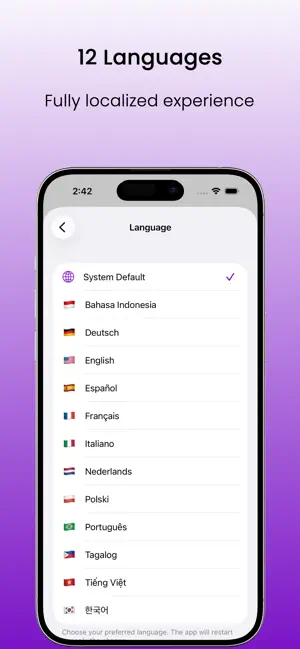
Every shipping app on the App Store has gone through the same decisions you're working through right now: which screenshot goes first, what caption sits over it, which device frame to show, what color the background should be. The 6 screenshots above are Catho+: Catholic Bible, Missal's answers to those questions — they're public, they're real, and they made it through Apple's review.
Notice the first screenshot in particular. It's the one users see in search results and on the product page, and it's where most apps spend their best caption and tightest design. Look at the proportion of background to phone, where the text sits, what one thing the image is trying to communicate.
Want to see how other Reference apps approach the same problem? Browse more Reference apps in the showcase.
Take what works into your own screenshots
Open LaunchShots and design your App Store & Google Play screenshots — pick a device frame, drop captions, ship in minutes. Free, in your browser.
Open the screenshot editor →