Screenshots

Icon palette
About this app
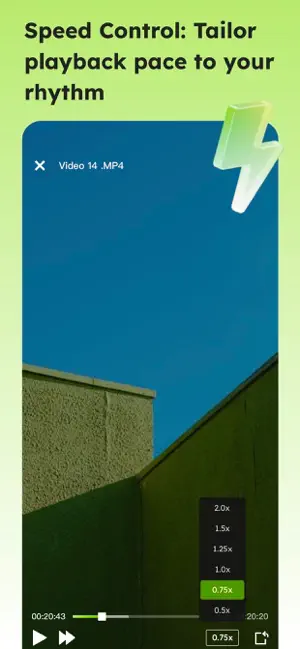
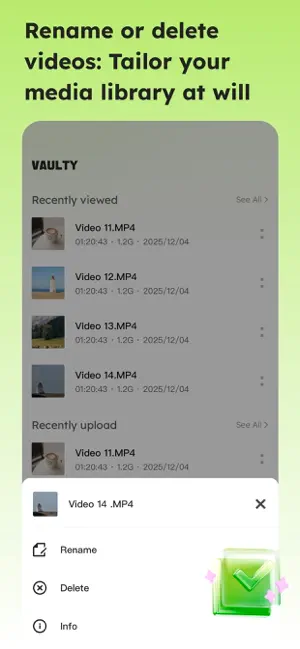
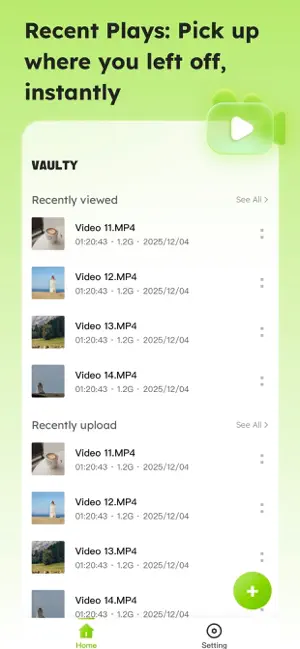
Vaulty - Your Local Video Management Center Core Features 1. Intelligent Local Video Import Easy Import: Select video files directly from your device using the system file manager for one-click import. Comprehensive Support for Multiple Formats: Supports mainstream video formats such as MP4, MKV, AVI, MOV, WMV, and FLV, offering strong compatibility. 2. Professional-Grade Playback Experience High-Definition Enjoyment: Built-in high-performance playback engine perfectly supports HD and 4K ultra-high-definition video playback. Smooth and Stable Playback: Intelligent decoding optimization ensures smooth playback even for high-bitrate videos. Playback Control: Multiple playback speed adjustments. 3. Efficient Video Management Intelligent Video Library: All imported videos are automatically organized and clearly arranged according to their addition time. Convenient Management Tools: Customiz…
App details
What you can learn from Vaulty-mediaplayer
Every shipping app on the App Store has gone through the same decisions you're working through right now: which screenshot goes first, what caption sits over it, which device frame to show, what color the background should be. The 4 screenshots above are Vaulty-mediaplayer's answers to those questions — they're public, they're real, and they made it through Apple's review.
Notice the first screenshot in particular. It's the one users see in search results and on the product page, and it's where most apps spend their best caption and tightest design. Look at the proportion of background to phone, where the text sits, what one thing the image is trying to communicate.
Want to see how other Productivity apps approach the same problem? Browse more Productivity apps in the showcase.
Take what works into your own screenshots
Open LaunchShots and design your App Store & Google Play screenshots — pick a device frame, drop captions, ship in minutes. Free, in your browser.
Open the screenshot editor →