Screenshots

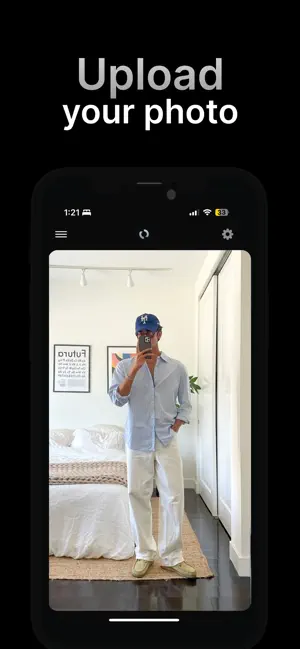
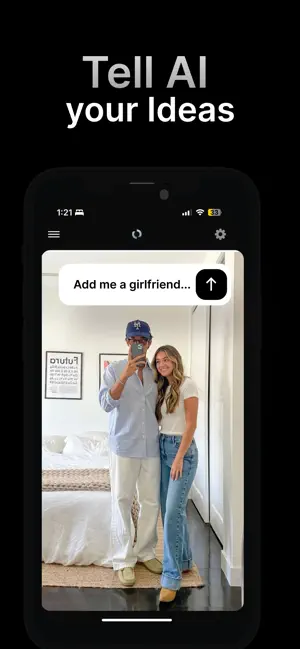
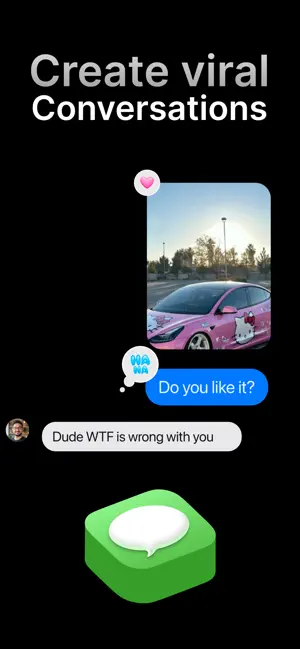
Icon palette
About this app
Create impossible photos in seconds with AI. Turn any image into something unexpected, playful, or surprisingly realistic. With Ploxto, simply upload a photo, describe what you want to change, and let AI do the rest. From visual pranks to creative edits that feel slightly unreal, Ploxto is built to create images that grab attention and are made to be shared. What you can do with Ploxto AI-powered image editing Add objects, modify scenes, or transform existing photos while preserving realism and the original context. Realistic visual pranks Create playful images that look real — unexpected situations, subtle tricks, or creative visual twists perfect for sharing. Fast transformations No complex tools or editing skills required. Describe the change and get results in seconds. Share-ready results Images optimized for social media, messaging apps, and anywhere you want to surprise som…
App details
What you can learn from Ploxto: AI Photo Editor
Every shipping app on the App Store has gone through the same decisions you're working through right now: which screenshot goes first, what caption sits over it, which device frame to show, what color the background should be. The 4 screenshots above are Ploxto: AI Photo Editor's answers to those questions — they're public, they're real, and they made it through Apple's review.
Notice the first screenshot in particular. It's the one users see in search results and on the product page, and it's where most apps spend their best caption and tightest design. Look at the proportion of background to phone, where the text sits, what one thing the image is trying to communicate.
Want to see how other Photo & Video apps approach the same problem? Browse more Photo & Video apps in the showcase.
Take what works into your own screenshots
Open LaunchShots and design your App Store & Google Play screenshots — pick a device frame, drop captions, ship in minutes. Free, in your browser.
Open the screenshot editor →