Screenshots
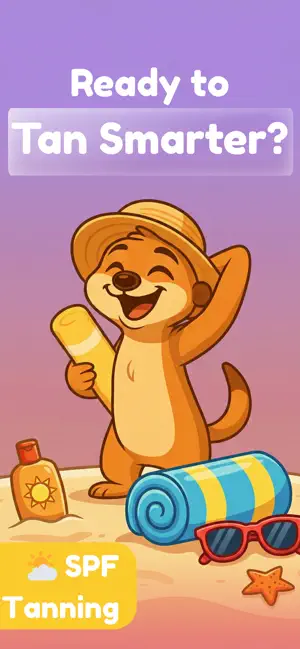
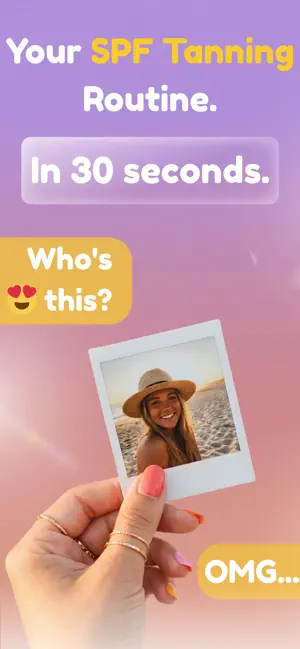
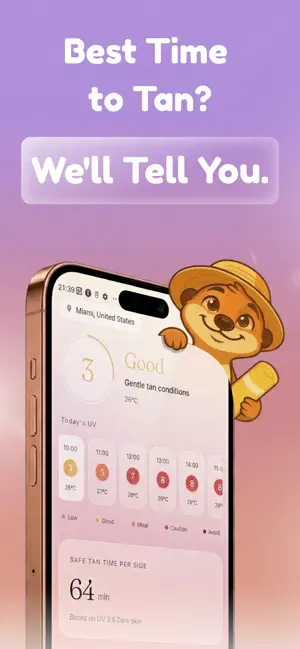
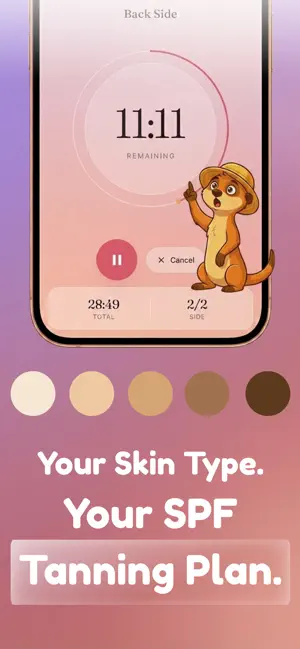
Icon palette
About this app
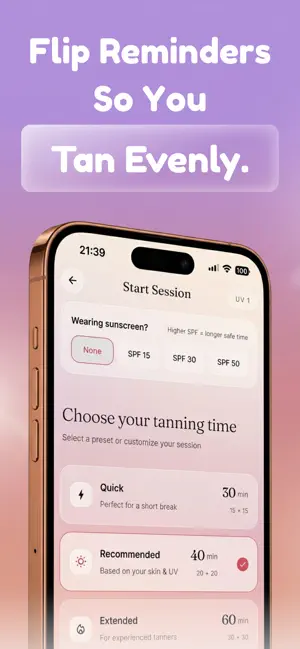
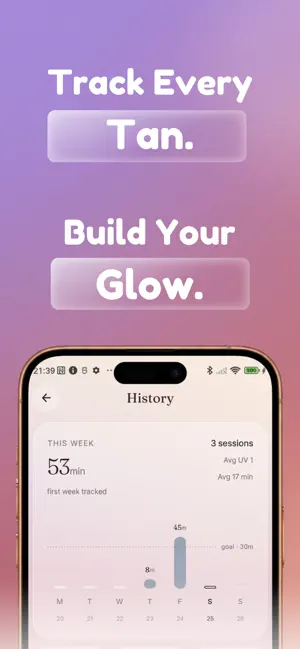
Get darker. Not burned. Sunkat is the smart tanning app built for women who want real results - without the guesswork or the risk. Most sun apps just show you a UV number and leave you to figure out the rest. Sunkat turns that data into a personalized tanning session - calibrated to your skin type, your SPF, and the live UV index at your location. YOUR PERSONALIZED TAN ROUTINE Set your skin type and tanning goal once. Sunkat builds your daily tanning session around real-time UV conditions - so you know exactly when to go out, how long to stay, and when to flip. SMART TANNING TIMER Pre-set timers tell you how long to tan on each side. Front and back flip reminders mean you tan evenly every time. No more guessing, no more burning by accident. REAL-TIME UV INDEX Know the best tanning window for your location. Sunkat reads live UV levels and tells you when conditions are ideal - and…
App details
What you can learn from SPF Tanning: Sunkat
Every shipping app on the App Store has gone through the same decisions you're working through right now: which screenshot goes first, what caption sits over it, which device frame to show, what color the background should be. The 6 screenshots above are SPF Tanning: Sunkat's answers to those questions — they're public, they're real, and they made it through Apple's review.
Notice the first screenshot in particular. It's the one users see in search results and on the product page, and it's where most apps spend their best caption and tightest design. Look at the proportion of background to phone, where the text sits, what one thing the image is trying to communicate.
Want to see how other Weather apps approach the same problem? Browse more Weather apps in the showcase.
Take what works into your own screenshots
Open LaunchShots and design your App Store & Google Play screenshots — pick a device frame, drop captions, ship in minutes. Free, in your browser.
Open the screenshot editor →