Screenshots





Icon palette
About this app
NovelSlayer ist eine Lese-App, die für Romanliebhaber entwickelt wurde, die immersive Geschichten und ein flüssiges Leseerlebnis genießen. Egal, ob Sie Romance, Fantasy, Abenteuer, Mystery oder moderne Fiktion mögen – NovelSlayer vereint eine große Vielfalt an Geschichten an einem praktischen Ort. Mit einer klaren Benutzeroberfläche und einfacher Navigation hilft Ihnen NovelSlayer, sich auf das Wesentliche zu konzentrieren — großartige Geschichten in Ihrem eigenen Tempo zu genießen. Hauptfunktionen Vielfältige Geschichtenbibliothek Entdecken Sie eine abwechslungsreiche Sammlung von Romanen aus verschiedenen Genres. Neue Geschichten werden regelmäßig hinzugefügt, sodass Sie bei jedem Öffnen der App mehr Auswahl haben. Komfortables Leseerlebnis Passen Sie Ihre Leseeinstellungen mit einstellbarer Schriftgröße, Hintergrundfarbe und Helligkeit an – für angenehmes Lesen bei Tag und Nacht.…
App details
What you can learn from NovelSlayer: Romance & Fiction
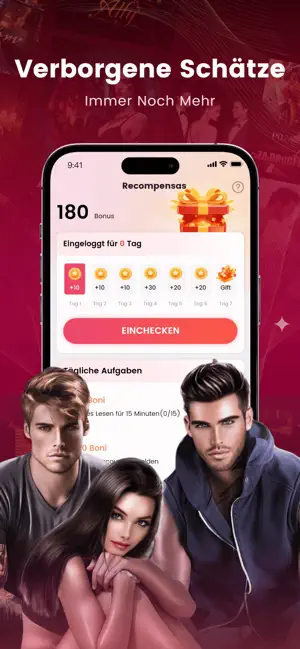
Every shipping app on the App Store has gone through the same decisions you're working through right now: which screenshot goes first, what caption sits over it, which device frame to show, what color the background should be. The 6 screenshots above are NovelSlayer: Romance & Fiction's answers to those questions — they're public, they're real, and they made it through Apple's review.
Notice the first screenshot in particular. It's the one users see in search results and on the product page, and it's where most apps spend their best caption and tightest design. Look at the proportion of background to phone, where the text sits, what one thing the image is trying to communicate.
Want to see how other Book apps approach the same problem? Browse more Book apps in the showcase.
Take what works into your own screenshots
Open LaunchShots and design your App Store & Google Play screenshots — pick a device frame, drop captions, ship in minutes. Free, in your browser.
Open the screenshot editor →