Screenshots

Icon palette
About this app
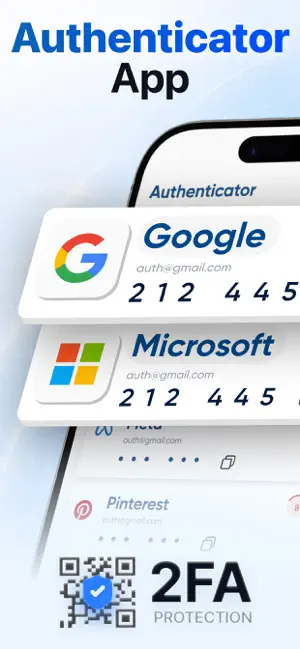
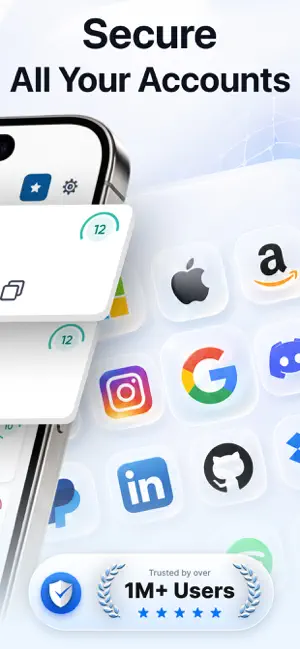
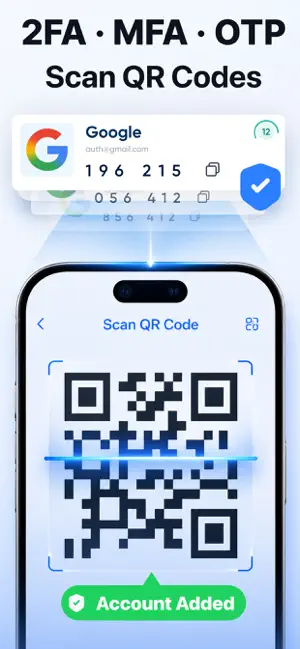
Authenticator is a powerful authentication app designed to deliver secure and seamless two-factor authentication (2FA) and multi-factor authentication (MFA) for all your online accounts. It strengthens your digital protection by generating time-based one-time passwords (TOTP) and OTP codes for any service that supports 2FA. Built as a dependable alternative to Google Authenticator, this app helps safeguard both your personal and business accounts. Whether you’re protecting your email, managing social media access, logging into cryptocurrency platforms, or accessing work-related systems, Authenticator ensures your login process is safe and convenient. It works with major platforms including Google, Facebook, Instagram, Microsoft, Binance, and many more. Key Features: Secure Authentication: Easily create and manage 2FA and TOTP codes for thousands of supported services. Reliable and Fas…
App details
What you can learn from Authenticator: OTP & 2FA Codes
Every shipping app on the App Store has gone through the same decisions you're working through right now: which screenshot goes first, what caption sits over it, which device frame to show, what color the background should be. The 6 screenshots above are Authenticator: OTP & 2FA Codes's answers to those questions — they're public, they're real, and they made it through Apple's review.
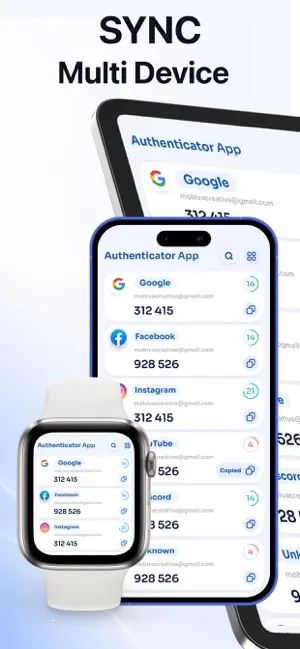
Notice the first screenshot in particular. It's the one users see in search results and on the product page, and it's where most apps spend their best caption and tightest design. Look at the proportion of background to phone, where the text sits, what one thing the image is trying to communicate.
Want to see how other Productivity apps approach the same problem? Browse more Productivity apps in the showcase.
Take what works into your own screenshots
Open LaunchShots and design your App Store & Google Play screenshots — pick a device frame, drop captions, ship in minutes. Free, in your browser.
Open the screenshot editor →