Screenshots


Icon palette
About this app
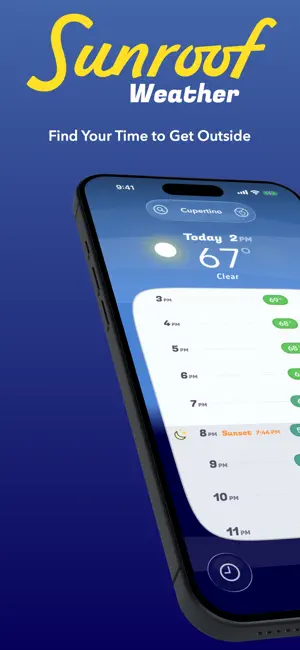
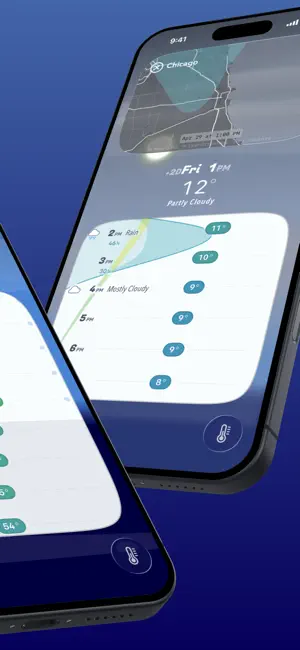
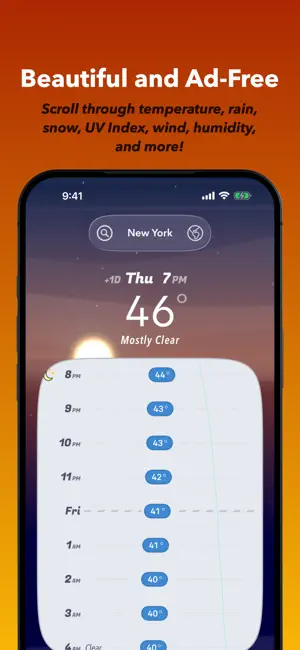
Whether you're running, hiking, biking, walking, playing with the kids, or just deciding what to wear, Sunroof is the fast and simple way to find the perfect window of time to get off your screen, and into the outdoors. Sunroof's signature 10-day forecast Weather Timeline is beautiful and ad-free. Glide through your daily and hourly forecast with precision. See predictions for temperature, rain, snow, wind, UV index, and more. Make the sun rise, the sky transform, and the clouds burst with rain -- just by scrolling. Looking forward to an outdoor event later in the week? Take a quick glance at the week ahead in Sunroof's weekly view, then jump in for hour-by-hour planning and a temperature check. Every element can be highlighted for more info. Trying to find a windy day to go sailing? Sunroof's got your back. Personalize your experience, choosing only what you want to see. And keep tra…
App details
What you can learn from Sunroof - Weather Forecasts
Every shipping app on the App Store has gone through the same decisions you're working through right now: which screenshot goes first, what caption sits over it, which device frame to show, what color the background should be. The 5 screenshots above are Sunroof - Weather Forecasts's answers to those questions — they're public, they're real, and they made it through Apple's review.
Notice the first screenshot in particular. It's the one users see in search results and on the product page, and it's where most apps spend their best caption and tightest design. Look at the proportion of background to phone, where the text sits, what one thing the image is trying to communicate.
Want to see how other Weather apps approach the same problem? Browse more Weather apps in the showcase.
Take what works into your own screenshots
Open LaunchShots and design your App Store & Google Play screenshots — pick a device frame, drop captions, ship in minutes. Free, in your browser.
Open the screenshot editor →