Screenshots
Icon palette
About this app
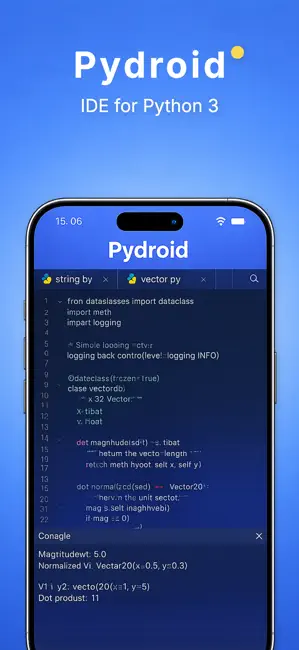
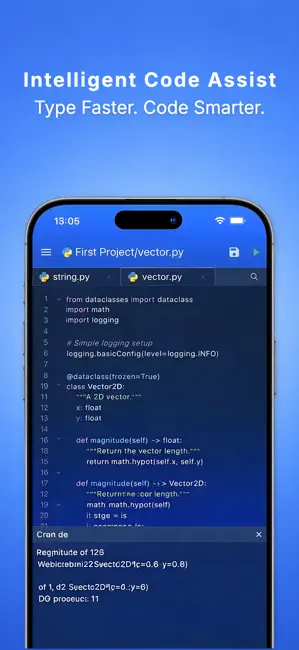
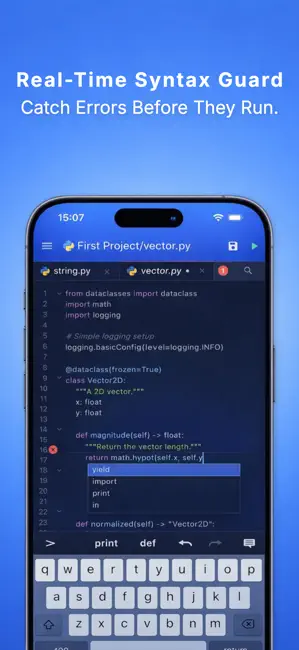
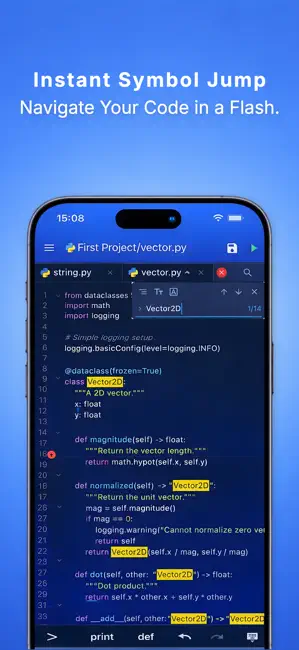
A powerful and intuitive Python code editor designed for productivity on the go. Build, edit, and run Python code seamlessly on your mobile device. Whether you’re learning Python, prototyping ideas, or working with data, this app provides a clean, efficient, and feature-rich coding experience—anytime, anywhere. All code execution is based on user input and processed via a remote server. No hidden or external code is executed. Key Features • Multi-Tab Workflow Open and switch between multiple files effortlessly. Manage your project with a smooth, tab-based interface. • Intelligent Code Assistance Get smart keyword and syntax suggestions while typing to code faster and with fewer mistakes. • Real-Time Syntax Checking Catch syntax errors instantly as you write, helping you debug early and stay focused. • Quick Symbol Navigation Jump directly to classes, functions, or variables using…
App details
What you can learn from Pydroid 3
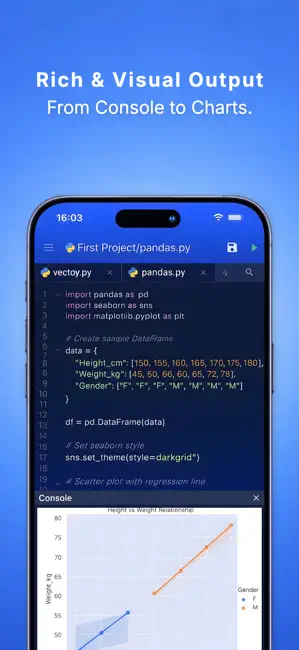
Every shipping app on the App Store has gone through the same decisions you're working through right now: which screenshot goes first, what caption sits over it, which device frame to show, what color the background should be. The 5 screenshots above are Pydroid 3's answers to those questions — they're public, they're real, and they made it through Apple's review.
Notice the first screenshot in particular. It's the one users see in search results and on the product page, and it's where most apps spend their best caption and tightest design. Look at the proportion of background to phone, where the text sits, what one thing the image is trying to communicate.
Want to see how other Developer Tools apps approach the same problem? Browse more Developer Tools apps in the showcase.
Take what works into your own screenshots
Open LaunchShots and design your App Store & Google Play screenshots — pick a device frame, drop captions, ship in minutes. Free, in your browser.
Open the screenshot editor →