Screenshots
Icon palette
About this app
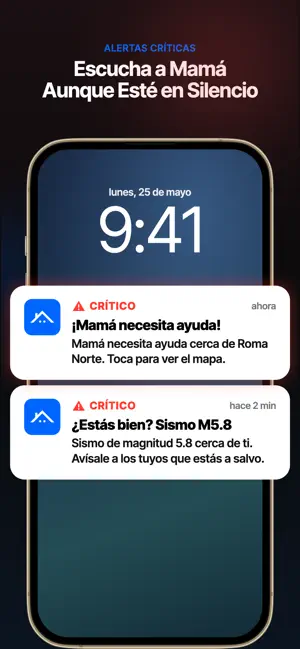
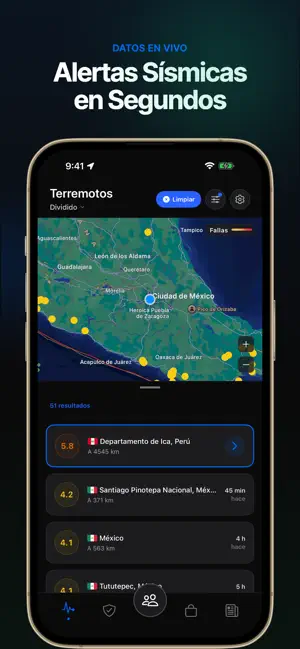
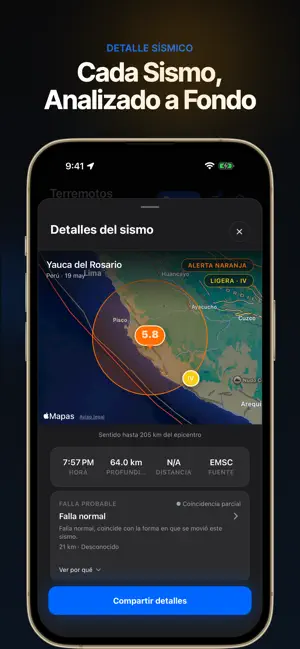
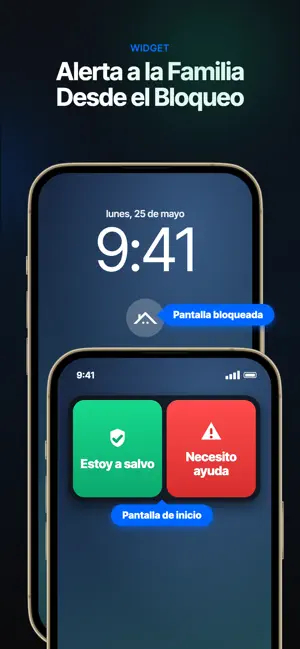
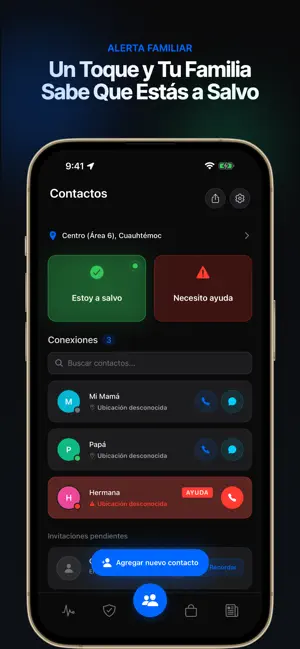
Cuando hay un sismo, lo primero que piensas es: ¿Mi familia está bien? ¡Sismo Listo! fue creado exactamente para eso. Tomamos datos de USGS, EMSC y otras fuentes oficiales, y te mandamos la alerta de inmediato. Muchas veces te enteras por nosotros antes de que salga en las noticias. Pero lo más importante es esto: cuando hay un sismo en tu zona, la app le pregunta a tu familia "¿Están bien?" Cada uno aprieta un botón (Estoy Bien o Necesito Ayuda) y todos en tu lista lo ven al instante. Sin estar llamando a números que no contestan. Sin quedarte esperando sin saber nada. WIDGETS EN PANTALLA DE INICIO Y BLOQUEO Avisa tu estado desde la pantalla de inicio sin abrir la app. El widget en la pantalla de bloqueo muestra los últimos sismos. En una emergencia, cada segundo cuenta. PLANES DE EMERGENCIA FAMILIAR Arma planes para la casa, el colegio, el trabajo o el camino. Define quién agarra …
App details
What you can learn from ¡Sismo Listo! Alerta Terremoto
Every shipping app on the App Store has gone through the same decisions you're working through right now: which screenshot goes first, what caption sits over it, which device frame to show, what color the background should be. The 5 screenshots above are ¡Sismo Listo! Alerta Terremoto's answers to those questions — they're public, they're real, and they made it through Apple's review.
Notice the first screenshot in particular. It's the one users see in search results and on the product page, and it's where most apps spend their best caption and tightest design. Look at the proportion of background to phone, where the text sits, what one thing the image is trying to communicate.
Want to see how other Weather apps approach the same problem? Browse more Weather apps in the showcase.
Take what works into your own screenshots
Open LaunchShots and design your App Store & Google Play screenshots — pick a device frame, drop captions, ship in minutes. Free, in your browser.
Open the screenshot editor →