Screenshots
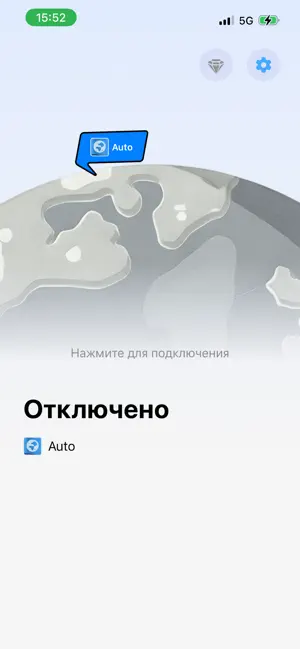
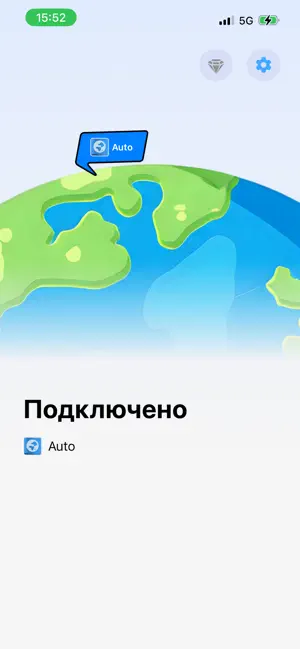

Icon palette
About this app
VPN Buck - Fast Secure Proxy VPN Buck - Fast Secure Proxy is your steadfast shield for safeguarding information assets and digital freedom in the digital age. We combine financial-grade encryption algorithms with our self-developed global backbone network to provide you with a high-speed, robust, and highly anonymous internet access environment. Whether you need to protect work data on complex public networks or wish to overcome geographical restrictions to access global information, VPN Buck offers professional-grade, "one-click" connection assurance. Why Choose VPN Buck? Financial-Grade Privacy Protection Utilizing industry-leading encryption solutions, complemented by WireGuard and V2Ray hybrid tunneling technology, we add "safe-level" protection to every bit of your data, completely eliminating hacker surveillance and ISP tracking. Backbone Network Acceleration, Say Goodbye to C…
App details
What you can learn from ВПН - Супер Buck VPN
Every shipping app on the App Store has gone through the same decisions you're working through right now: which screenshot goes first, what caption sits over it, which device frame to show, what color the background should be. The 3 screenshots above are ВПН - Супер Buck VPN's answers to those questions — they're public, they're real, and they made it through Apple's review.
Notice the first screenshot in particular. It's the one users see in search results and on the product page, and it's where most apps spend their best caption and tightest design. Look at the proportion of background to phone, where the text sits, what one thing the image is trying to communicate.
Want to see how other Utilities apps approach the same problem? Browse more Utilities apps in the showcase.
Take what works into your own screenshots
Open LaunchShots and design your App Store & Google Play screenshots — pick a device frame, drop captions, ship in minutes. Free, in your browser.
Open the screenshot editor →