Screenshots

iPad screenshots




Icon palette
About this app
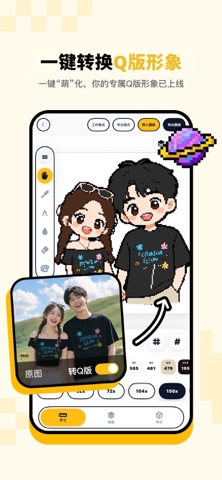
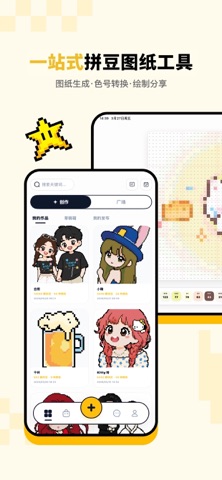
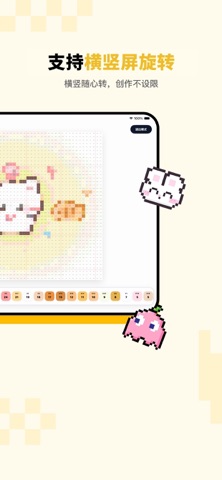
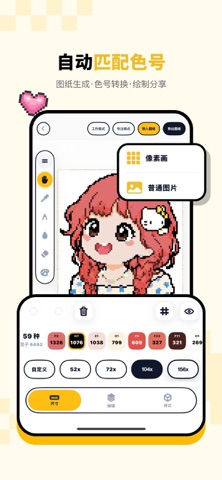
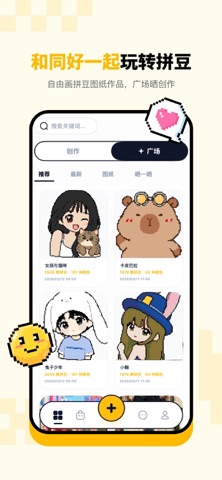
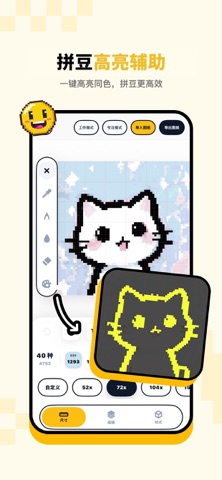
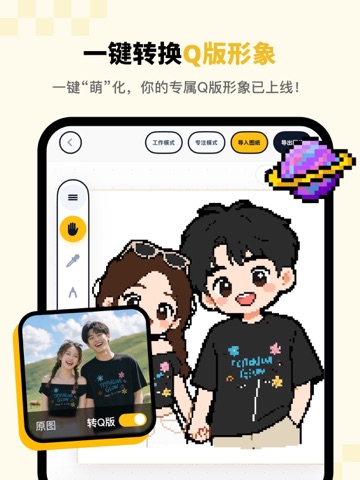
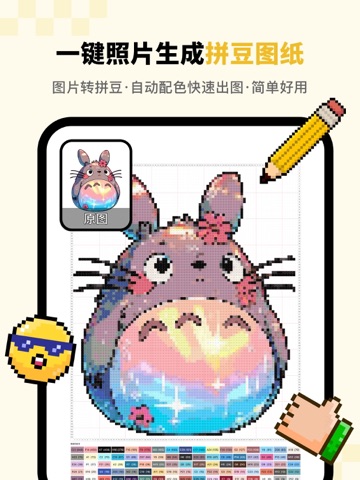
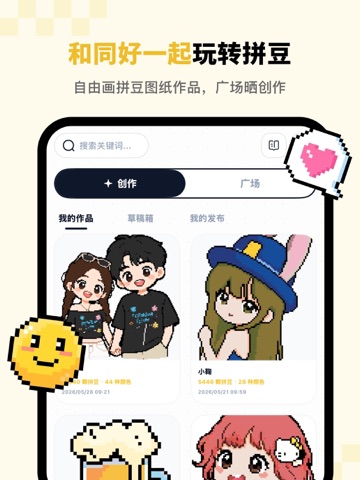
手工拼豆爱好者的专属创作神器,零基础也能轻松玩转像素艺术与拼豆设计!无论是想把珍贵照片变成可触摸的拼豆作品,还是从零开始勾勒原创图案,拼豆绘都能帮你实现创意落地,让拼豆创作告别繁琐,只剩纯粹乐趣。 核心功能: 图纸智能生成:上传任意图片,快速生成清晰的拼豆图纸,创意永不设限。 像素画色号转换:自动识别像素颜色,匹配常用拼豆品牌色号,精准配色不求人。 自由绘制图纸:内置像素画板,从零开始绘制你的专属图纸,自由挥洒灵感。 色号高亮导航:制作时开启高亮模式等于直接拥有了电子拼豆版,特定色号一目了然,防止错位、漏放,不花眼。 智能清单导出:自动统计图纸所需颜色及对应颗粒数量,导出备料清单,按单取豆,省时省力。 广场分享交流:在作品广场发布自己拼豆图纸和作品,和同好一起分享创作、交流灵感。 照片一键转Q版,自动生成可爱卡通形象,再智能转为像素画与拼豆图纸。人像、宠物、自拍都能变萌系拼豆,还原度更高,创作更简单。 【终身会员说明】 订阅后没有过期时间,会员永久有效。 订阅价格:88元; 付款:用户确认购买并付款…
App details
What you can learn from 拼豆绘
Every shipping app on the App Store has gone through the same decisions you're working through right now: which screenshot goes first, what caption sits over it, which device frame to show, what color the background should be. The 14 screenshots above are 拼豆绘's answers to those questions — they're public, they're real, and they made it through Apple's review.
Notice the first screenshot in particular. It's the one users see in search results and on the product page, and it's where most apps spend their best caption and tightest design. Look at the proportion of background to phone, where the text sits, what one thing the image is trying to communicate.
Want to see how other Utilities apps approach the same problem? Browse more Utilities apps in the showcase.
Take what works into your own screenshots
Open LaunchShots and design your App Store & Google Play screenshots — pick a device frame, drop captions, ship in minutes. Free, in your browser.
Open the screenshot editor →