Screenshots
Icon palette
About this app
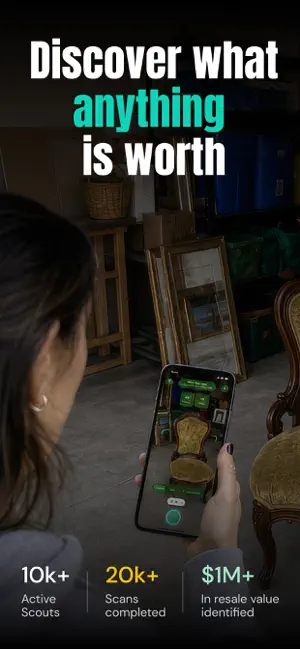
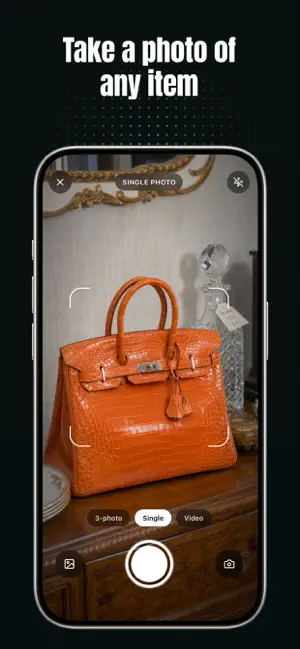
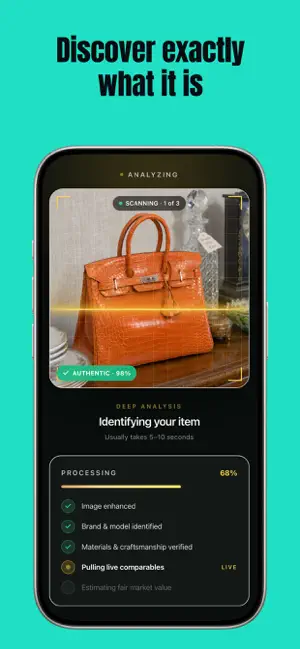
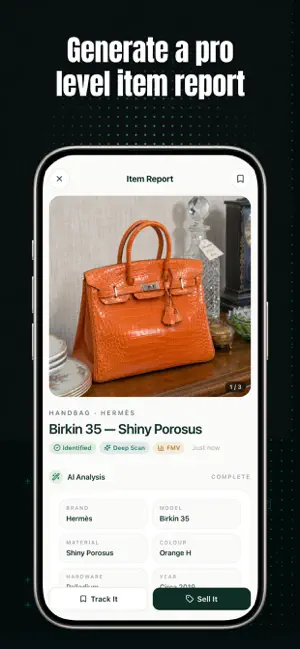
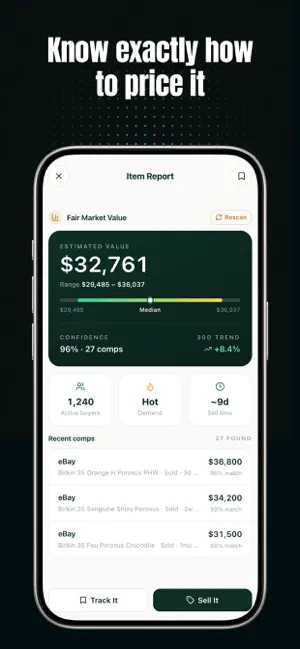
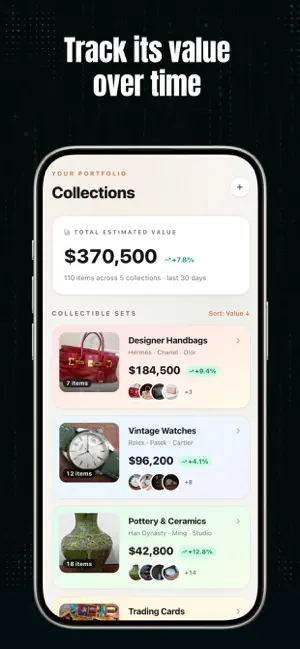
Value Scout helps you track collectibles and unlock the hidden value of the things you already own. Most people underestimate what’s sitting in their homes. Furniture, electronics, sneakers, tools, collectibles — items that seem ordinary often carry real resale value. The problem isn’t opportunity. It’s visibility. Value Scout changes that. Simply scan an item with your camera and instantly receive an AI-powered value estimate powered by real-time market data. The app identifies your item, analyzes condition signals, compares recent sales trends, and provides a realistic pricing range so you’re never guessing. Before you donate, discard, or underprice something, know what it’s actually worth. ------ AI-Powered Item Recognition Take a photo and Value Scout intelligently identifies: • Brand and model • Market demand • Estimated resale value • Average sell time • Comparable recent …
App details
What you can learn from Value Scout
Every shipping app on the App Store has gone through the same decisions you're working through right now: which screenshot goes first, what caption sits over it, which device frame to show, what color the background should be. The 6 screenshots above are Value Scout's answers to those questions — they're public, they're real, and they made it through Apple's review.
Notice the first screenshot in particular. It's the one users see in search results and on the product page, and it's where most apps spend their best caption and tightest design. Look at the proportion of background to phone, where the text sits, what one thing the image is trying to communicate.
Want to see how other Shopping apps approach the same problem? Browse more Shopping apps in the showcase.
Take what works into your own screenshots
Open LaunchShots and design your App Store & Google Play screenshots — pick a device frame, drop captions, ship in minutes. Free, in your browser.
Open the screenshot editor →