Screenshots
Icon palette
About this app
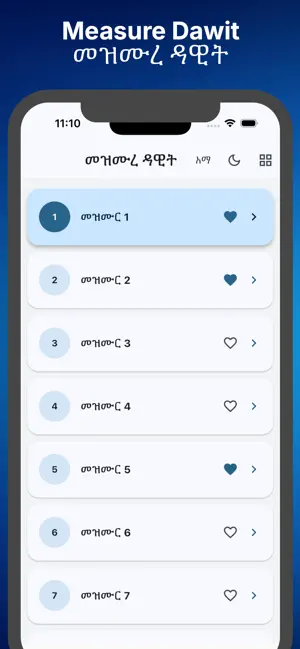
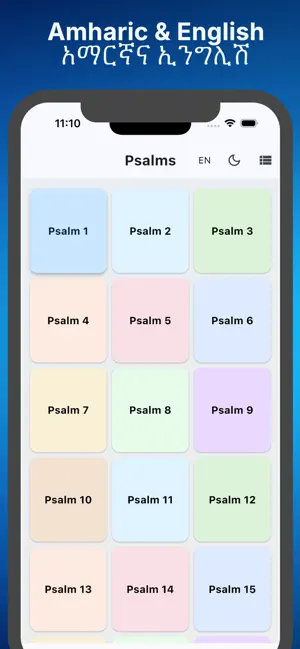
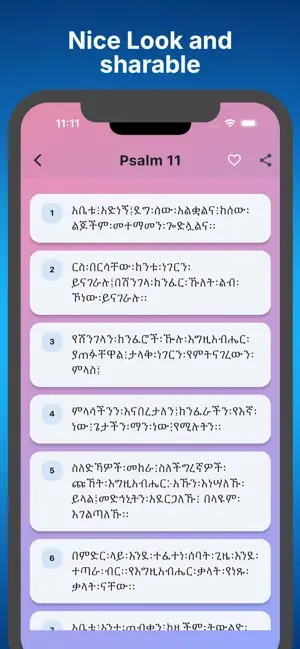
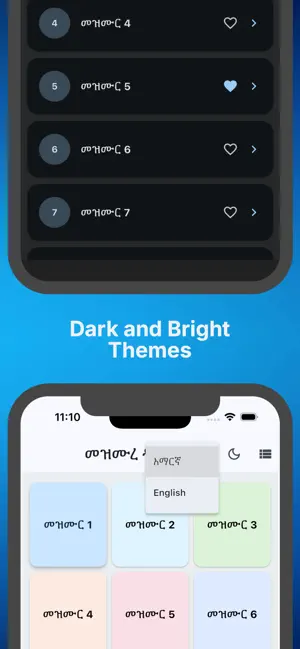
Mezmure Dawit brings the 150 Psalms to your fingertips with bilingual content, expressive list/grid layouts, and material-rich navigation inspired by the Wudasie Mariam companion. Choose between Geez and English, mark favorites that persist across launches, share passages, and switch between light/dark themes while enjoying a calm gradient grid overlay. Every psalm includes numbered verses, a detailed detail page with in-app sharing, and persistent favorites stored locally so your highlights are never lost—perfect for personal devotion or group worship, even offline. psalms, mezmure, Ethiopian, bilingual, christian, devotional, offline, favorites, prayer, scripture, riverpod, material3
App details
What you can learn from Mezmure Dawit - Psalms
Every shipping app on the App Store has gone through the same decisions you're working through right now: which screenshot goes first, what caption sits over it, which device frame to show, what color the background should be. The 5 screenshots above are Mezmure Dawit - Psalms's answers to those questions — they're public, they're real, and they made it through Apple's review.
Notice the first screenshot in particular. It's the one users see in search results and on the product page, and it's where most apps spend their best caption and tightest design. Look at the proportion of background to phone, where the text sits, what one thing the image is trying to communicate.
Want to see how other Book apps approach the same problem? Browse more Book apps in the showcase.
Take what works into your own screenshots
Open LaunchShots and design your App Store & Google Play screenshots — pick a device frame, drop captions, ship in minutes. Free, in your browser.
Open the screenshot editor →