Screenshots
Icon palette
About this app
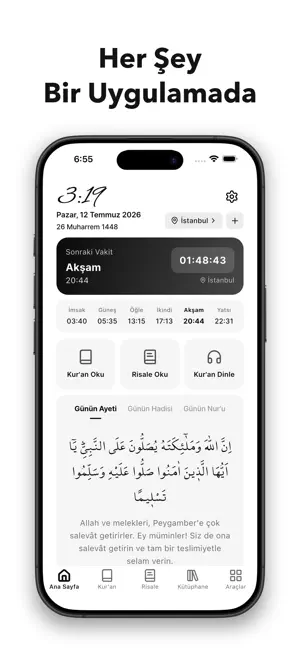
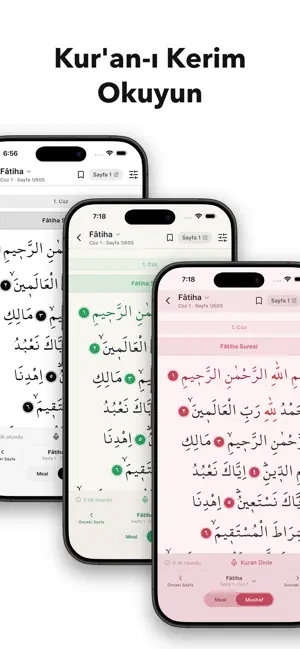
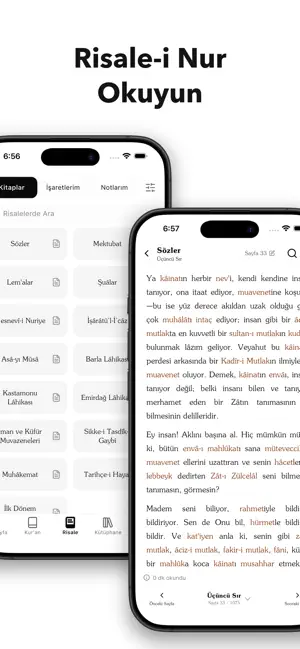
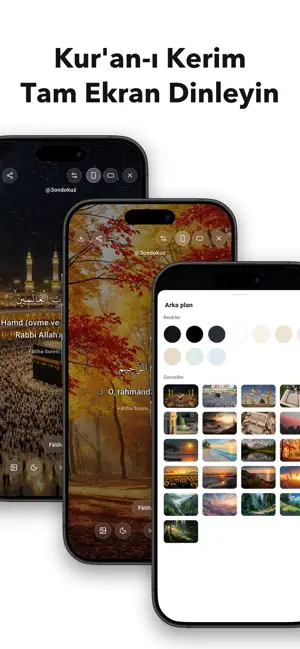
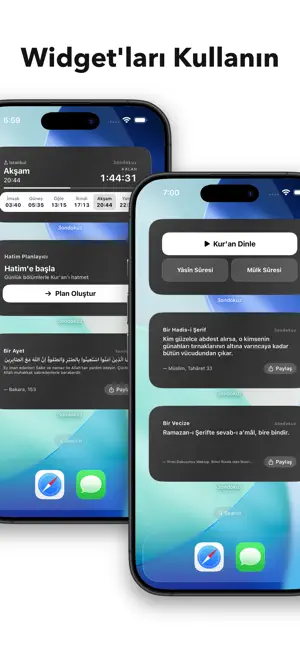
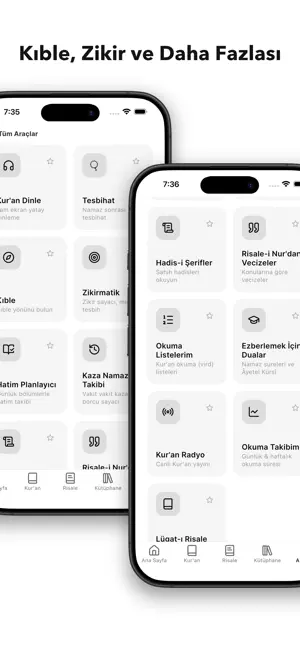
3ondokuz, namaz vakitleri, Kur'an-ı Kerim, Risale-i Nur ve günlük ibadetleriniz için ihtiyacınız olan her şeyi tek bir sade uygulamada buluşturur. Namaz Vakitleri ve Ezan Bildirimi Bulunduğunuz konuma göre namaz vakitleri, sonraki vakte geri sayım, vakit girdiğinde ezan bildirimi ve vakit çıkmadan son hatırlatma. Dilerseniz birden fazla şehri birlikte takip edebilirsiniz. Kur'an-ı Kerim Diyanet onaylı mushaf metniyle internetsiz Kur'an okuyun; mushaf ve meal modu, sûre, cüz ve sayfa üzerinden kolay gezinme, yer imleri ve kaldığınız yerden devam etme. Tam ekranda sesli Kur'an dinleyebilir, canlı Kur'an radyosuna bağlanabilirsiniz. Risale-i Nur ve Kütüphane Risale-i Nur Külliyatı'nı not alarak ve işaretleyerek okuyun. Cevşen, namaz tesbihatı ve daha birçok eser internetsiz elinizin altında. Bilmediğiniz kelimelerin anlamlarını kontrol edip tefekkür ederek okuyun. Faydalı İbadet Araçla…
App details
What you can learn from 3ondokuz
Every shipping app on the App Store has gone through the same decisions you're working through right now: which screenshot goes first, what caption sits over it, which device frame to show, what color the background should be. The 6 screenshots above are 3ondokuz's answers to those questions — they're public, they're real, and they made it through Apple's review.
Notice the first screenshot in particular. It's the one users see in search results and on the product page, and it's where most apps spend their best caption and tightest design. Look at the proportion of background to phone, where the text sits, what one thing the image is trying to communicate.
Want to see how other Productivity apps approach the same problem? Browse more Productivity apps in the showcase.
Take what works into your own screenshots
Open LaunchShots and design your App Store & Google Play screenshots — pick a device frame, drop captions, ship in minutes. Free, in your browser.
Open the screenshot editor →