Screenshots


Icon palette
About this app
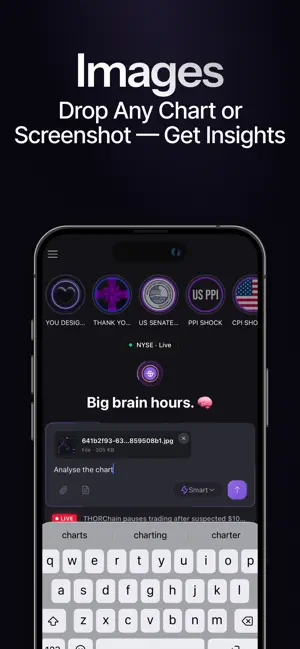
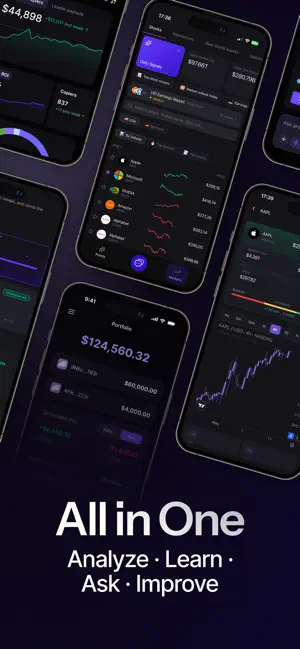
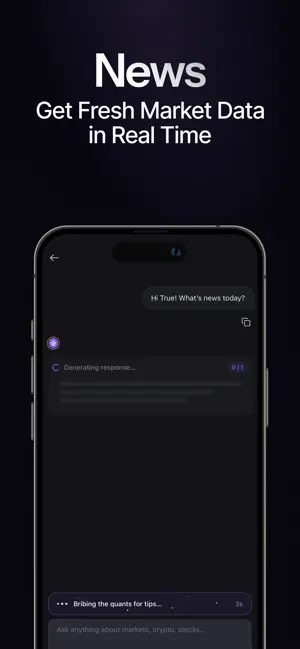
TrueAI gives you instant access to clear, AI-powered financial education and market insights. Free to start. Built for everyone. Whether you are curious about the markets, trying to understand your finances, or looking to build your financial knowledge, TrueAI delivers answers in seconds. - The Smartest Way to Get Finance Answered TrueAI was built from the ground up to understand financial questions better than any other AI assistant. Whether you are asking about market movements, monetary policy, or how to think about your savings, TrueAI delivers clear, well-reasoned answers that go beyond surface-level responses. - Ask Anything About Money Get clear, simple answers to your financial questions. From "What is happening in the markets?" to "How does compound interest work?", TrueAI explains it in seconds. Like having a brilliant financial tutor in your pocket, 24/7. - Real-Time Marke…
App details
What you can learn from True AI - Finance AI Assistant
Every shipping app on the App Store has gone through the same decisions you're working through right now: which screenshot goes first, what caption sits over it, which device frame to show, what color the background should be. The 6 screenshots above are True AI - Finance AI Assistant's answers to those questions — they're public, they're real, and they made it through Apple's review.
Notice the first screenshot in particular. It's the one users see in search results and on the product page, and it's where most apps spend their best caption and tightest design. Look at the proportion of background to phone, where the text sits, what one thing the image is trying to communicate.
Want to see how other Finance apps approach the same problem? Browse more Finance apps in the showcase.
Take what works into your own screenshots
Open LaunchShots and design your App Store & Google Play screenshots — pick a device frame, drop captions, ship in minutes. Free, in your browser.
Open the screenshot editor →