Screenshots
Icon palette
About this app
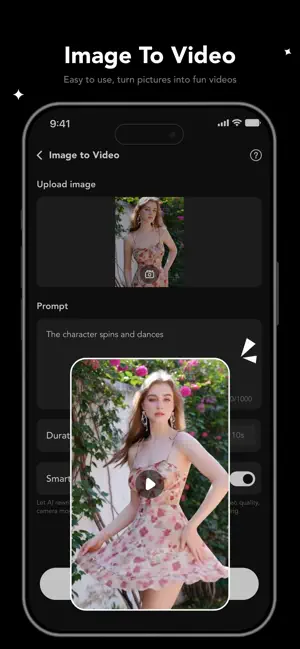
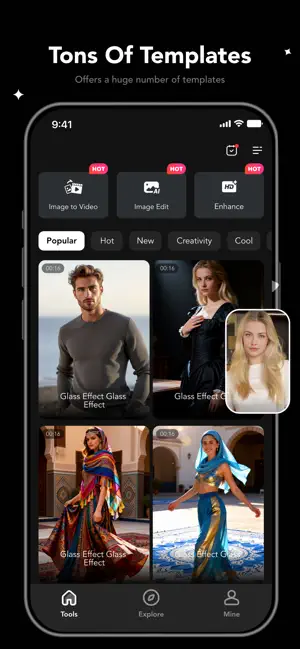
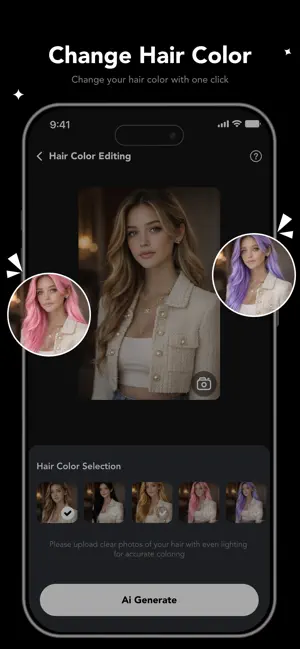
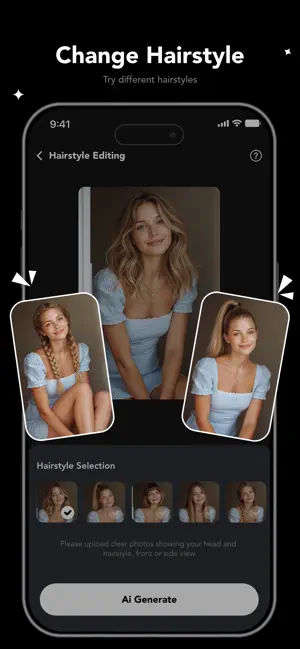
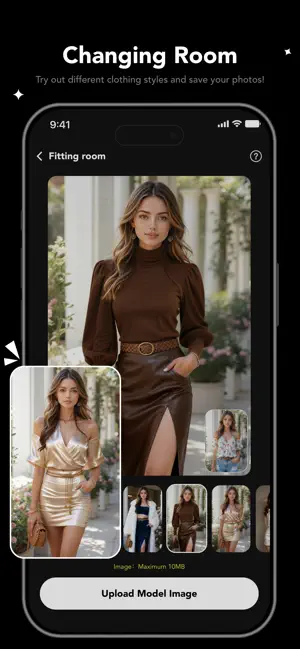
Bring your photos to life with Spix AI — an all-in-one AI photo and video creation tool designed to help you create stunning visuals in seconds. Instantly transform your images into smooth, high-quality AI videos with realistic motion effects, and upgrade your photos using smart enhancement and retouch features. With powerful yet easy-to-use editing tools, you can explore new looks and creative styles effortlessly. Try different hairstyles and hair colors, apply makeup effects, refine facial expressions, adjust body shape naturally, and experiment with various outfit and fashion styles — all with just a few taps. Whether you’re creating content for social media, refreshing your profile photos, or simply having fun with AI effects, Spix AI makes editing fast, simple, and enjoyable. Create unique, eye-catching results anytime, anywhere.
App details
What you can learn from Spix AI: Photo to Video
Every shipping app on the App Store has gone through the same decisions you're working through right now: which screenshot goes first, what caption sits over it, which device frame to show, what color the background should be. The 5 screenshots above are Spix AI: Photo to Video's answers to those questions — they're public, they're real, and they made it through Apple's review.
Notice the first screenshot in particular. It's the one users see in search results and on the product page, and it's where most apps spend their best caption and tightest design. Look at the proportion of background to phone, where the text sits, what one thing the image is trying to communicate.
Want to see how other Graphics & Design apps approach the same problem? Browse more Graphics & Design apps in the showcase.
Take what works into your own screenshots
Open LaunchShots and design your App Store & Google Play screenshots — pick a device frame, drop captions, ship in minutes. Free, in your browser.
Open the screenshot editor →