Screenshots



Icon palette
About this app
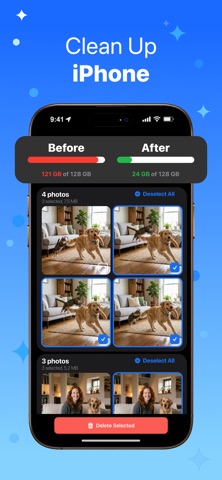
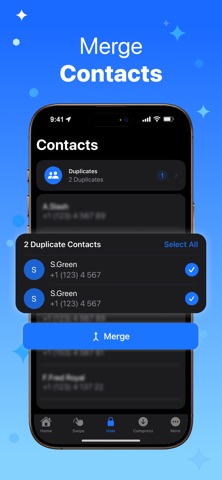
Are you constantly receiving the storage full notification? Do you find yourself endlessly scrolling through old screenshots and heavy media files? Cleanio is the ultimate optimization solution designed to instantly reclaim gigabytes of space while keeping your memories perfectly organized. Utilizing artificial intelligence and manual controls, Cleanio scans your library in seconds, identifying clutter and letting you delete unnecessary files with confidence. Phone Cleanup and Storage Optimization Cleanio provides a comprehensive phone cleanup experience by analyzing your storage architecture. It instantly identifies the largest files and forgotten media consuming your space. With a single tap, execute a deep clean that revitalizes your device and restores optimal performance. Smart Duplicate Photos Checker and Remover Stop wasting hours manually comparing identical images. Our AI dup…
App details
What you can learn from Cleanio: AI Phone Cleaner
Every shipping app on the App Store has gone through the same decisions you're working through right now: which screenshot goes first, what caption sits over it, which device frame to show, what color the background should be. The 6 screenshots above are Cleanio: AI Phone Cleaner's answers to those questions — they're public, they're real, and they made it through Apple's review.
Notice the first screenshot in particular. It's the one users see in search results and on the product page, and it's where most apps spend their best caption and tightest design. Look at the proportion of background to phone, where the text sits, what one thing the image is trying to communicate.
Want to see how other Utilities apps approach the same problem? Browse more Utilities apps in the showcase.
Take what works into your own screenshots
Open LaunchShots and design your App Store & Google Play screenshots — pick a device frame, drop captions, ship in minutes. Free, in your browser.
Open the screenshot editor →