Screenshots





Icon palette
About this app
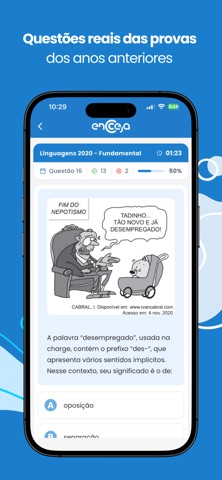
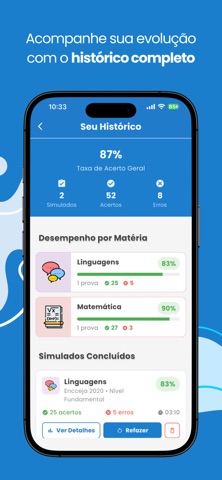
Prepare-se para o Encceja 2026 com simulados atualizados, questões de provas anteriores e acompanhamento completo do seu desempenho. Estude no seu ritmo e aumente suas chances de aprovação no exame do INEP. Ideal para quem deseja concluir o Ensino Fundamental ou Ensino Médio por meio do Encceja. O que você encontra no app: - Simulados do Encceja com questões de provas anteriores - Questões organizadas por matéria - Simulados 100% offline (estude sem internet) - Correção imediata por questão - Histórico de acertos e erros - Estatísticas de desempenho - Modo escuro - Ajuste de tamanho e tipo de fonte Estude com estratégia Treine com questões reais do Encceja Identifique seus pontos fracos Acompanhe sua evolução Simule a experiência da prova oficial Nosso objetivo é ajudar você a estudar de forma prática, organizada e eficiente.
App details
What you can learn from Simulados do Encceja 2026
Every shipping app on the App Store has gone through the same decisions you're working through right now: which screenshot goes first, what caption sits over it, which device frame to show, what color the background should be. The 8 screenshots above are Simulados do Encceja 2026's answers to those questions — they're public, they're real, and they made it through Apple's review.
Notice the first screenshot in particular. It's the one users see in search results and on the product page, and it's where most apps spend their best caption and tightest design. Look at the proportion of background to phone, where the text sits, what one thing the image is trying to communicate.
Want to see how other Education apps approach the same problem? Browse more Education apps in the showcase.
Take what works into your own screenshots
Open LaunchShots and design your App Store & Google Play screenshots — pick a device frame, drop captions, ship in minutes. Free, in your browser.
Open the screenshot editor →