Screenshots
Icon palette
About this app
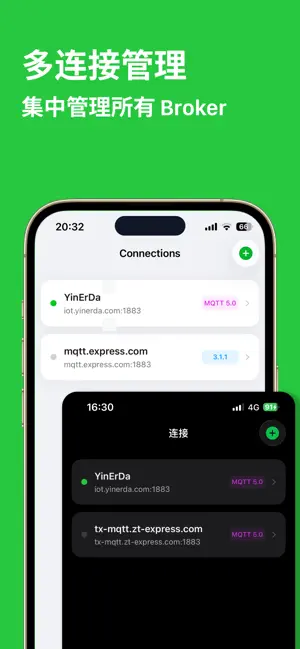
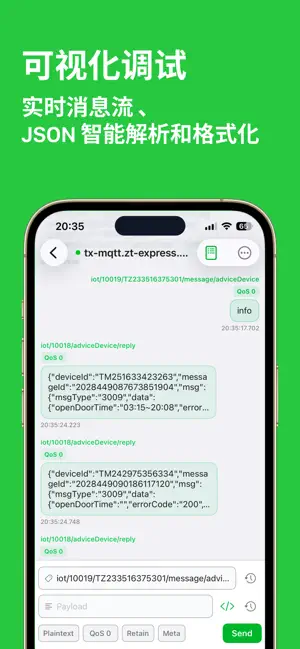
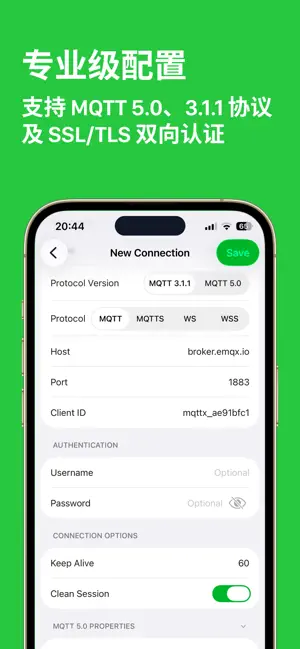
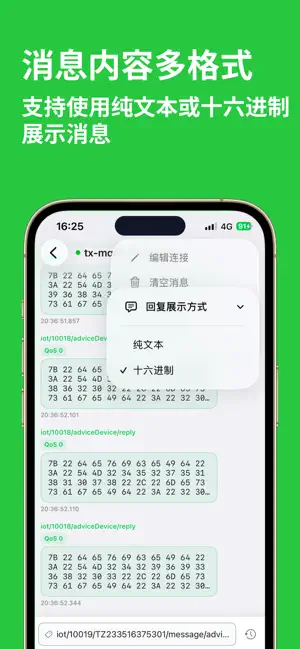
MQTT Debug & Analyzer Client 是您口袋里的物联网开发神器。无论您是专业的嵌入式工程师,还是 Home Assistant 智能家居爱好者,这款应用都能为您提供最流畅的 MQTT 调试体验。 核心功能 • 全 MQTT 协议支持:完美支持 MQTT 3.1.1 和 MQTT 5.0 协议。 • 多网络协议连接:支持 TCP、WebSockets 以及 SSL/TLS 安全连接 (支持单/双向认证)。 • 智能数据分析: • 自动识别并格式化 JSON 数据,层级折叠查看。 • 提供 Hex (十六进制) 视图,方便调试二进制数据。 • 支持 Base64 编解码。 • 像聊天一样调试:采用现代化的对话式 UI 设计,发布(Publish)与订阅(Subscribe)消息一目了然。 • 强大的订阅管理:支持多主题订阅、系统主题($SYS)监控、QoS 0/1/2 设置及 Retain 消息处理。 • 仪表盘与脚本:(如果你的APP有此功能) 支持自定义 Dashboard 仪表盘,支持 JavaScript 脚本预处理 Payload。 • 支持深色模式、浅色模式 • 支持回复使用十六进制或纯文本展示 • 支持十六进制发送消息 适用场景 • 调试 IoT 传感器、智能电表、工业网关。 • 配置与监控 Smart Home 设备 (Ho…
App details
What you can learn from MQTT 连接调试助手 - 物联网智能家居监控客户端
Every shipping app on the App Store has gone through the same decisions you're working through right now: which screenshot goes first, what caption sits over it, which device frame to show, what color the background should be. The 4 screenshots above are MQTT 连接调试助手 - 物联网智能家居监控客户端's answers to those questions — they're public, they're real, and they made it through Apple's review.
Notice the first screenshot in particular. It's the one users see in search results and on the product page, and it's where most apps spend their best caption and tightest design. Look at the proportion of background to phone, where the text sits, what one thing the image is trying to communicate.
Want to see how other Developer Tools apps approach the same problem? Browse more Developer Tools apps in the showcase.
Take what works into your own screenshots
Open LaunchShots and design your App Store & Google Play screenshots — pick a device frame, drop captions, ship in minutes. Free, in your browser.
Open the screenshot editor →