Screenshots





Icon palette
About this app
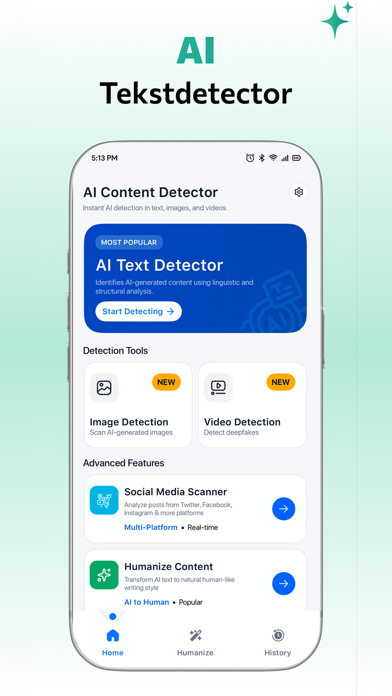
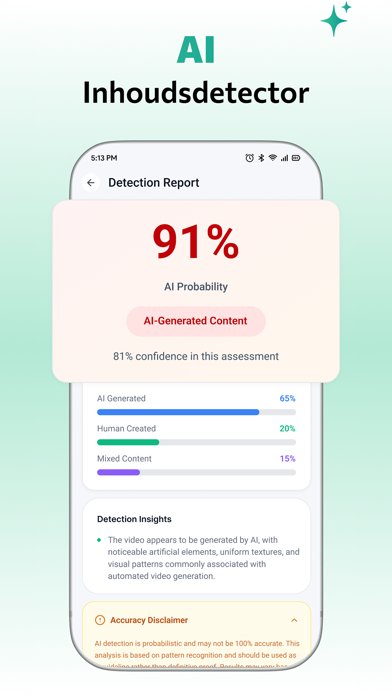
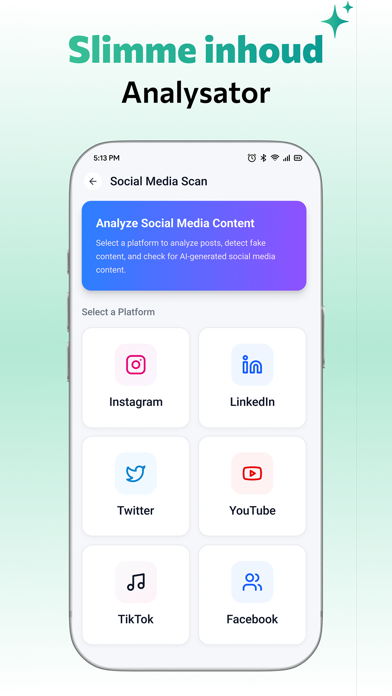
Ontgrendel de kracht van AI Content Detector & Humanizer — een alles-in-één tool ontworpen om door AI gegenereerde tekst, afbeeldingen en video's te detecteren. Of u nu wilt controleren of AI-teksten door mensen zijn geschreven, AI- versus menselijke content wilt onderscheiden of de authenticiteit wilt garanderen, deze AI-detector-app helpt u moeiteloos content te analyseren en te verifiëren. Met de AI-tekstchecker en AI-tekstdetector kunt u door AI geschreven tekst detecteren in essays, artikelen en projectrapporten. De app maakt gebruik van intelligente AI-contentanalyse om u te helpen patronen te herkennen en te bepalen of content door mensen is geschreven of door AI is gegenereerd. De ingebouwde AI-contenthumanizer stelt u in staat om robotachtige of machinaal gegenereerde tekst om te zetten in natuurlijke, menselijke tekst. U kunt AI-tekst eenvoudig humaniseren voor e-mails, blog…
App details
What you can learn from AI-inhoudsdetector, humanizer
Every shipping app on the App Store has gone through the same decisions you're working through right now: which screenshot goes first, what caption sits over it, which device frame to show, what color the background should be. The 8 screenshots above are AI-inhoudsdetector, humanizer's answers to those questions — they're public, they're real, and they made it through Apple's review.
Notice the first screenshot in particular. It's the one users see in search results and on the product page, and it's where most apps spend their best caption and tightest design. Look at the proportion of background to phone, where the text sits, what one thing the image is trying to communicate.
Want to see how other Developer Tools apps approach the same problem? Browse more Developer Tools apps in the showcase.
Take what works into your own screenshots
Open LaunchShots and design your App Store & Google Play screenshots — pick a device frame, drop captions, ship in minutes. Free, in your browser.
Open the screenshot editor →