Screenshots


Icon palette
About this app
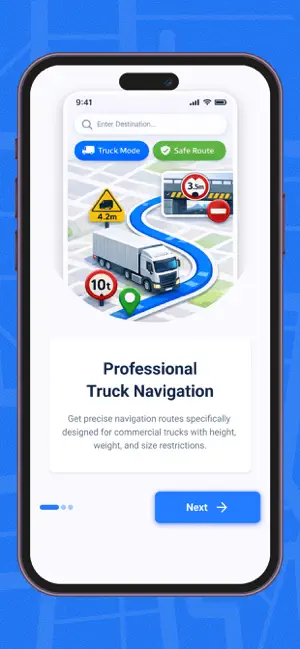
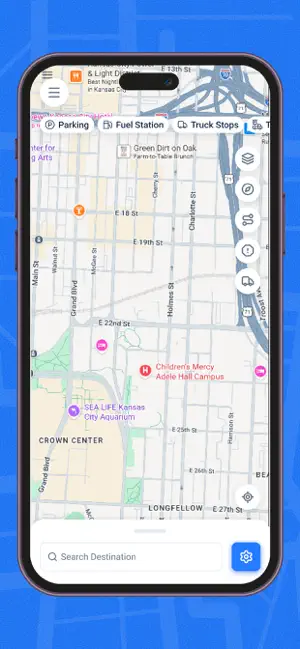
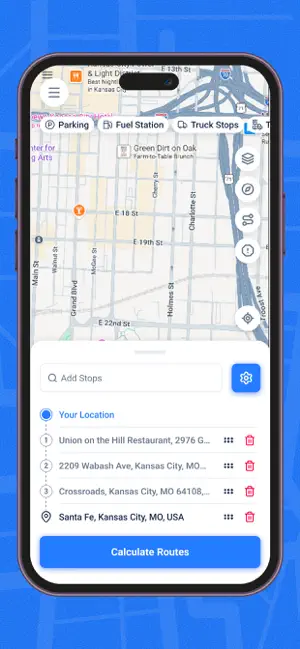
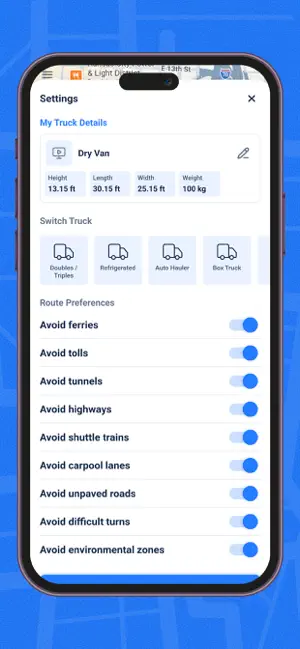
Truck GPS is a navigation app designed for truck drivers, offering a familiar map experience similar to standard navigation apps but optimized specifically for truck routes and commercial vehicles. The app helps drivers navigate efficiently while keeping track of their past routes and optimizing journeys for better productivity and fuel efficiency. Key Features Truck Navigation Navigate with routes designed for trucks, helping drivers follow suitable roads for heavy vehicles and commercial transport. Smart Route Optimization Automatically suggests efficient routes to reduce travel time and fuel consumption. Navigation History View and manage previous navigation trips, allowing drivers and fleet operators to review past routes anytime. Real-Time Turn-by-Turn Guidance Get accurate voice and map navigation instructions for smooth driving. Trip Records Store completed trips for track…
App details
What you can learn from Truck GPS
Every shipping app on the App Store has gone through the same decisions you're working through right now: which screenshot goes first, what caption sits over it, which device frame to show, what color the background should be. The 6 screenshots above are Truck GPS's answers to those questions — they're public, they're real, and they made it through Apple's review.
Notice the first screenshot in particular. It's the one users see in search results and on the product page, and it's where most apps spend their best caption and tightest design. Look at the proportion of background to phone, where the text sits, what one thing the image is trying to communicate.
Want to see how other Navigation apps approach the same problem? Browse more Navigation apps in the showcase.
Take what works into your own screenshots
Open LaunchShots and design your App Store & Google Play screenshots — pick a device frame, drop captions, ship in minutes. Free, in your browser.
Open the screenshot editor →