Screenshots

Icon palette
About this app
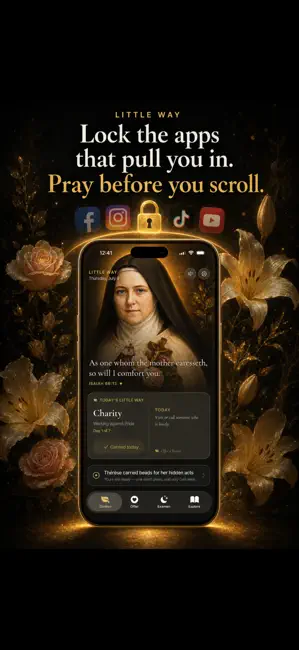
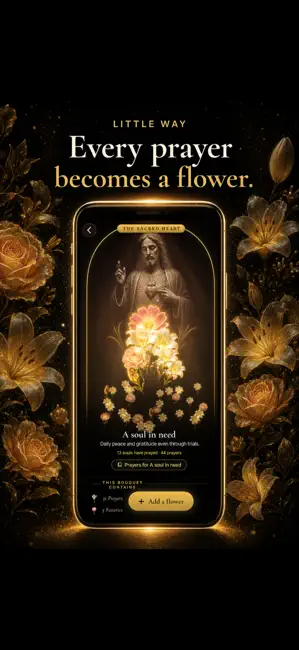
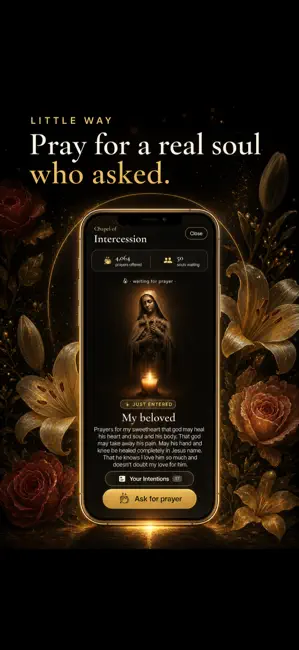
Pray before you scroll. When you reach for Instagram, TikTok, or whatever pulls you in, Little Way pauses it and asks you to pray a Hail Mary first — for a real person who asked the world for prayer. Pray, and a flower blooms in their garden. Then your app opens. It's the Catholic way to redeem your screen time: the scroll becomes a small act of love. St. Thérèse reached the whole world in prayer without ever leaving her convent — now you can, from the one place you already are. PRAYER SHIELD Choose the apps that pull you in. When you open one, pause and pray a Hail Mary for a soul who needs it — your prayer waters their bouquet. No streaks, no guilt. (Requires Screen Time access. A premium feature.) CHAPEL OF INTERCESSION Pray for others — and be prayed for. Lift up strangers in need, and post your own intention for anyone you carry. A community of people who pray before they scrol…
App details
What you can learn from Little Way: Catholic Rosary
Every shipping app on the App Store has gone through the same decisions you're working through right now: which screenshot goes first, what caption sits over it, which device frame to show, what color the background should be. The 5 screenshots above are Little Way: Catholic Rosary's answers to those questions — they're public, they're real, and they made it through Apple's review.
Notice the first screenshot in particular. It's the one users see in search results and on the product page, and it's where most apps spend their best caption and tightest design. Look at the proportion of background to phone, where the text sits, what one thing the image is trying to communicate.
Want to see how other Reference apps approach the same problem? Browse more Reference apps in the showcase.
Take what works into your own screenshots
Open LaunchShots and design your App Store & Google Play screenshots — pick a device frame, drop captions, ship in minutes. Free, in your browser.
Open the screenshot editor →