Screenshots

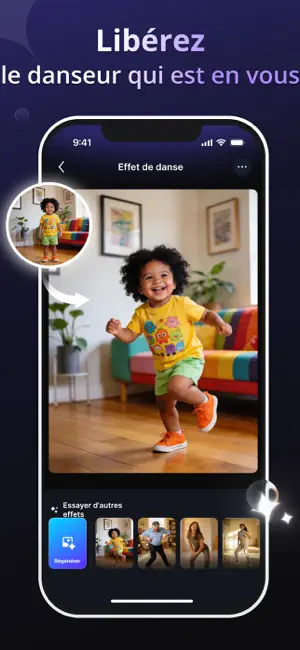
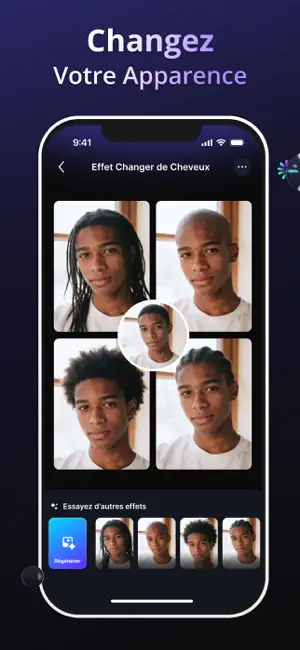
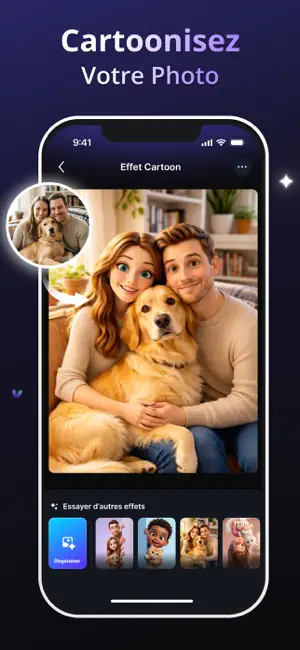

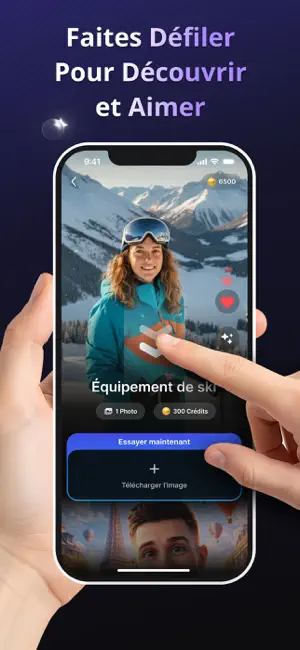
Icon palette
About this app
Transformez vos photos grâce à la puissance de l'intelligence artificielle. Lumy AI Photo Editor est l'outil créatif tout-en-un conçu pour sublimer chaque cliché, que vous soyez photographe amateur ou créateur de contenu. Découvrez des outils de retouche professionnels à portée de main. Grâce à son interface intuitive, rehaussez vos images en quelques secondes en appliquant des améliorations sophistiquées, pilotées par l'IA, pour un résultat naturel et époustouflant. Fonctionnalités clés : • Améliorations IA : Ajustement automatique de la luminosité, du contraste et de la balance des couleurs pour des photos éclatantes. • Retouche professionnelle : Lissez la peau, corrigez les imperfections et mettez en valeur vos atouts grâce à des outils de précision. • Filtres esthétiques : Choisissez parmi une vaste collection de filtres soigneusement sélectionnés pour s'adapter à toutes vos en…
App details
What you can learn from Lumy AI - Photo Editor
Every shipping app on the App Store has gone through the same decisions you're working through right now: which screenshot goes first, what caption sits over it, which device frame to show, what color the background should be. The 6 screenshots above are Lumy AI - Photo Editor's answers to those questions — they're public, they're real, and they made it through Apple's review.
Notice the first screenshot in particular. It's the one users see in search results and on the product page, and it's where most apps spend their best caption and tightest design. Look at the proportion of background to phone, where the text sits, what one thing the image is trying to communicate.
Want to see how other Photo & Video apps approach the same problem? Browse more Photo & Video apps in the showcase.
Take what works into your own screenshots
Open LaunchShots and design your App Store & Google Play screenshots — pick a device frame, drop captions, ship in minutes. Free, in your browser.
Open the screenshot editor →