Screenshots
Icon palette
About this app
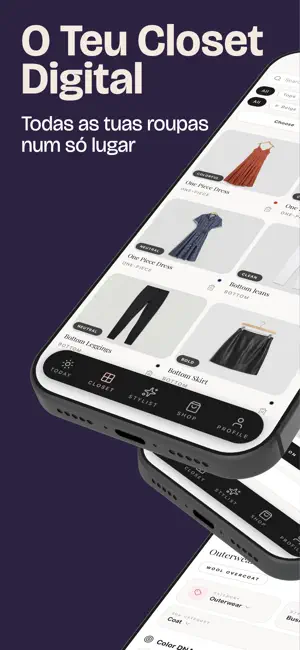
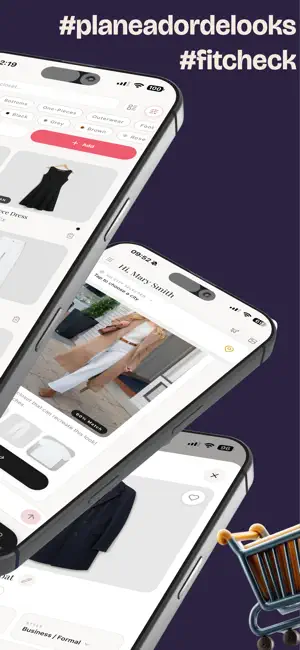
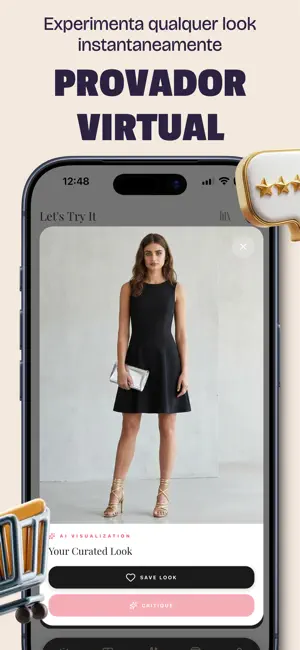
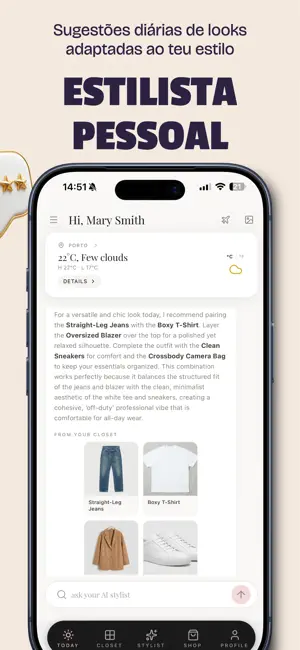
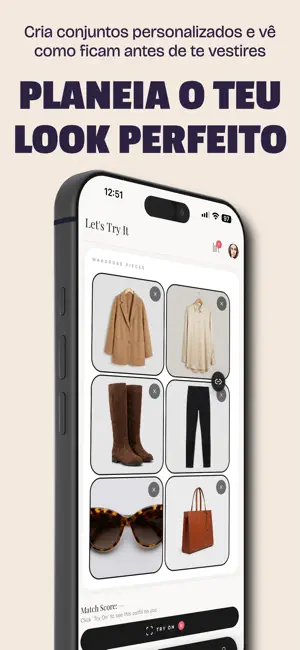
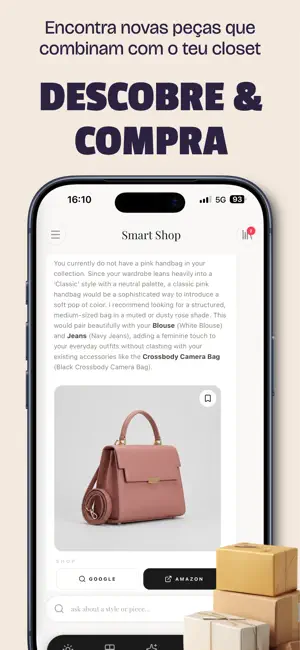
Eleve seu estilo com AI Wardrobe & Outfit Planner Transforme a maneira como você se veste todas as manhãs. Seja você alguém olhando para um “armário cheio, mas nada para vestir” ou um entusiasta de moda querendo digitalizar sua coleção, nosso app é o organizador de closet e assistente de moda tudo-em-um que você esperava. De recursos de prova com IA a ideias de looks personalizadas, ajudamos você a comprar de forma mais inteligente e usar mais do que você já possui. Organize seu closet como um profissional Diga adeus à bagunça. Nosso organizador de closet intuitivo permite digitalizar todas as suas roupas em minutos. - Remoção de fundo instantânea: Basta tirar uma foto da sua roupa e nossa IA limpa automaticamente a imagem para uma galeria com aparência profissional. - Categorize tudo: Organize por marca, cor, estação ou ocasião. - Análise do closet: Veja o que você mais usa (e o que …
App details
What you can learn from AI Closet: Moda e Roupas
Every shipping app on the App Store has gone through the same decisions you're working through right now: which screenshot goes first, what caption sits over it, which device frame to show, what color the background should be. The 6 screenshots above are AI Closet: Moda e Roupas's answers to those questions — they're public, they're real, and they made it through Apple's review.
Notice the first screenshot in particular. It's the one users see in search results and on the product page, and it's where most apps spend their best caption and tightest design. Look at the proportion of background to phone, where the text sits, what one thing the image is trying to communicate.
Want to see how other Lifestyle apps approach the same problem? Browse more Lifestyle apps in the showcase.
Take what works into your own screenshots
Open LaunchShots and design your App Store & Google Play screenshots — pick a device frame, drop captions, ship in minutes. Free, in your browser.
Open the screenshot editor →