Screenshots


Icon palette
About this app
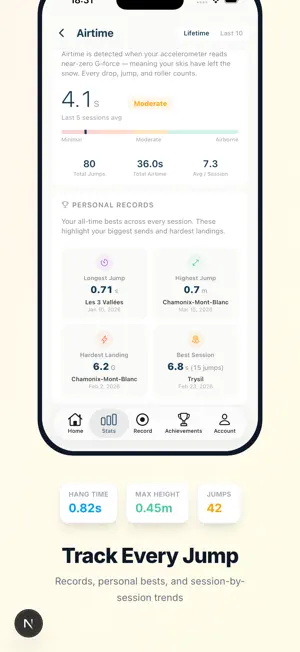
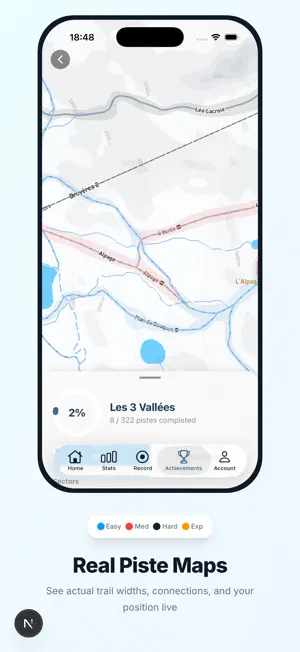
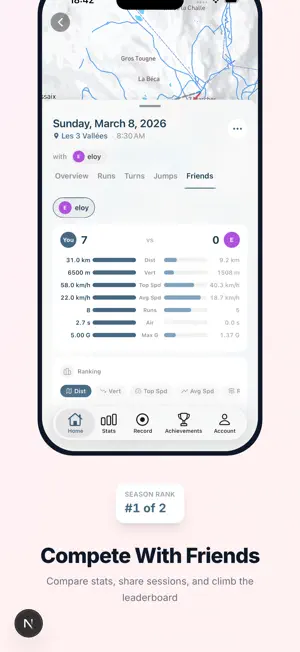
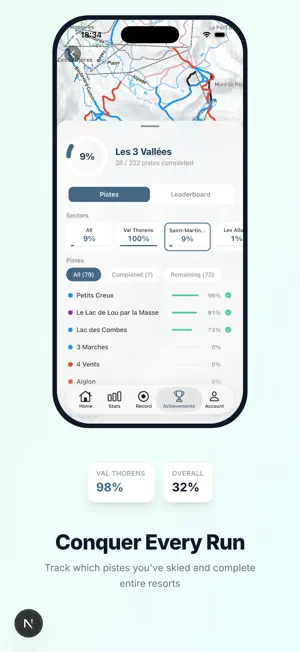
Nieve turns your iPhone into the most detailed ski tracker on the market. Record every run with GPS, accelerometer, and gyroscope sensors fused together to deliver stats no other app can match. DEEP PERFORMANCE METRICS Go beyond basic speed and distance. Nieve tracks 6 metric categories in real time: • Speed: max, average, and breakdown by piste difficulty • Vertical: total descent, single-run drops, climb records • Distance: per-session, per-run, and lifetime totals • Airtime: jump count, hang time, jump height, landing G-force • Turn Forces: lateral G-forces, bank angles, turn counts and classification • Turn Symmetry: left vs. right balance score with detailed turn profiles Every metric comes with trend charts, personal records, and session-over-session comparisons so you can see yourself improve. REAL-TIME DASHBOARD Watch your stats update live as you ski. See speed, G-forces, ai…
App details
What you can learn from Nieve - Master Every Run
Every shipping app on the App Store has gone through the same decisions you're working through right now: which screenshot goes first, what caption sits over it, which device frame to show, what color the background should be. The 6 screenshots above are Nieve - Master Every Run's answers to those questions — they're public, they're real, and they made it through Apple's review.
Notice the first screenshot in particular. It's the one users see in search results and on the product page, and it's where most apps spend their best caption and tightest design. Look at the proportion of background to phone, where the text sits, what one thing the image is trying to communicate.
Want to see how other Sports apps approach the same problem? Browse more Sports apps in the showcase.
Take what works into your own screenshots
Open LaunchShots and design your App Store & Google Play screenshots — pick a device frame, drop captions, ship in minutes. Free, in your browser.
Open the screenshot editor →