Screenshots

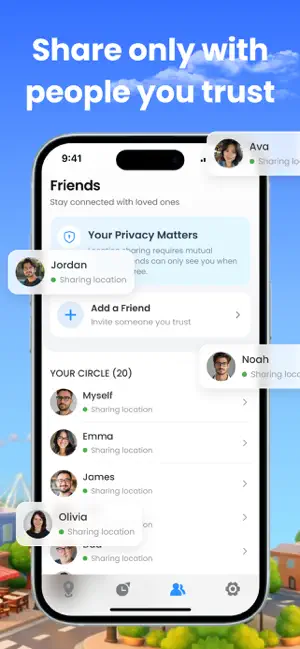
Icon palette
About this app
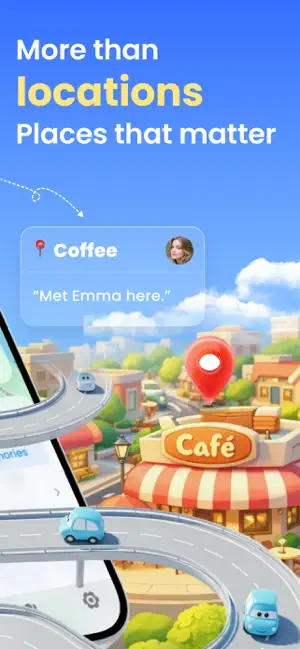
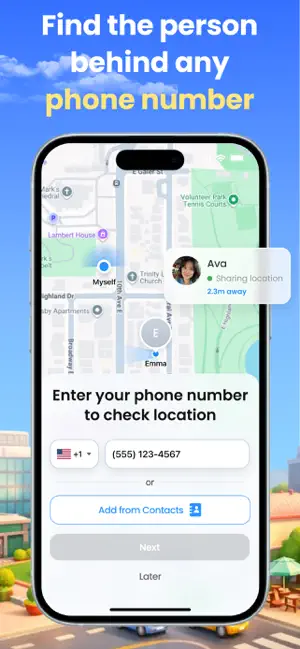
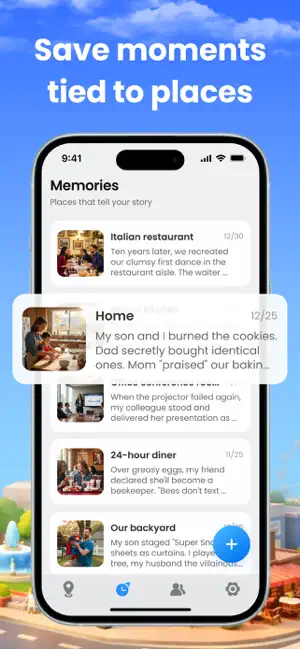
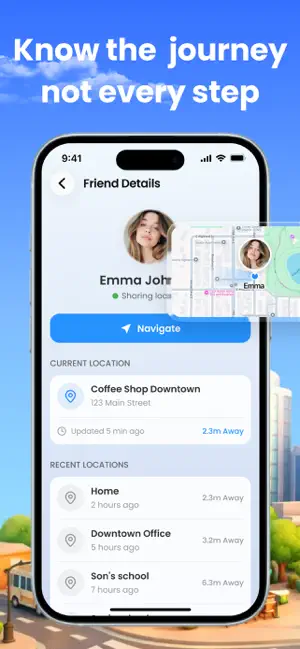
Locaro combines real-time location sharing with a personal memory map — so you can stay connected with the people who matter and never lose a meaningful moment. LOCATION SHARING • Add friends via invite code — no phone number needed • See real-time location updates on a shared map • Check recent places and device status (battery, last seen) • All sharing is consent-based — turn off anytime MEMORY MAP • Pin memories to real places with photos and notes • Visualize your life story on an interactive map • Browse past moments in a clean timeline • Revisit favorite spots, quiet walks, or trips worth remembering PRIVACY FIRST Locaro is built with privacy at its core. Location sharing requires mutual consent and can be disabled with one tap. Your memories stay on your device. Whether you want peace of mind about loved ones or a place to keep meaningful moments — Locaro brings it all togeth…
App details
What you can learn from Locaro: Find Friends & Family
Every shipping app on the App Store has gone through the same decisions you're working through right now: which screenshot goes first, what caption sits over it, which device frame to show, what color the background should be. The 6 screenshots above are Locaro: Find Friends & Family's answers to those questions — they're public, they're real, and they made it through Apple's review.
Notice the first screenshot in particular. It's the one users see in search results and on the product page, and it's where most apps spend their best caption and tightest design. Look at the proportion of background to phone, where the text sits, what one thing the image is trying to communicate.
Want to see how other Lifestyle apps approach the same problem? Browse more Lifestyle apps in the showcase.
Take what works into your own screenshots
Open LaunchShots and design your App Store & Google Play screenshots — pick a device frame, drop captions, ship in minutes. Free, in your browser.
Open the screenshot editor →