Screenshots


Icon palette
About this app
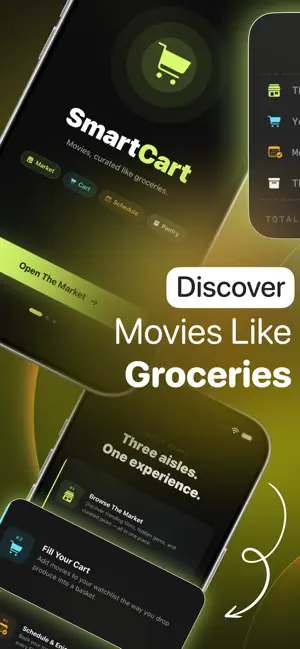
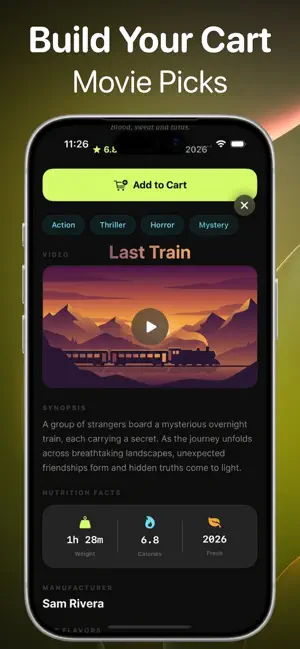
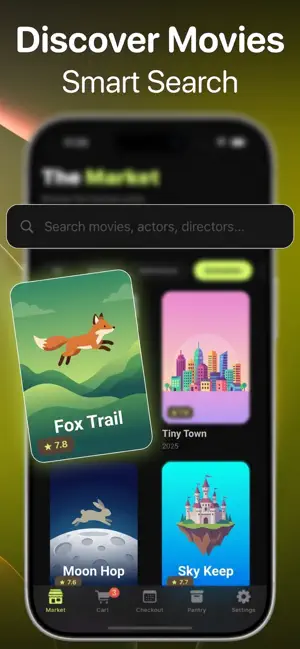
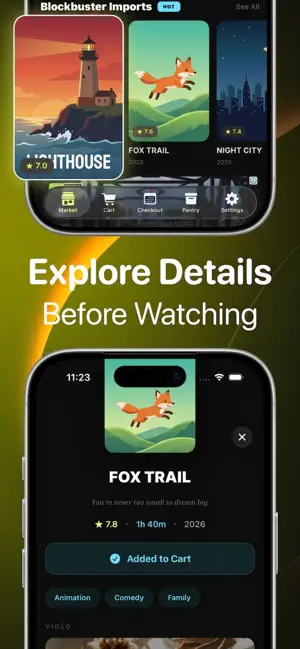
Welcome to the biggest movie market in town. SmartCart turns movie discovery into a joy-filled shopping experience. Forget endless scrolling through boring lists — here, you browse the aisles of a vibrant movie market, toss your favorites into the cart, and check out for a night of pure entertainment. The Market Browse thousands of movies like you walk through a supermarket — by aisle, by genre, by what's trending this week. Blockbuster imports, hidden gems, cult classics — every shelf is stocked and waiting for you. The more you explore, the more you find. Add to Cart Spotted something that looks good? Toss it in the cart. Build your watchlist the same way you build your grocery list — one satisfying tap at a time. No pressure, no commitment. Just you, your cart, and great taste. Checkout Ready to watch? Head to checkout and schedule your movie night on the calendar. Pick your date…
App details
What you can learn from smartcart: movie simulator
Every shipping app on the App Store has gone through the same decisions you're working through right now: which screenshot goes first, what caption sits over it, which device frame to show, what color the background should be. The 6 screenshots above are smartcart: movie simulator's answers to those questions — they're public, they're real, and they made it through Apple's review.
Notice the first screenshot in particular. It's the one users see in search results and on the product page, and it's where most apps spend their best caption and tightest design. Look at the proportion of background to phone, where the text sits, what one thing the image is trying to communicate.
Want to see how other Utilities apps approach the same problem? Browse more Utilities apps in the showcase.
Take what works into your own screenshots
Open LaunchShots and design your App Store & Google Play screenshots — pick a device frame, drop captions, ship in minutes. Free, in your browser.
Open the screenshot editor →