Screenshots
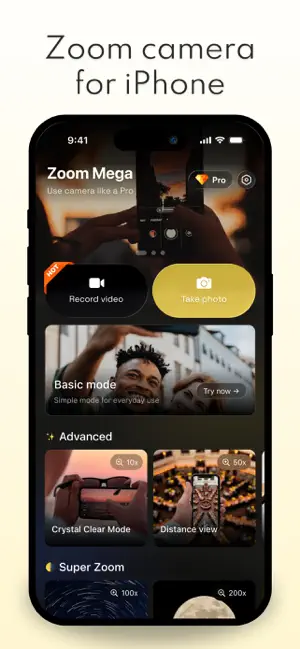
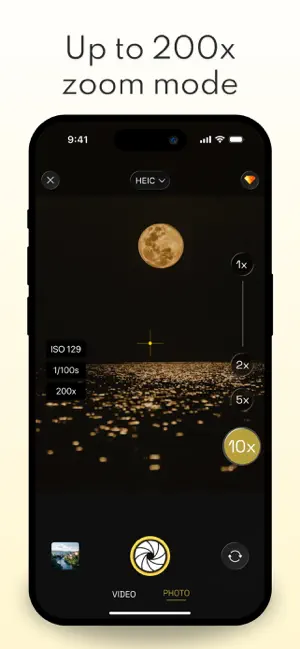
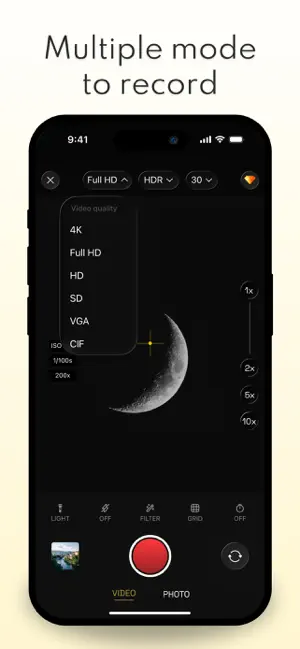
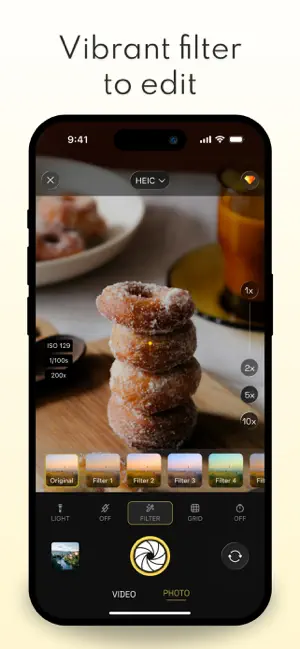
Icon palette
About this app
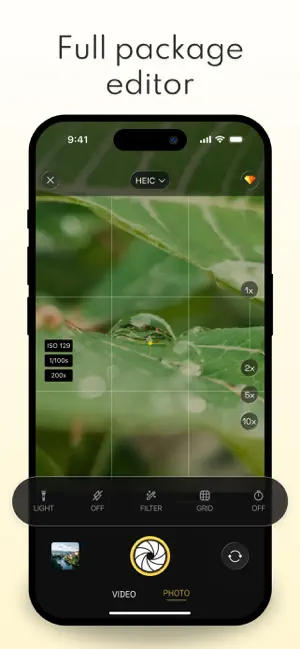
Capture the world in a whole new way with Mega Zoom: Super Zoom Camera. From everyday moments to distant details, Mega Zoom helps you get closer with powerful 1x to 200x zoom and enhance every shot with beautiful filters designed to make your photos stand out. Whether you are zooming in on faraway landscapes, capturing tiny details, or creating stylish photos with retro-inspired effects, Mega Zoom makes photography more exciting, creative, and effortless. With a focus on clarity, style, and simplicity, Mega Zoom combines powerful zoom technology with stunning filters and an easy-to-use camera experience so you can shoot impressive photos anytime, anywhere. Powerful zoom camera - Zoom smoothly from 1x up to 200x to capture both wide scenes and distant subjects - Get closer to landscapes, buildings, objects, and details that are hard to see with a regular camera - Explore different zoo…
App details
What you can learn from Mega Zoom: Super Zoom Camera
Every shipping app on the App Store has gone through the same decisions you're working through right now: which screenshot goes first, what caption sits over it, which device frame to show, what color the background should be. The 5 screenshots above are Mega Zoom: Super Zoom Camera's answers to those questions — they're public, they're real, and they made it through Apple's review.
Notice the first screenshot in particular. It's the one users see in search results and on the product page, and it's where most apps spend their best caption and tightest design. Look at the proportion of background to phone, where the text sits, what one thing the image is trying to communicate.
Want to see how other Utilities apps approach the same problem? Browse more Utilities apps in the showcase.
Take what works into your own screenshots
Open LaunchShots and design your App Store & Google Play screenshots — pick a device frame, drop captions, ship in minutes. Free, in your browser.
Open the screenshot editor →