Screenshots

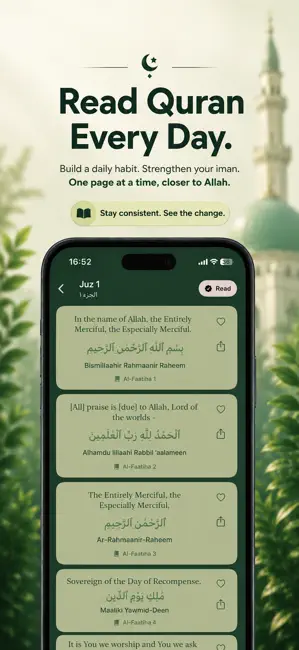
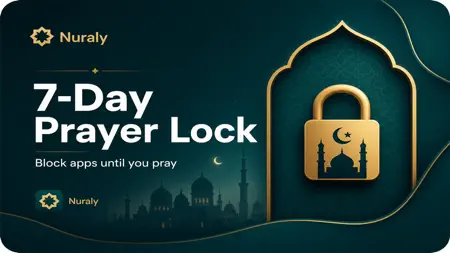
Icon palette
About this app
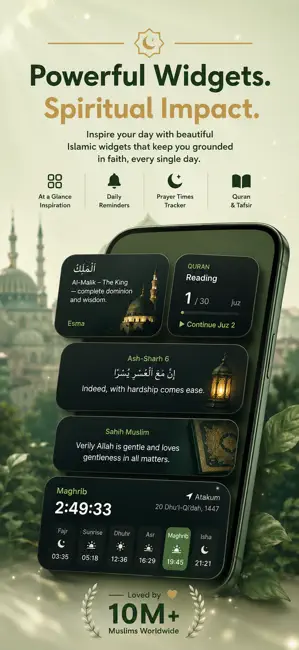
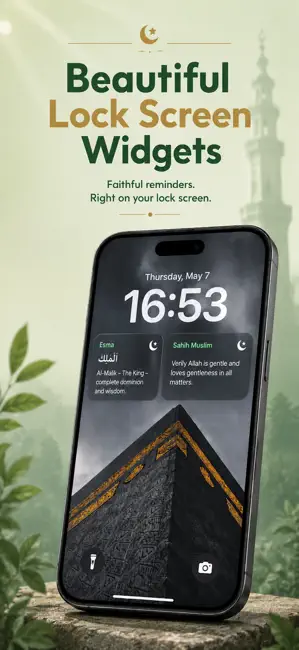
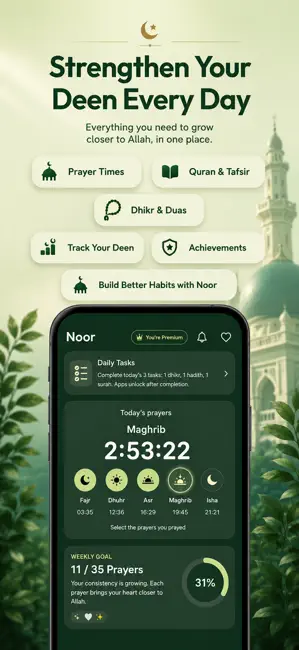
Nuraly is your daily Muslim companion for prayer, Quran widgets, and spiritual consistency — designed for Muslims in the UK and worldwide. Build a stronger salah habit, keep the Quran close on your home screen, and stay on track with reminders that fit your routine. QURAN WIDGETS & DAILY AYAH • Beautiful home screen and lock screen widgets • Daily ayah and Quran verses on your iPhone • Islamic quotes to inspire you throughout the day SALAH TRACKER • Track your five daily prayers with ease • Build consistency and see your progress over time • Simple, focused tools — not another cluttered app PRAYER TIMES & QIBLA • Accurate prayer times for your location in the UK • Qibla finder and compass so you always know the direction • Adhan and athan reminders you can rely on DHIKR & DAILY GOALS • Dhikr counter for tesbih and daily remembrance • Set spiritual goals and stay accountable • Dua, …
App details
What you can learn from Muslim Prayer Lock: Nuraly
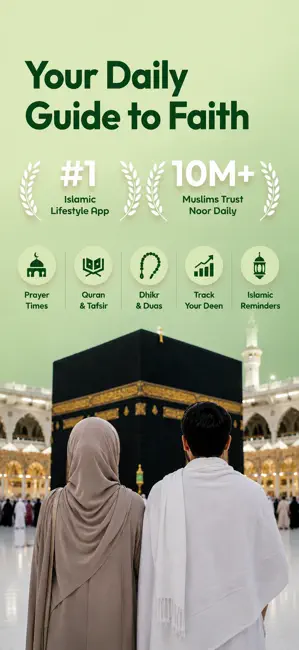
Every shipping app on the App Store has gone through the same decisions you're working through right now: which screenshot goes first, what caption sits over it, which device frame to show, what color the background should be. The 7 screenshots above are Muslim Prayer Lock: Nuraly's answers to those questions — they're public, they're real, and they made it through Apple's review.
Notice the first screenshot in particular. It's the one users see in search results and on the product page, and it's where most apps spend their best caption and tightest design. Look at the proportion of background to phone, where the text sits, what one thing the image is trying to communicate.
Want to see how other Reference apps approach the same problem? Browse more Reference apps in the showcase.
Take what works into your own screenshots
Open LaunchShots and design your App Store & Google Play screenshots — pick a device frame, drop captions, ship in minutes. Free, in your browser.
Open the screenshot editor →