Screenshots
Icon palette
About this app
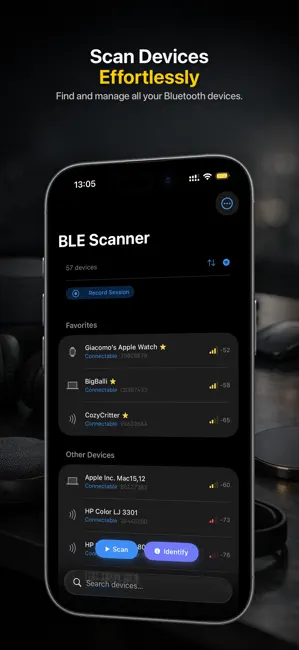
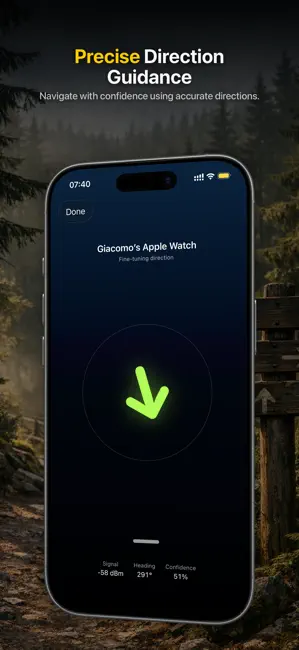
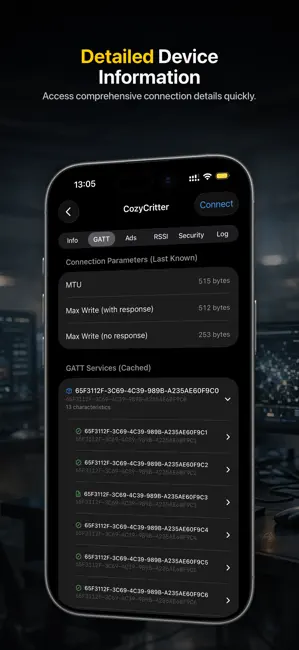
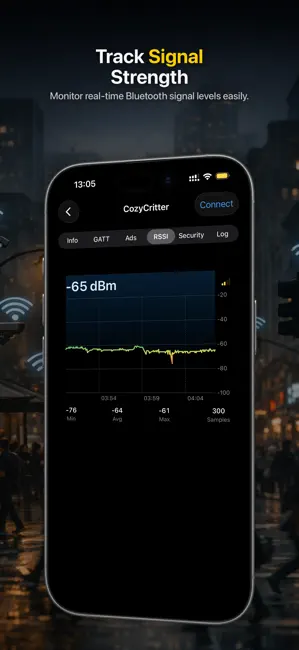
Se varje Bluetooth-signal runt dig och förstå äntligen vad varje enhet gör. Oavsett om du ställer in ett nytt kort, jagar en fläckig anslutning i fältet eller kontrollerar om något tyst spårar dig, får du klara svar på några sekunder. Byggt av ett team som skickar BLE-hårdvara, så det fungerar som ingenjörer faktiskt tänker. Inga annonser, inget konto, ingen registrering. Öppna det och börja skanna.
App details
What you can learn from BLE Scanner: Bluetooth Sniffer
Every shipping app on the App Store has gone through the same decisions you're working through right now: which screenshot goes first, what caption sits over it, which device frame to show, what color the background should be. The 4 screenshots above are BLE Scanner: Bluetooth Sniffer's answers to those questions — they're public, they're real, and they made it through Apple's review.
Notice the first screenshot in particular. It's the one users see in search results and on the product page, and it's where most apps spend their best caption and tightest design. Look at the proportion of background to phone, where the text sits, what one thing the image is trying to communicate.
Want to see how other Developer Tools apps approach the same problem? Browse more Developer Tools apps in the showcase.
Take what works into your own screenshots
Open LaunchShots and design your App Store & Google Play screenshots — pick a device frame, drop captions, ship in minutes. Free, in your browser.
Open the screenshot editor →