Screenshots


Icon palette
About this app
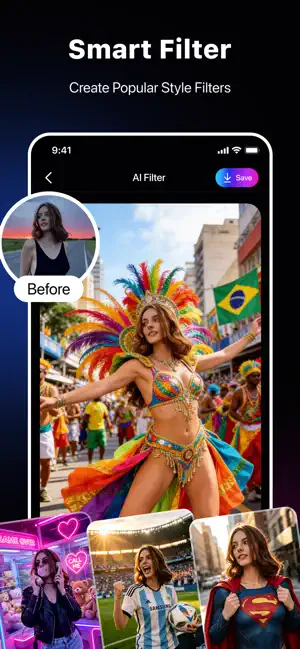
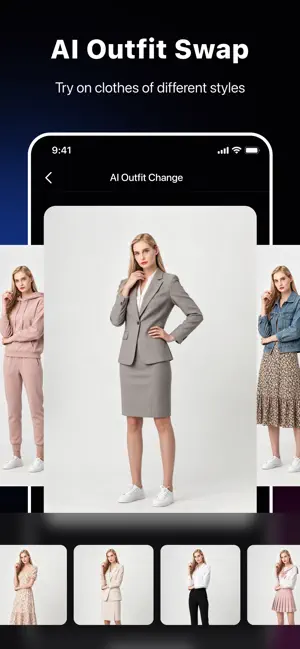
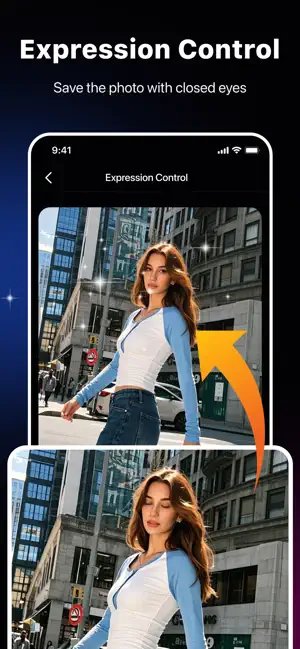
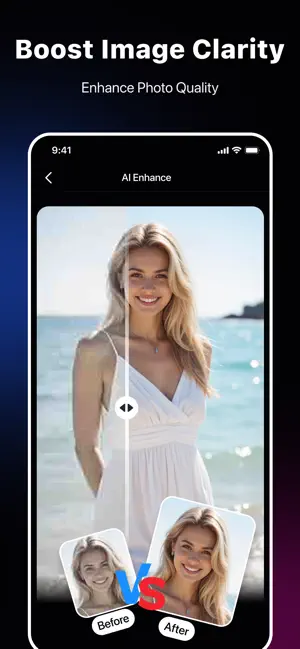
Whether you're editing selfies, creating short videos, trying out new looks, or restoring old photos, our app combines cutting-edge AI technology with intuitive operation, making every creative moment easy and fun. Join millions of creators worldwide and unleash your full visual potential! AI Video Magic—Transform ordinary video clips into cinematic quality with a single click. Add dynamic AI effects, use smart beat-matching for automatic editing, enhance video quality, and turn still photos into vibrant, dynamic short films. Perfect for social media videos, vlogs, and those shining moments of everyday life. Trendy AI Filters—Explore thousands of aesthetic, retro, cinematic, and trendy filters, constantly updated. AI Virtual Try-On & Dress Change—Say goodbye to outfit mishaps! Instantly try on hundreds of styles with the AI dress change feature, preview looks before purchasing, and…
App details
What you can learn from PhotoArt: AI Photo Generator
Every shipping app on the App Store has gone through the same decisions you're working through right now: which screenshot goes first, what caption sits over it, which device frame to show, what color the background should be. The 6 screenshots above are PhotoArt: AI Photo Generator's answers to those questions — they're public, they're real, and they made it through Apple's review.
Notice the first screenshot in particular. It's the one users see in search results and on the product page, and it's where most apps spend their best caption and tightest design. Look at the proportion of background to phone, where the text sits, what one thing the image is trying to communicate.
Want to see how other Utilities apps approach the same problem? Browse more Utilities apps in the showcase.
Take what works into your own screenshots
Open LaunchShots and design your App Store & Google Play screenshots — pick a device frame, drop captions, ship in minutes. Free, in your browser.
Open the screenshot editor →