Screenshots

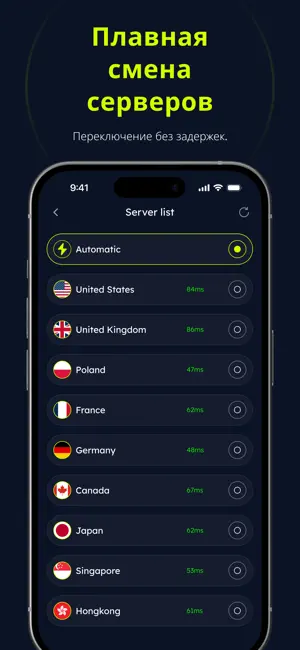
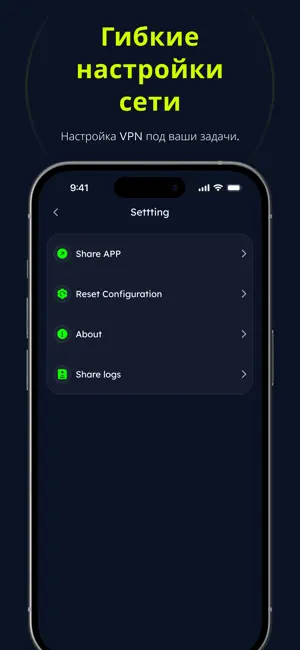
Icon palette
About this app
Buck VPN помогает вам пользоваться интернетом с повышенным уровнем конфиденциальности и безопасности. Сервис устанавливает зашифрованное соединение между вашим устройством и сетью Интернет, снижая риск воздействия распространенных сетевых угроз. Основные возможности: - Приватный веб-серфинг — Ваш интернет-трафик направляется через защищенный туннель, что помогает обезопасить конфиденциальные данные как в публичных, так и в частных сетях. - Надежное шифрование — Отраслевые стандарты шифрования обеспечивают защиту ваших данных в процессе их передачи. - Быстрое подключение — Для установки соединения достаточно одного касания. Сложная настройка не требуется. - Лаконичный и интуитивно понятный интерфейс — Разработан так, чтобы быть простым и удобным как для новичков, так и для опытных пользователей VPN-сервисов. - Стабильная работа — Оптимизирован для поддержания устойчивого соединения и в…
App details
What you can learn from VPN - Buck Супер, быстро Proxy
Every shipping app on the App Store has gone through the same decisions you're working through right now: which screenshot goes first, what caption sits over it, which device frame to show, what color the background should be. The 3 screenshots above are VPN - Buck Супер, быстро Proxy's answers to those questions — they're public, they're real, and they made it through Apple's review.
Notice the first screenshot in particular. It's the one users see in search results and on the product page, and it's where most apps spend their best caption and tightest design. Look at the proportion of background to phone, where the text sits, what one thing the image is trying to communicate.
Want to see how other Productivity apps approach the same problem? Browse more Productivity apps in the showcase.
Take what works into your own screenshots
Open LaunchShots and design your App Store & Google Play screenshots — pick a device frame, drop captions, ship in minutes. Free, in your browser.
Open the screenshot editor →