Screenshots
Icon palette
About this app
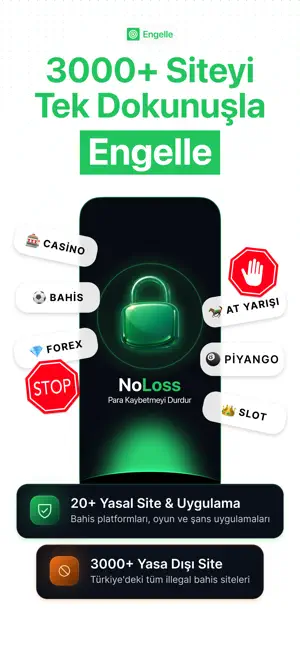
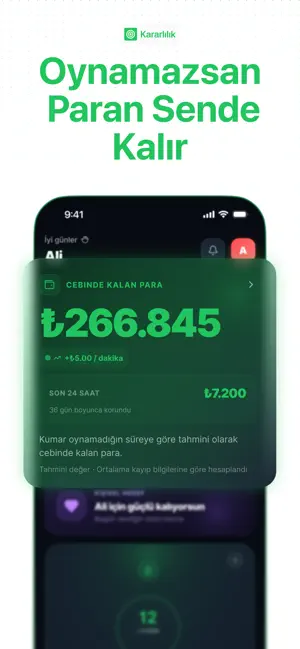
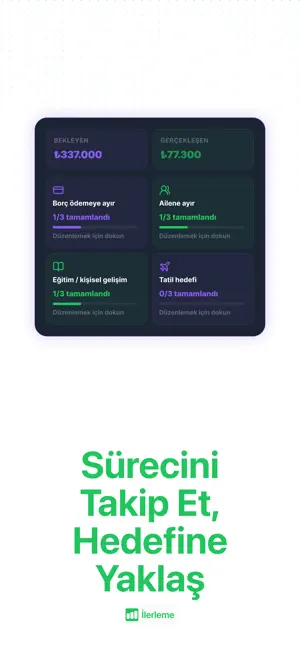
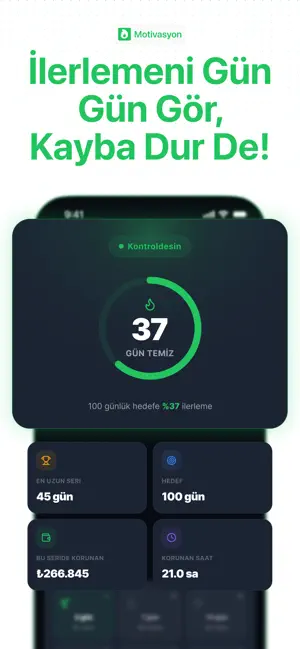
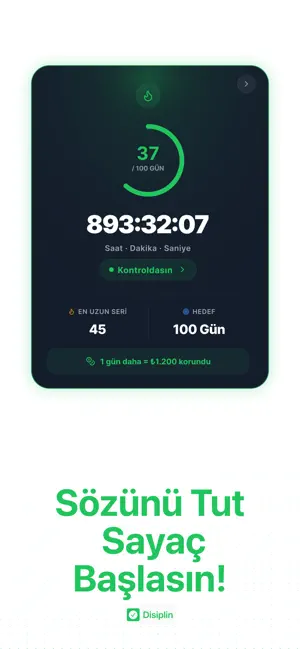
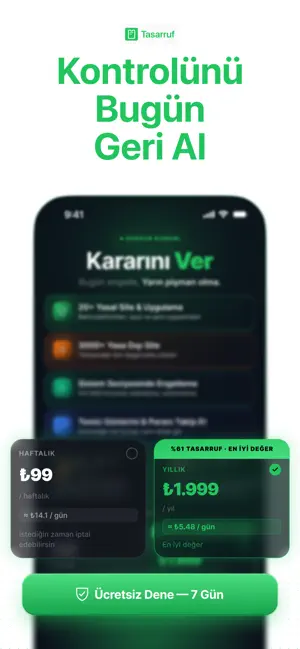
Zamanınızı, bütçenizi ve zihninizi tüketen zararlı alışkanlıklardan kalıcı olarak kurtulmaya hazır mısınız? NoLoss; hayatınızın kontrolünü yeniden elinize almanız, iradenizi çelikleştirmeniz ve geleceğinizi güvenceye almanız için tasarlanmış, Türkiye’nin en gelişmiş akıllı alışkanlık engelleme ve kişisel gelişim asistanıdır. Sıradan engelleme uygulamalarının aksine, No Loss geçici zayıflık anlarında kolayca devre dışı bırakılamaz. Sizi, kendinizden ve anlık dürtülerinizden koruyarak temiz bir geleceğe adım atmanızı sağlar. Neden No Loss? Çünkü Aşılması İmkansızdır! Piyasadaki uygulamaları bir tıkla silip eski kötü alışkanlıklarınıza geri dönebilirsiniz. No Loss ise iradenizin kırıldığı anlar için Koruma Teknolojisi (Safari İçerik Engelleyici) kullanır. Bu sayede sistem genelinde aşılması neredeyse imkansız bir irade duvarı örer. Öne Çıkan Benzersiz Özellikler: Caydırıcı Sürtünme (Fri…
App details
What you can learn from NoLoss: Kumarı Durdur!
Every shipping app on the App Store has gone through the same decisions you're working through right now: which screenshot goes first, what caption sits over it, which device frame to show, what color the background should be. The 6 screenshots above are NoLoss: Kumarı Durdur!'s answers to those questions — they're public, they're real, and they made it through Apple's review.
Notice the first screenshot in particular. It's the one users see in search results and on the product page, and it's where most apps spend their best caption and tightest design. Look at the proportion of background to phone, where the text sits, what one thing the image is trying to communicate.
Want to see how other Productivity apps approach the same problem? Browse more Productivity apps in the showcase.
Take what works into your own screenshots
Open LaunchShots and design your App Store & Google Play screenshots — pick a device frame, drop captions, ship in minutes. Free, in your browser.
Open the screenshot editor →