Screenshots

Icon palette
About this app
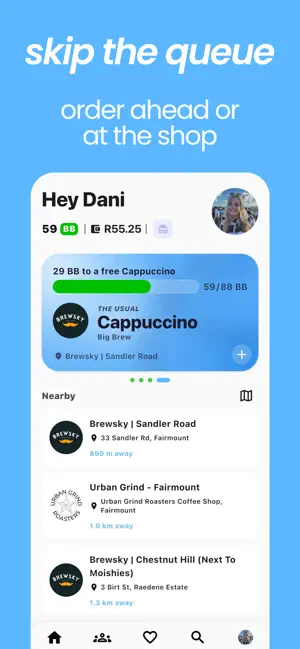
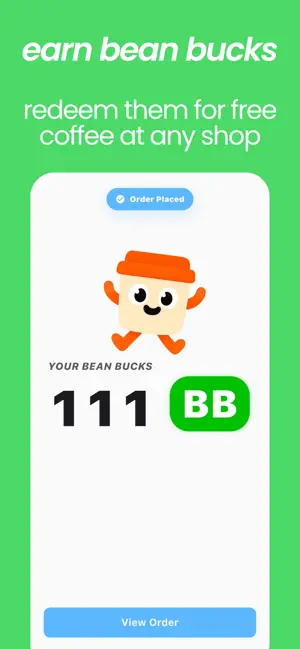
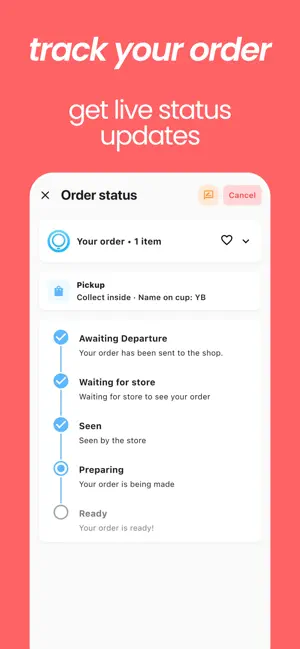
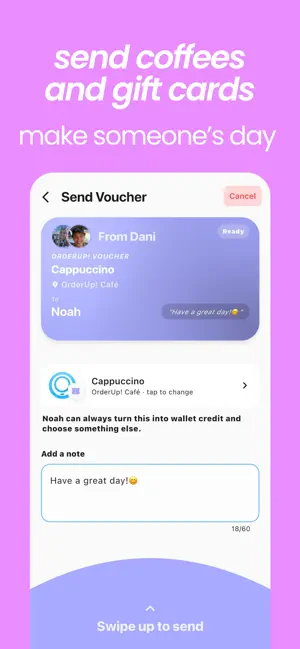
OrderUp! helps you order coffee from nearby shops, earn rewards, pay securely, and skip the queue. Browse local coffee menus, customise your order, choose pickup details, and track every step from checkout to ready for pickup. OrderUp! is built for everyday coffee runs: the quick stop before class, the office round, the post-workout pickup, or the usual order you want waiting at the right time. Why OrderUp! • Find nearby participating coffee shops and browse available menus. • Customise drinks and food with shop-specific options and notes. • Choose pickup, curbside delivery where available, or order for someone else. • Let your order be sent automatically or delay the order by up to an hour. • Pay with your OrderUp! wallet, card, or Apple Pay. • Earn and redeem Bean Bucks reward points on eligible orders. • Save favourites and reorder your usual coffee faster. • Send coffee vouchers a…
App details
What you can learn from OrderUp! - Order Coffee
Every shipping app on the App Store has gone through the same decisions you're working through right now: which screenshot goes first, what caption sits over it, which device frame to show, what color the background should be. The 5 screenshots above are OrderUp! - Order Coffee's answers to those questions — they're public, they're real, and they made it through Apple's review.
Notice the first screenshot in particular. It's the one users see in search results and on the product page, and it's where most apps spend their best caption and tightest design. Look at the proportion of background to phone, where the text sits, what one thing the image is trying to communicate.
Want to see how other Food & Drink apps approach the same problem? Browse more Food & Drink apps in the showcase.
Take what works into your own screenshots
Open LaunchShots and design your App Store & Google Play screenshots — pick a device frame, drop captions, ship in minutes. Free, in your browser.
Open the screenshot editor →