Screenshots

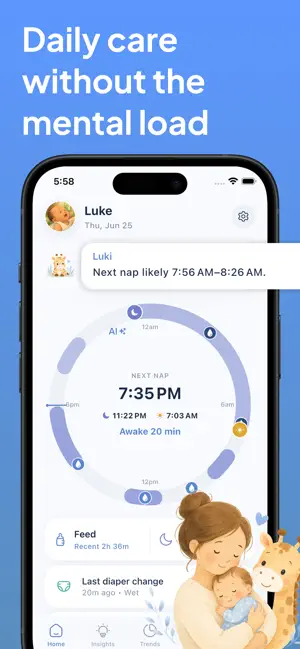


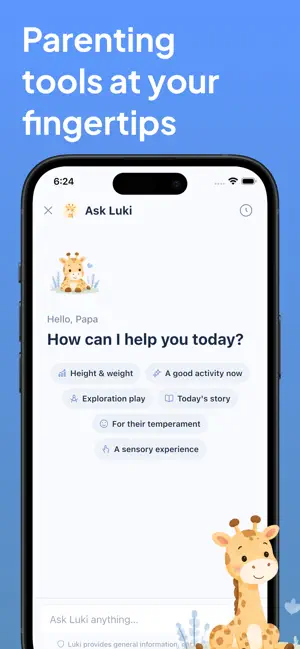
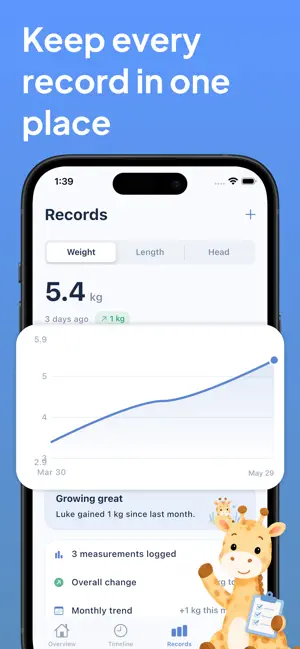
Icon palette
About this app
Luki is a baby tracker built to help parents, nannies, and caregivers stay on the same page. Instead of trying to remember when your baby last fed, slept, had a diaper change, or took medicine, Luki keeps your baby’s care routine organized in one simple shared space. Whether you are caring for a newborn, sharing responsibilities with your partner, leaving updates for a nanny, or checking what happened while you were away, Luki helps make baby care feel clearer and less scattered. With Luki, you can: • Track feeds, diapers, sleep, medicine, and notes • See your baby’s latest care activity in one timeline • Share your baby’s care space with family and caregivers • Keep everyone updated without constant messages • Record measurements and vaccine details • Create clearer handoffs between caregivers • Understand your baby’s routine over time Luki is made for families who want a baby trac…
App details
What you can learn from Luki: Baby Tracker
Every shipping app on the App Store has gone through the same decisions you're working through right now: which screenshot goes first, what caption sits over it, which device frame to show, what color the background should be. The 6 screenshots above are Luki: Baby Tracker's answers to those questions — they're public, they're real, and they made it through Apple's review.
Notice the first screenshot in particular. It's the one users see in search results and on the product page, and it's where most apps spend their best caption and tightest design. Look at the proportion of background to phone, where the text sits, what one thing the image is trying to communicate.
Want to see how other Medical apps approach the same problem? Browse more Medical apps in the showcase.
Take what works into your own screenshots
Open LaunchShots and design your App Store & Google Play screenshots — pick a device frame, drop captions, ship in minutes. Free, in your browser.
Open the screenshot editor →