Screenshots
Icon palette
About this app
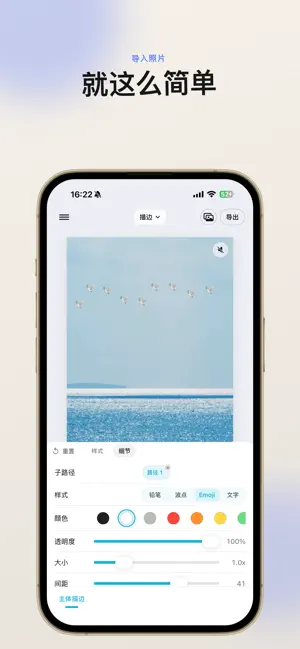
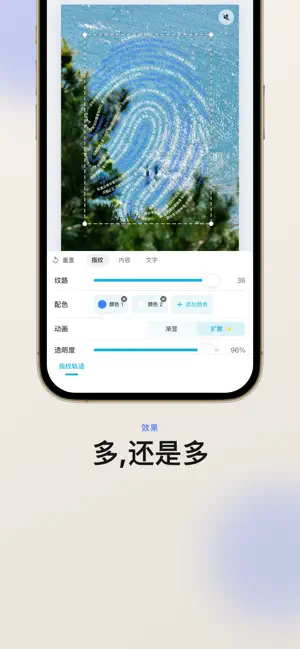
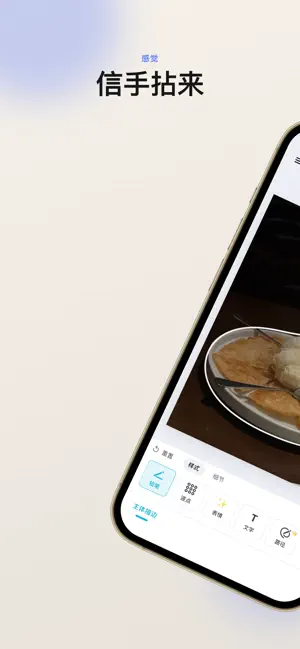
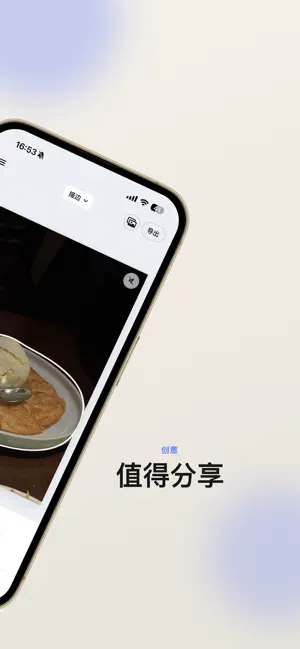
框框机,让照片、Live Photo 和视频变成会动的 Plog。 从灵感模板快速开始,或从空白画布自由创作。叠加图片、文字、形状与贴纸,为主体画上动态轮廓,让指纹轨迹、波点、追踪标记和局部滤镜在画面里动起来。 【灵感模板】 - 浏览官方模板,替换素材即可开始创作 - 将自己的拼贴生成创意码,分享排版与样式 - 输入创意码接收他人的模板,再编辑成自己的版本 - 创意码只包含模板结构,不包含你的原始照片 【自由拼贴】 - 支持照片和 Live Photo 多图层拼贴 - 提供 1:1、4:5、3:4、9:16、16:9 多种画布比例 - 自由添加照片、文字、形状和涂鸦贴纸 - 支持蒙版、圆角、羽化、描边、抠图、镜像、透明度、图层排序与编组 【特色玩法】 - 追踪:自动识别画面区域,生成追踪标记、连线与动态文字 - 局部滤镜:反相、融合、毛刺、热成像、像素、色调、抖动、缩放、X 射线、水波、CRT、边缘等效果 - 主体描边:为照片和 Live Photo 添加铅笔、波点、Emoji、文字或自定义路径效果 - 指纹轨迹:用多色动态指纹与环绕文字记录独特瞬间 - 波点图:将主体转化为可静止、海浪、呼…
App details
What you can learn from 框框机-colorwalk波点照片风格创作神器
Every shipping app on the App Store has gone through the same decisions you're working through right now: which screenshot goes first, what caption sits over it, which device frame to show, what color the background should be. The 4 screenshots above are 框框机-colorwalk波点照片风格创作神器's answers to those questions — they're public, they're real, and they made it through Apple's review.
Notice the first screenshot in particular. It's the one users see in search results and on the product page, and it's where most apps spend their best caption and tightest design. Look at the proportion of background to phone, where the text sits, what one thing the image is trying to communicate.
Want to see how other Graphics & Design apps approach the same problem? Browse more Graphics & Design apps in the showcase.
Take what works into your own screenshots
Open LaunchShots and design your App Store & Google Play screenshots — pick a device frame, drop captions, ship in minutes. Free, in your browser.
Open the screenshot editor →