Screenshots

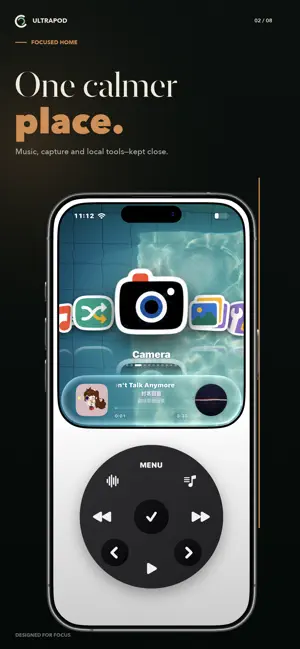

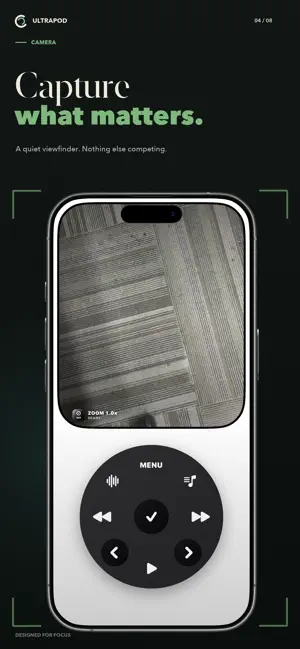

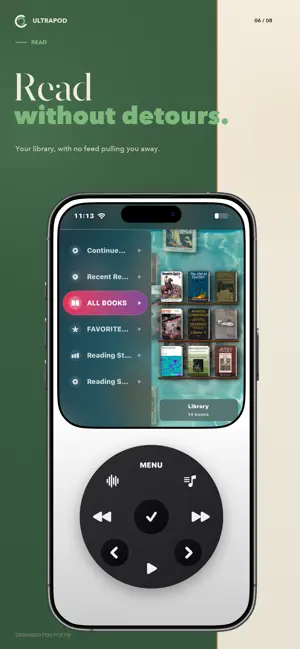
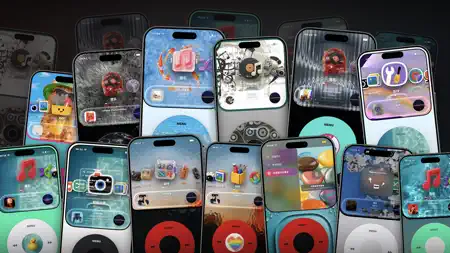
Icon palette
About this app
UltraPod is a music-first space for people who want their phone to feel quieter: a dedicated player, local tools, and fewer reasons to fall back into feeds. Connect Apple Music through MusicKit to browse your authorized library, playlists, albums, recent items, and catalog metadata. Manage playback and keep your queue within reach. Apple Music playback requires MusicKit authorization and may require an active Apple Music subscription. UltraPod also keeps everyday context local: - Browse photos and videos from your photo library with on-device thumbnail caching. - Take square photos with the built-in camera view. - Record voice memos stored on your device. - Write notes and read imported books. - View contacts, calendar events, and reminders on device. - Track workouts with HealthKit, motion data, and optional outdoor location. The product idea is simple: keep music and useful tools …
App details
What you can learn from UltraPod: Music Player
Every shipping app on the App Store has gone through the same decisions you're working through right now: which screenshot goes first, what caption sits over it, which device frame to show, what color the background should be. The 7 screenshots above are UltraPod: Music Player's answers to those questions — they're public, they're real, and they made it through Apple's review.
Notice the first screenshot in particular. It's the one users see in search results and on the product page, and it's where most apps spend their best caption and tightest design. Look at the proportion of background to phone, where the text sits, what one thing the image is trying to communicate.
Want to see how other Music apps approach the same problem? Browse more Music apps in the showcase.
Take what works into your own screenshots
Open LaunchShots and design your App Store & Google Play screenshots — pick a device frame, drop captions, ship in minutes. Free, in your browser.
Open the screenshot editor →