Screenshots
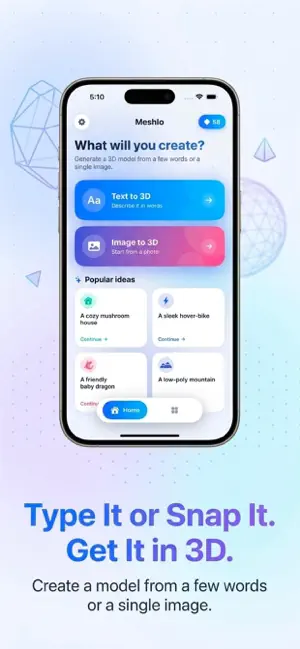
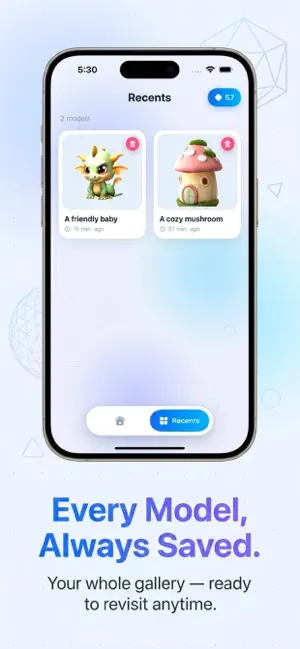
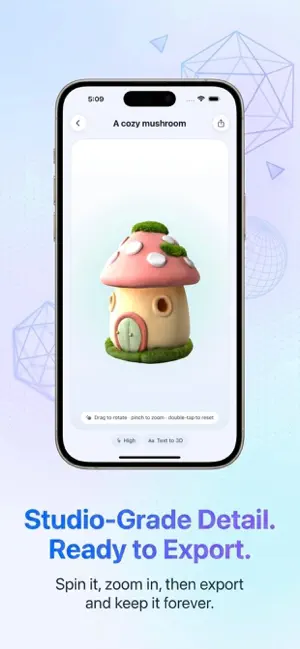
Icon palette
About this app
Create stunning 3D models from any idea with Meshlo AI Generator 3D Model. Just type a description or upload an image, and our AI produces a detailed, production‑ready model in seconds. View it from every angle, preview in augmented reality, and export as a .glb file for use in your favorite 3D software. Two powerful creation methods: Text‑to‑3D – Describe any object, character, or scene in plain language. The AI instantly generates a high‑quality .glb model. Image‑to‑3D – Take a photo or pick one from your library. Our AI reconstructs a complete 3D model, preserving shape, texture, and fine details. What you can do: Inspect your model with smooth orbit controls, pinch‑to‑zoom, and adjustable lighting. Preview the model in your real environment using AR. Export the .glb file and continue working in Blender, Unity, Unreal Engine, or any other tool. In‑App Purchases & Subscription…
App details
What you can learn from Meshy AI Generator 3D Model
Every shipping app on the App Store has gone through the same decisions you're working through right now: which screenshot goes first, what caption sits over it, which device frame to show, what color the background should be. The 3 screenshots above are Meshy AI Generator 3D Model's answers to those questions — they're public, they're real, and they made it through Apple's review.
Notice the first screenshot in particular. It's the one users see in search results and on the product page, and it's where most apps spend their best caption and tightest design. Look at the proportion of background to phone, where the text sits, what one thing the image is trying to communicate.
Want to see how other Graphics & Design apps approach the same problem? Browse more Graphics & Design apps in the showcase.
Take what works into your own screenshots
Open LaunchShots and design your App Store & Google Play screenshots — pick a device frame, drop captions, ship in minutes. Free, in your browser.
Open the screenshot editor →